



.svg)


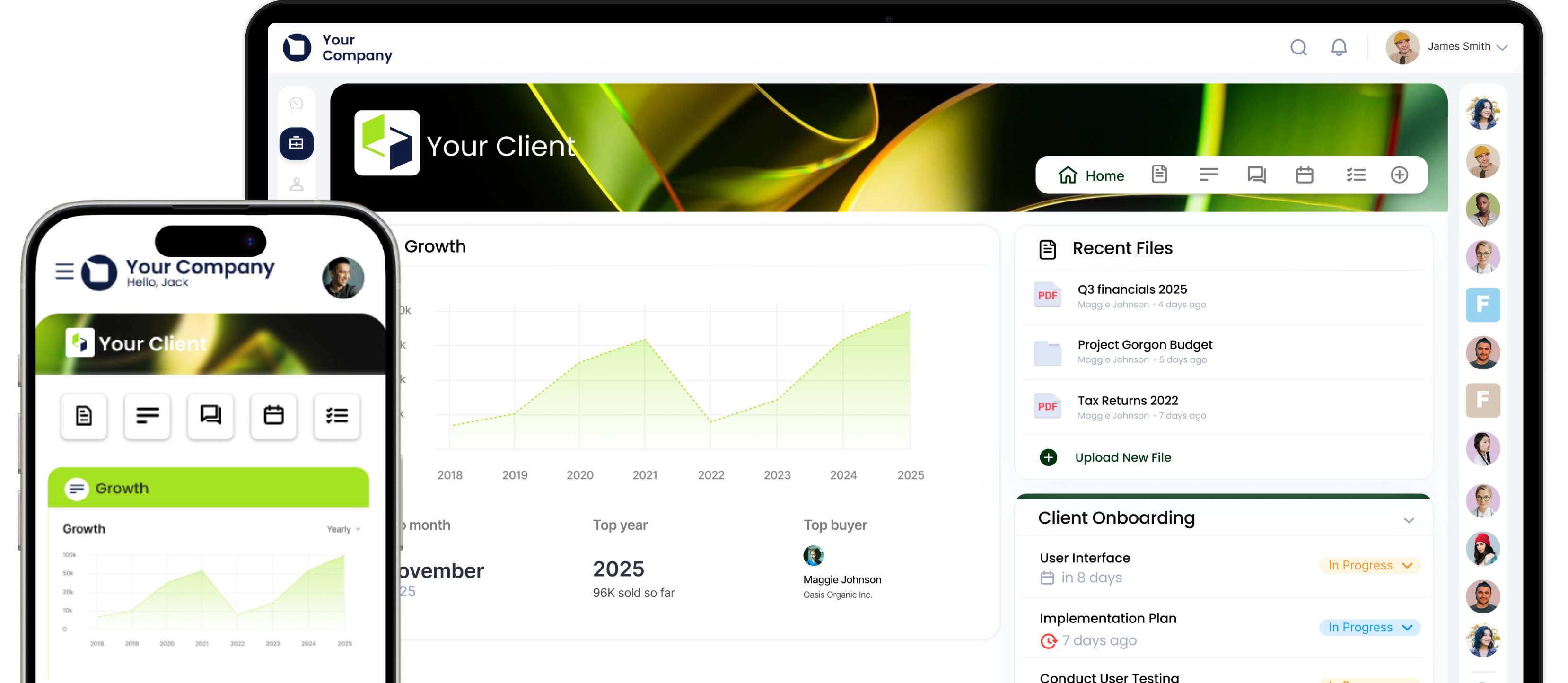
Keep your inbox quiet, clients in the loop and work on track.
Basic to bespoke in one click.
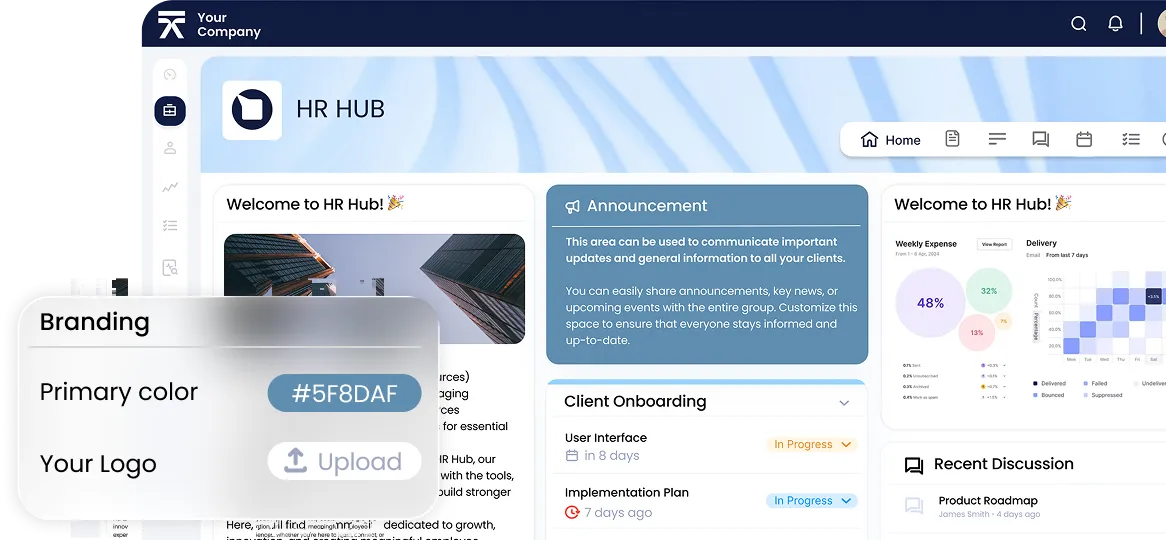
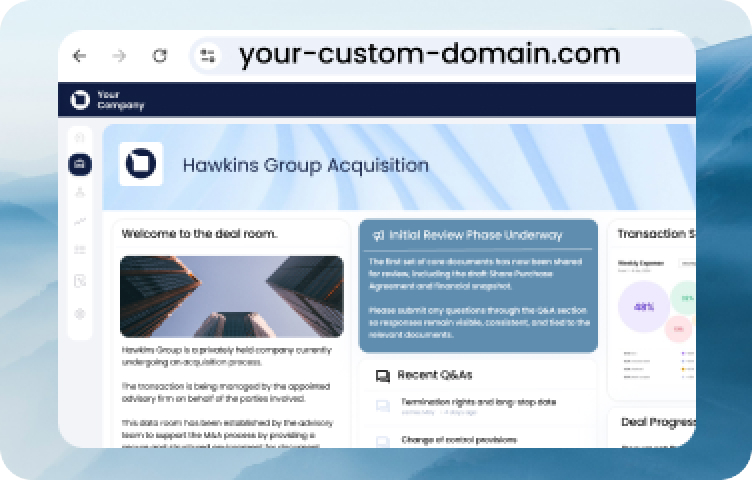
Your URL, not ours.
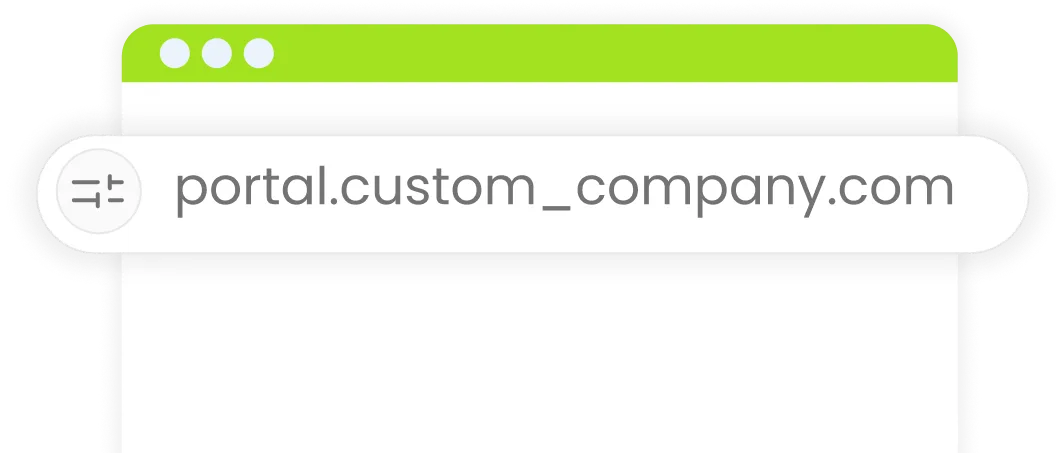
Work moves, so do you.
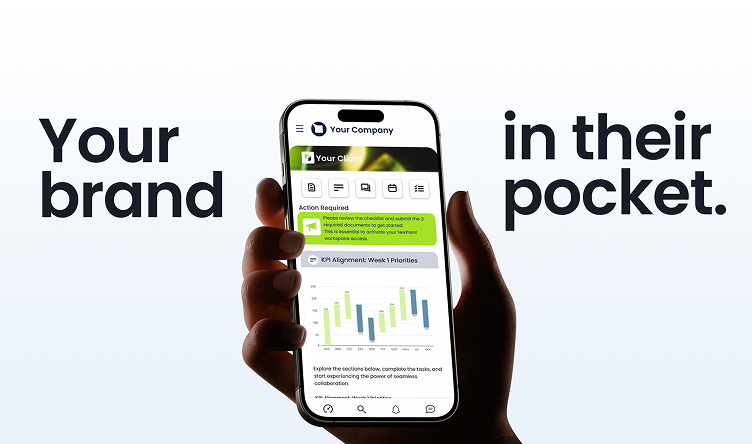
Our branded white-label portals and
mobile app keep collaboration moving
on the go: airport queue, cab seat or lunch break.
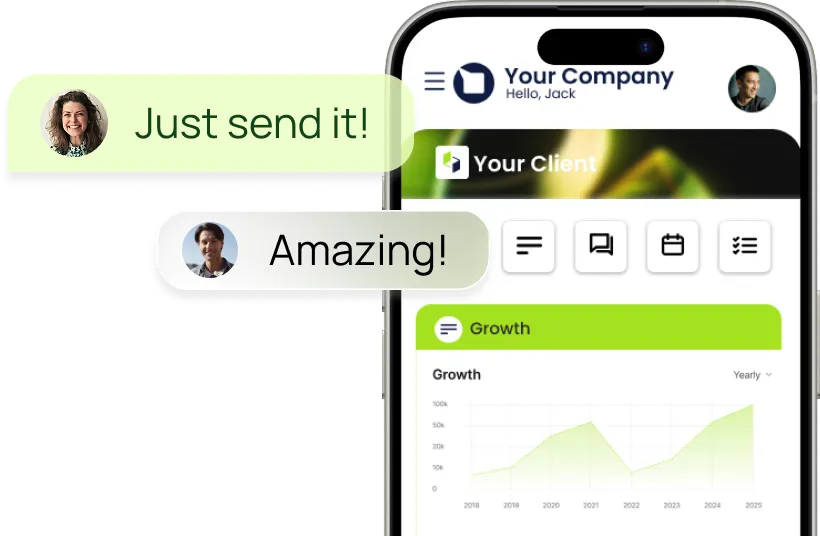
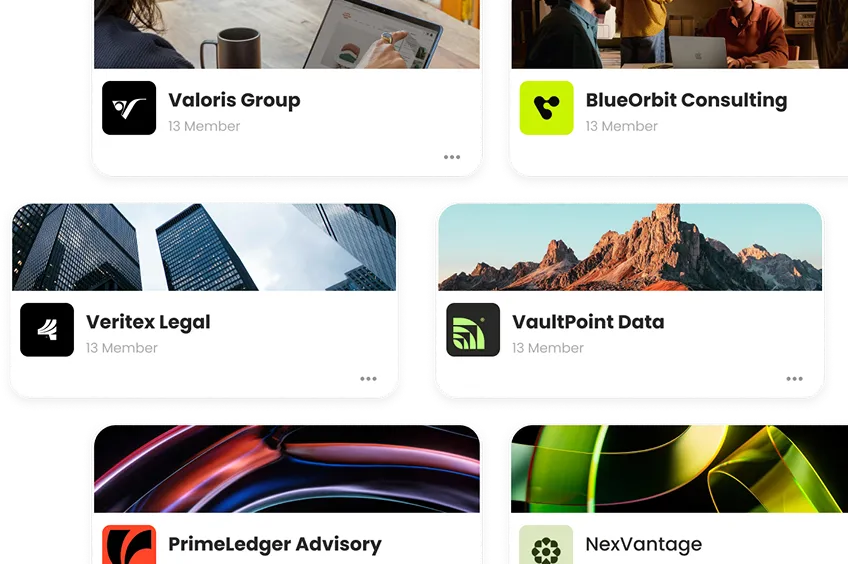
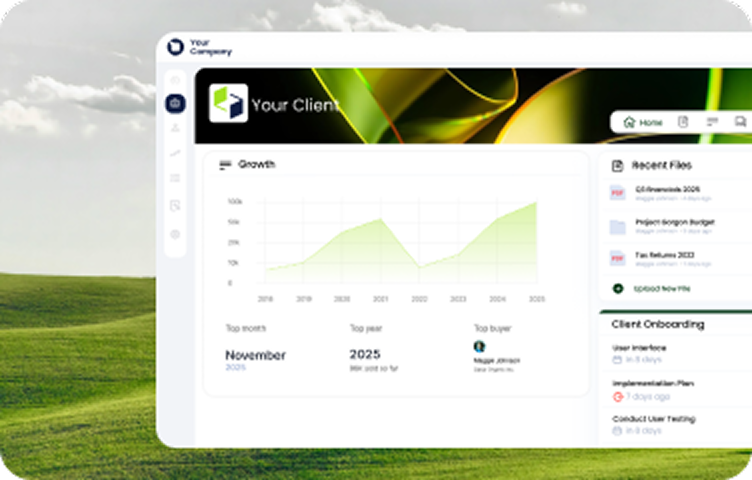
Tailored for each client, not the crowd.
with white label branding for each client space.
If it’s confidential, Clinked keeps it that way.
SOC 2 compliance and HIPAA-ready document
management, everything in your secure
client portal is locked in the moment it
enters the platform.





Work is no longer tied to a desk. Neither is Clinked.
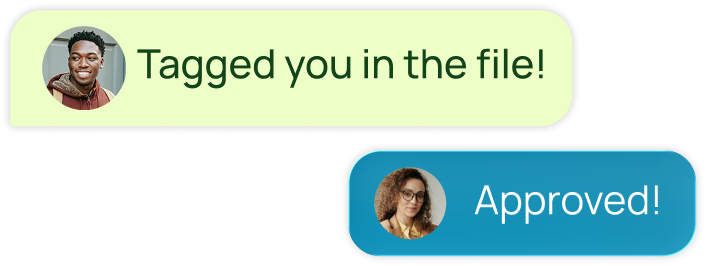
With mobile access through white label iOS and Android apps, Clinked’s mobile client portal lets you respond, approve and move things forward: from your phone, in real time, wherever you are.
You’re in good company.










Not per crowd.
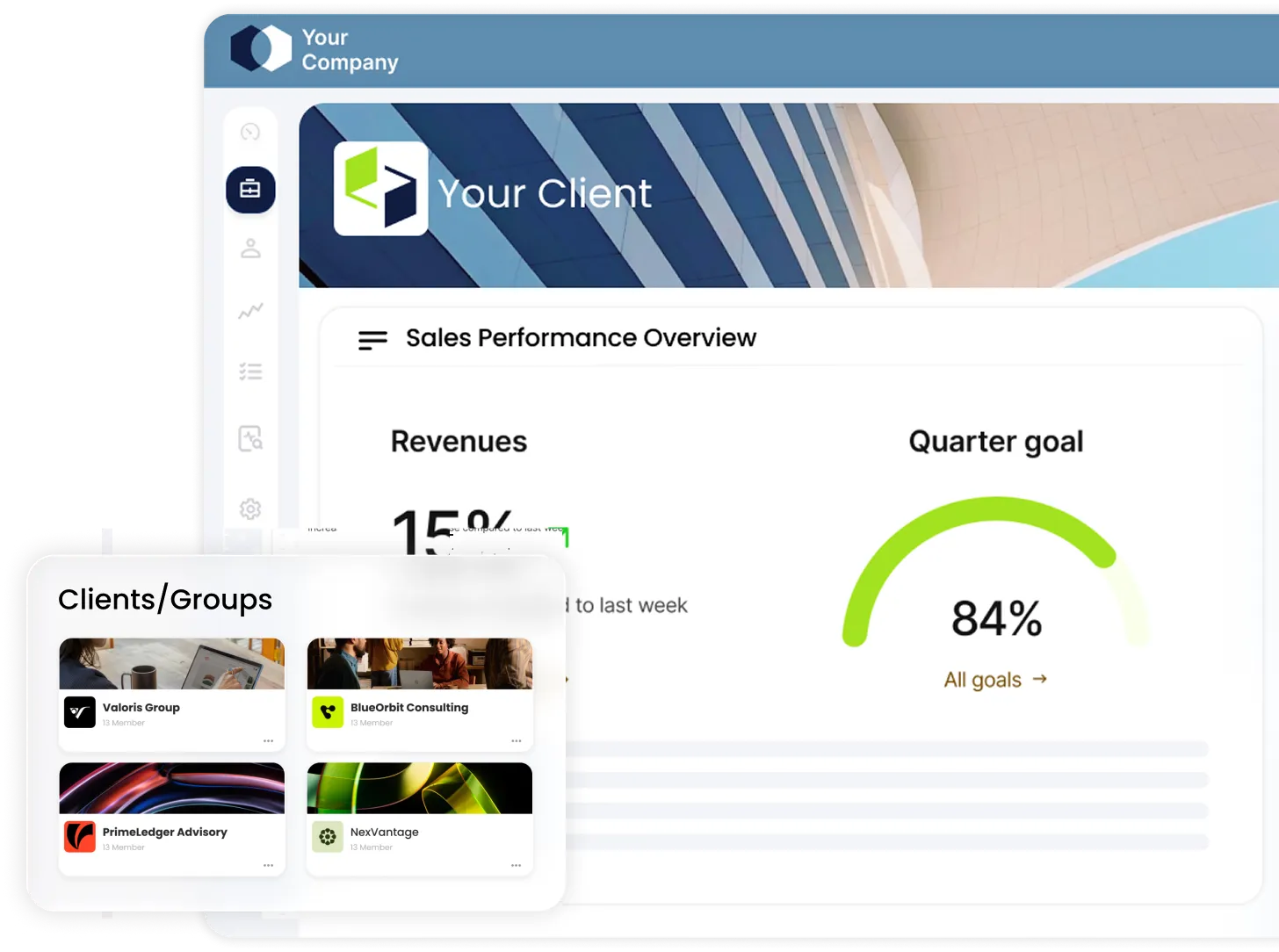
Spin up a customized workspace in minutes with a white label client portal built to match your workflow and reflect your client’s brand, just as much as yours.
Work in motion.
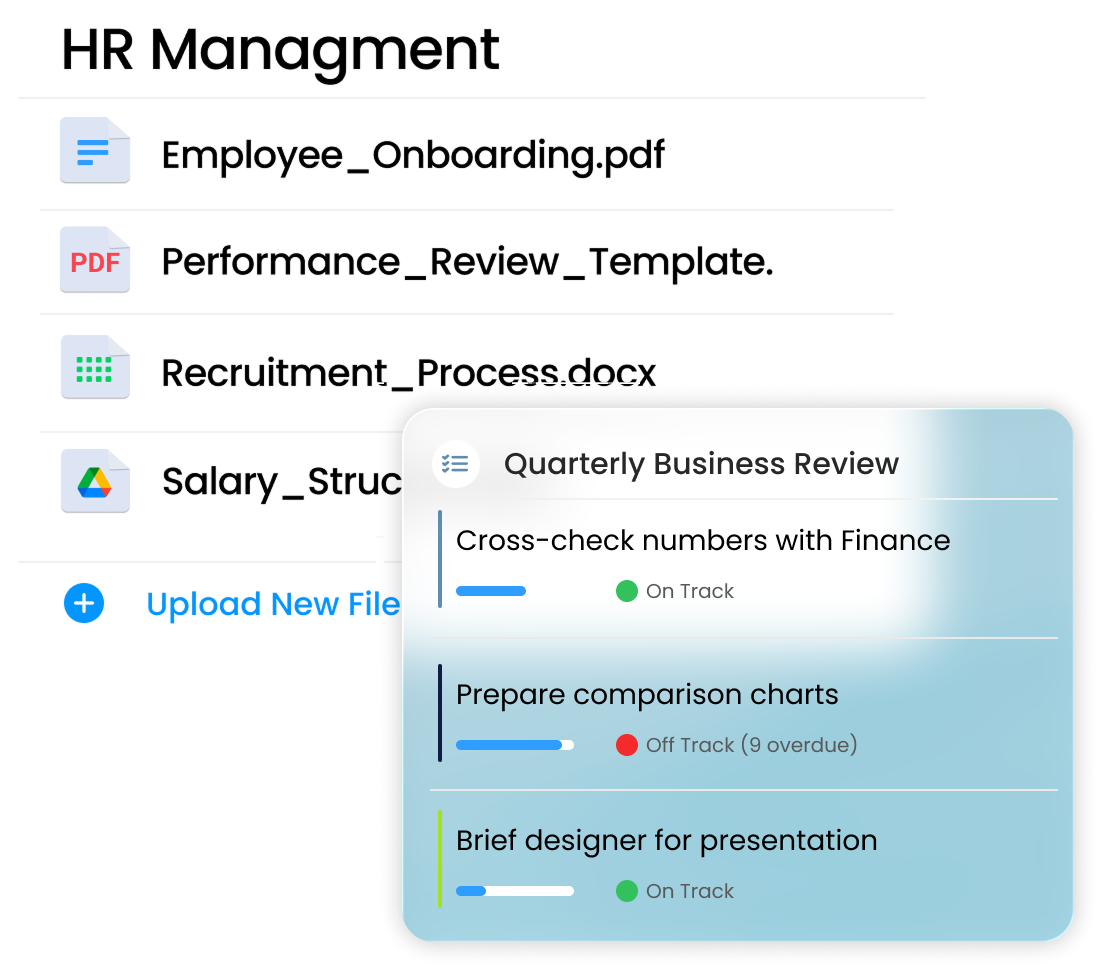
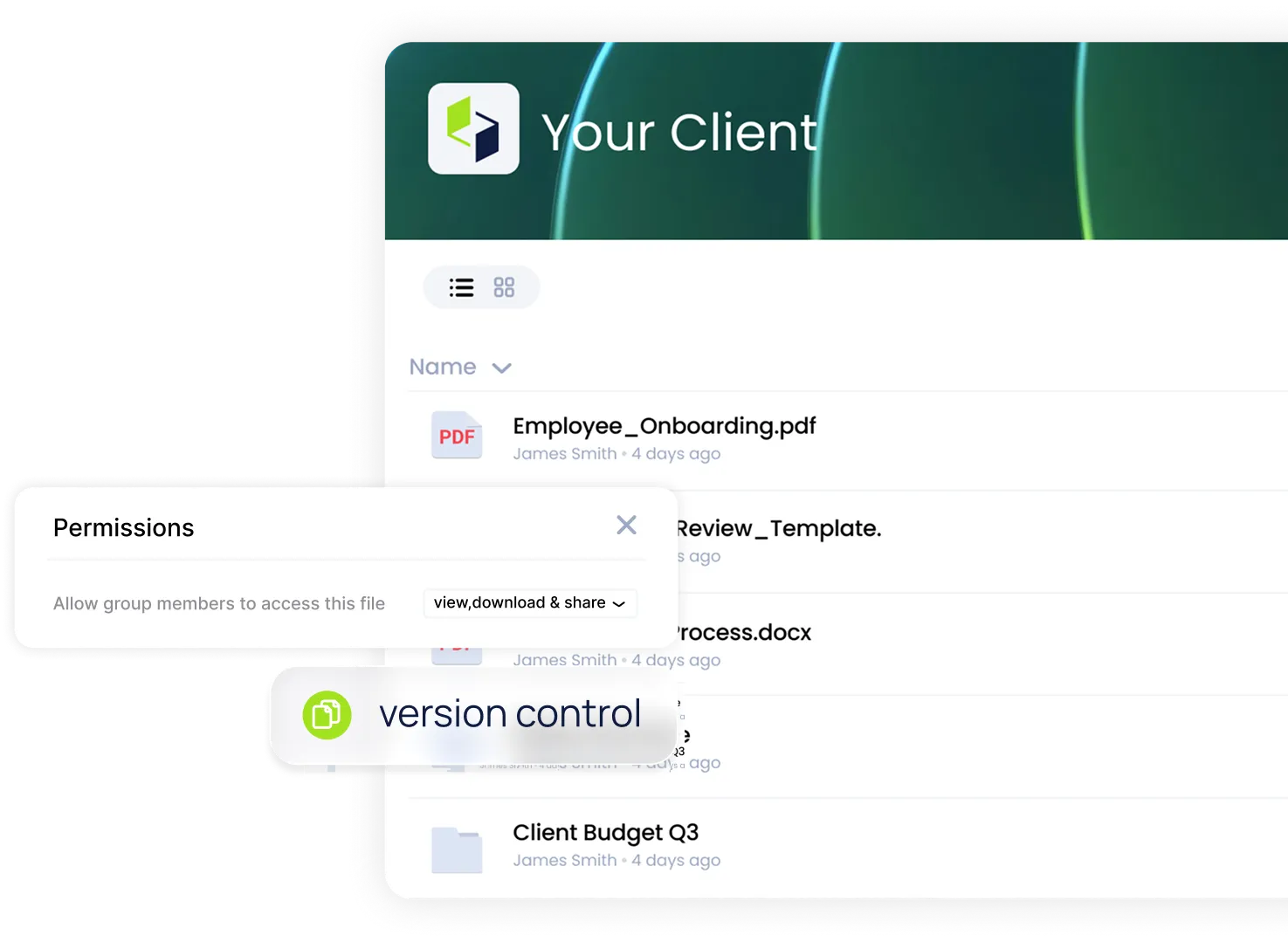
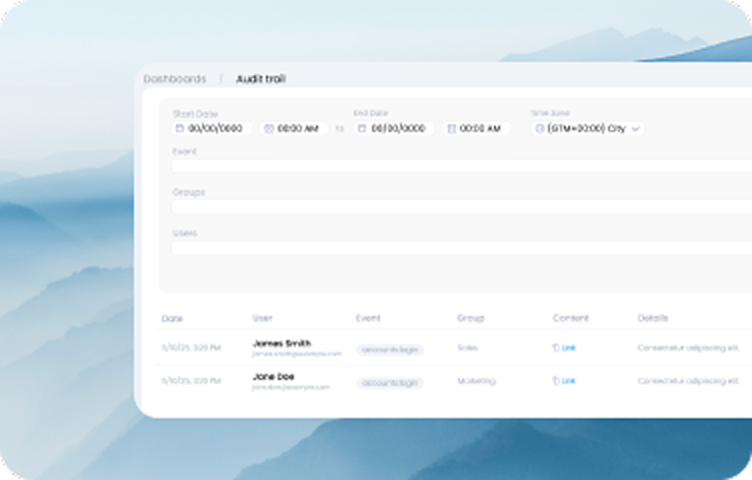
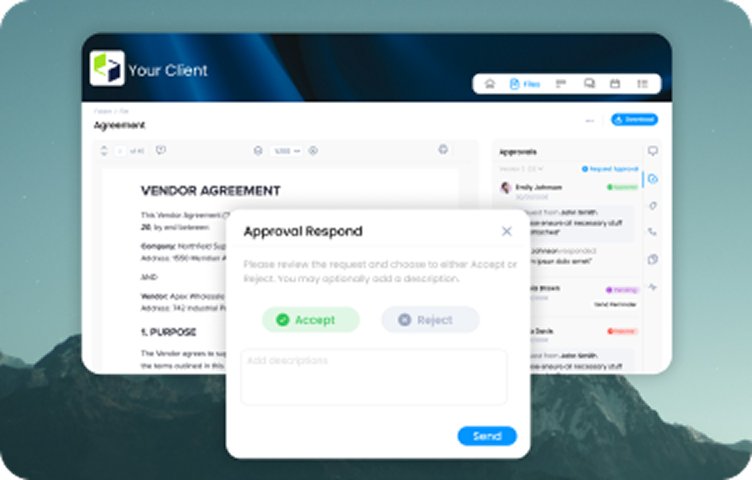
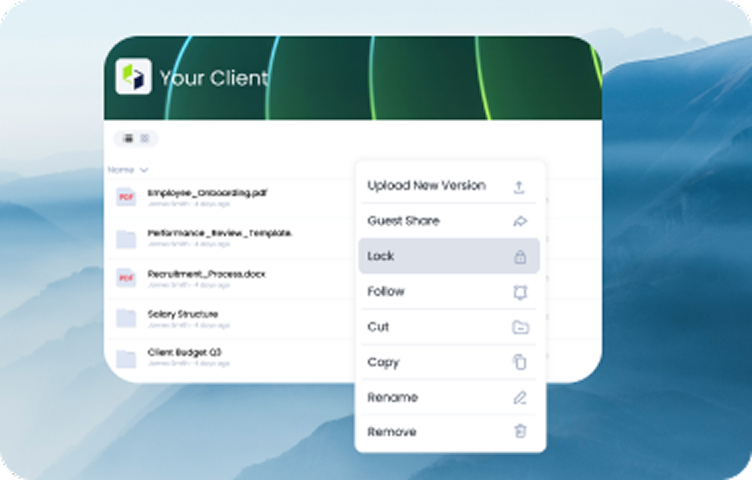
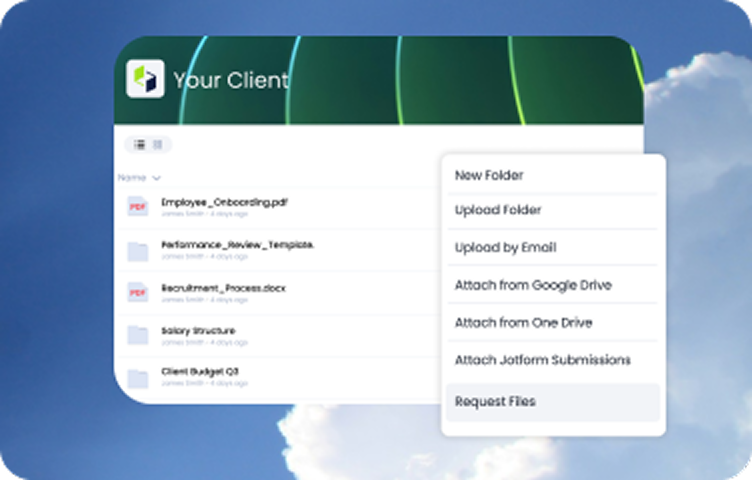
Stay in control with secure file management that just works the way you do. Universal search pulls up your files in seconds, e-signature and one-click approvals keep projects moving, and the audit trail tracks every action in real time.
Stay on track.
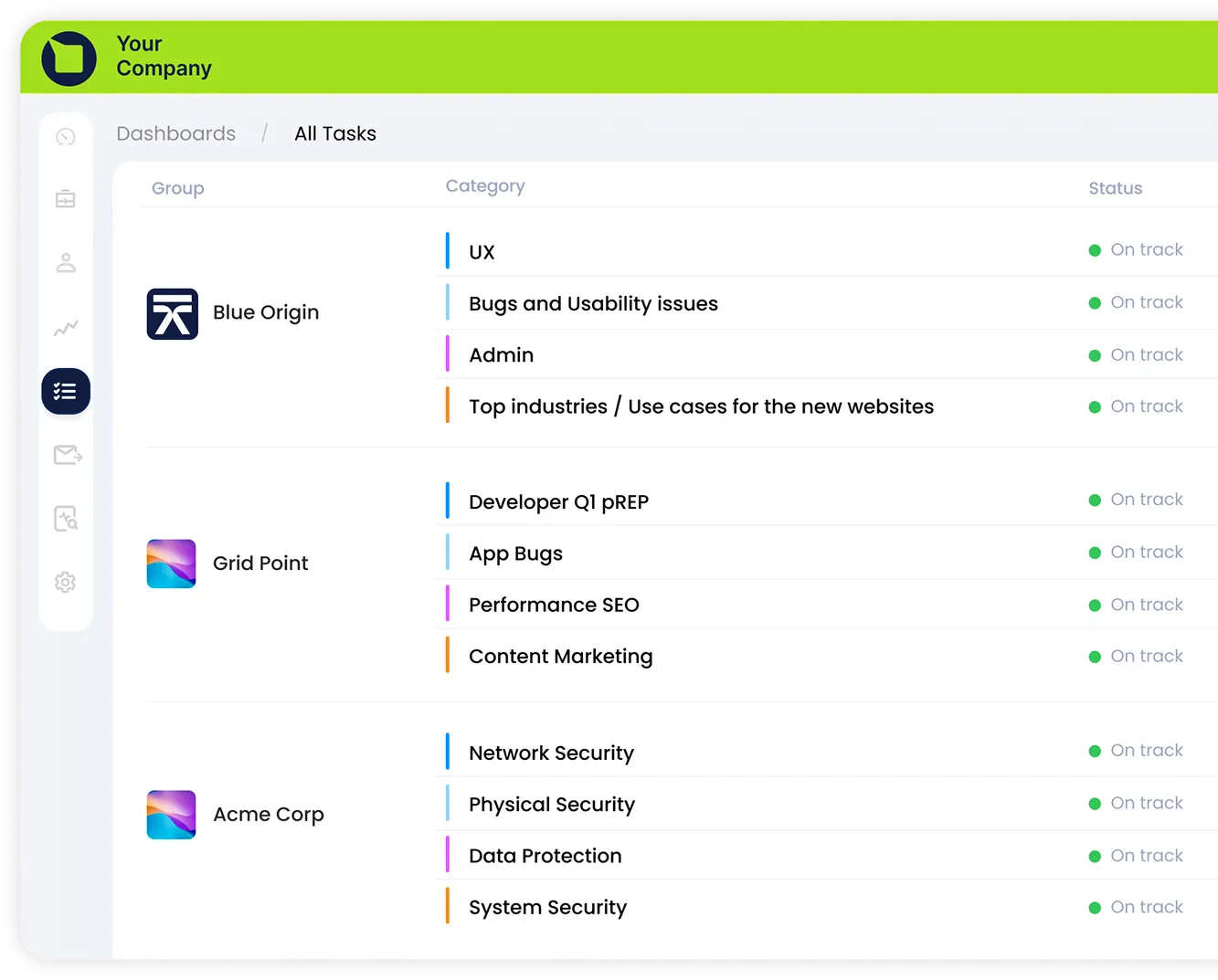
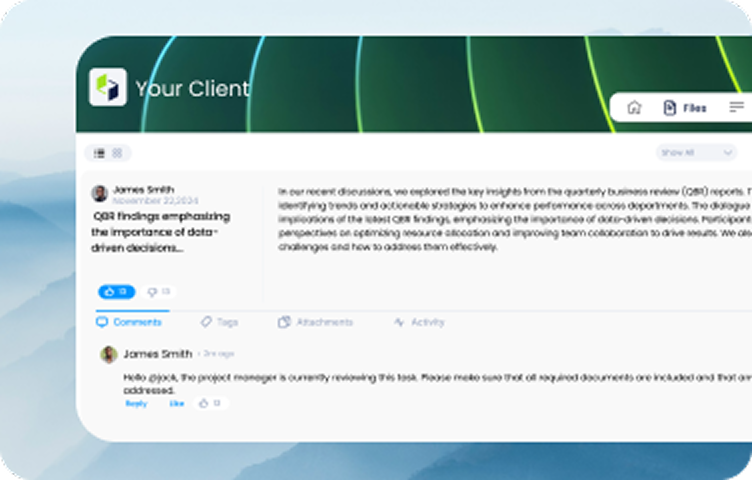
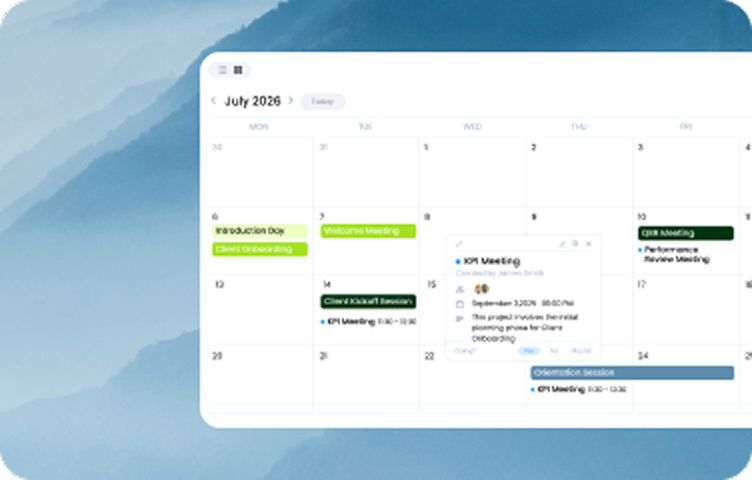
Clinked pulls project & task management into one project management portal where real-time collaboration keeps every project on track. You always know what's been done, what's coming up and who's on it, all from a single view. Explore Clinked's task management and collaboration features.
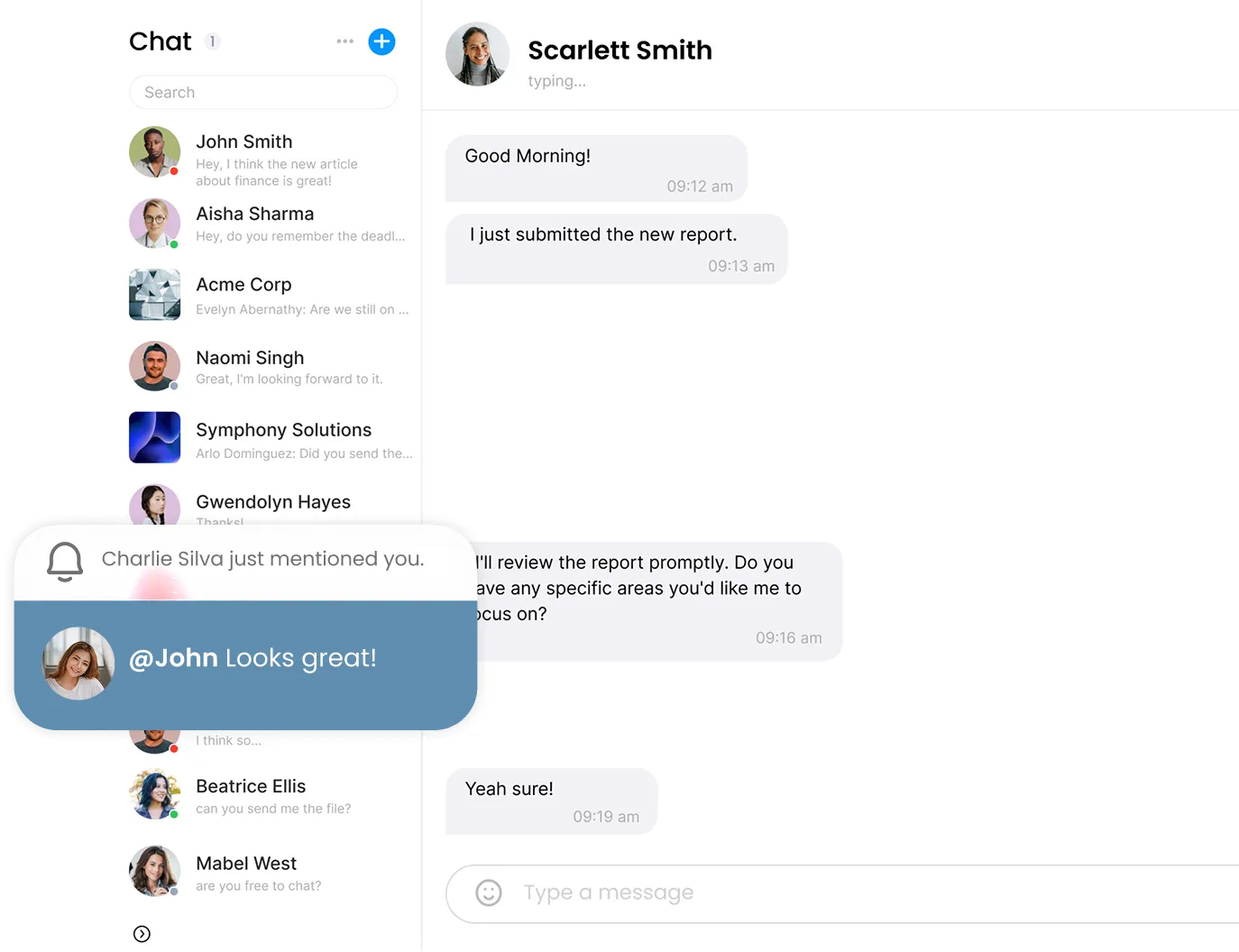
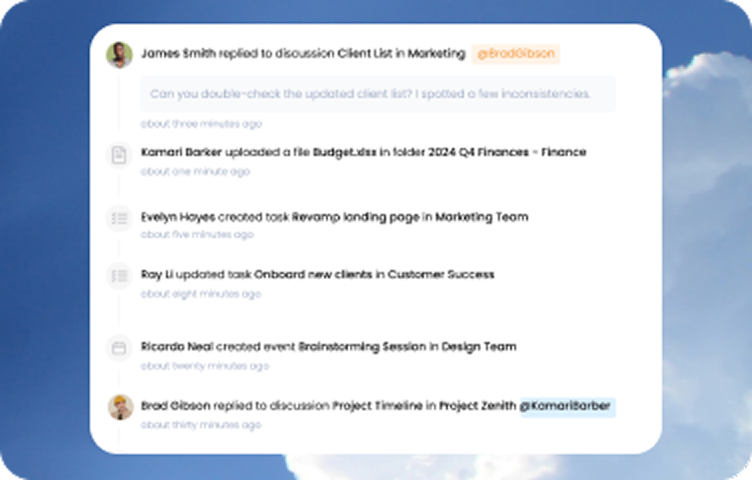
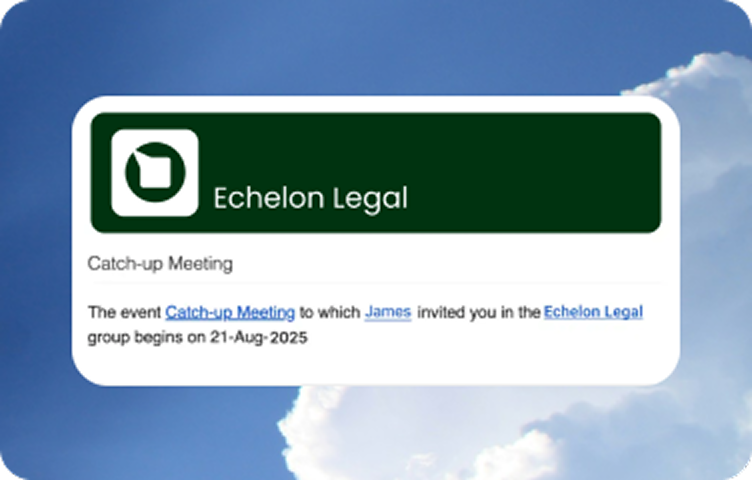
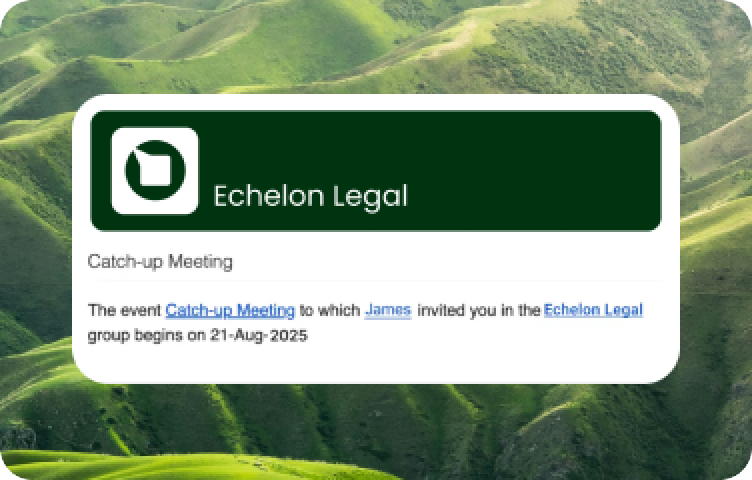
Clinked keeps communication moving with instant updates and real-time notifications that land where people actually are. Work doesn’t stall, clients stay in the loop without sending another email or picking up the phone.
Shopping around? This will save you hours.
Thought you’d be exploring the best client portal software alternatives, so we pulled the data, read the fine print and checked the real reviews to help you make the right call.
Top Features of Clinked’s
White-Label Client
Portal Software
Are you looking to manage clients, projects, or securely store and share files? Choose the solution that fits your needs best. Review the features listed below, or book a demo so we can discuss your requirements and help you select the perfect option.
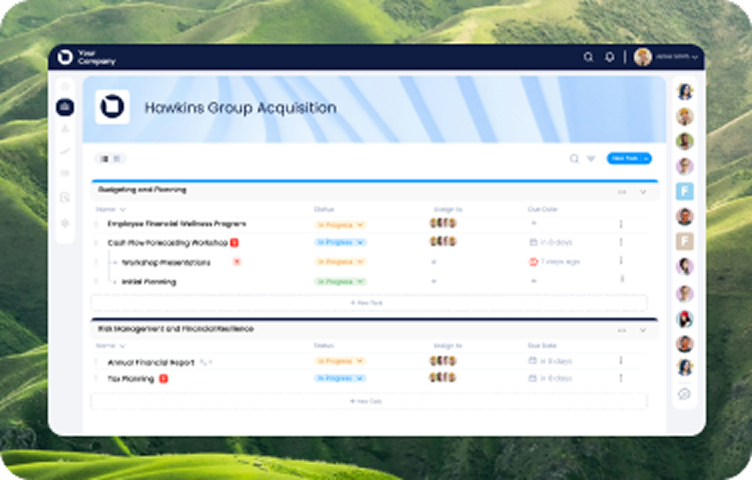
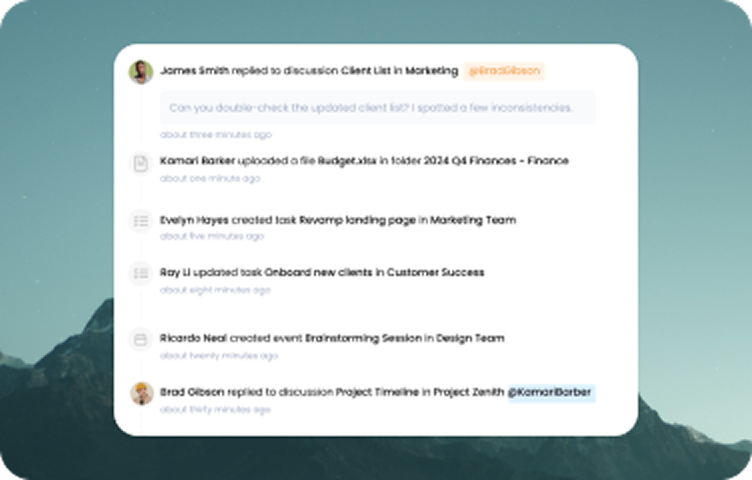
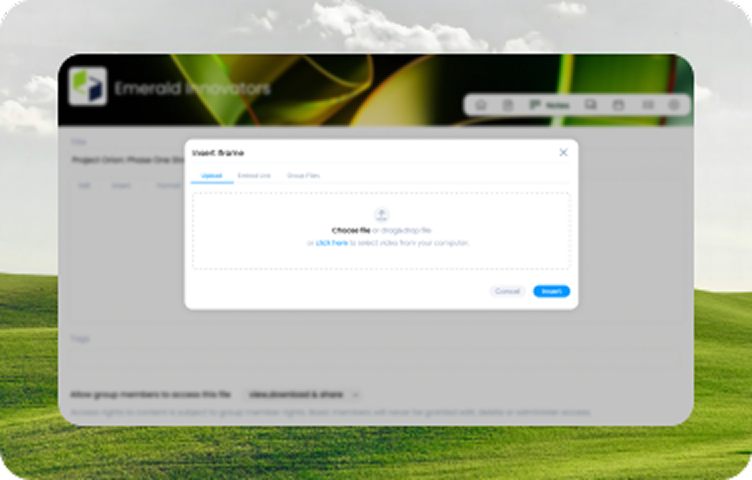
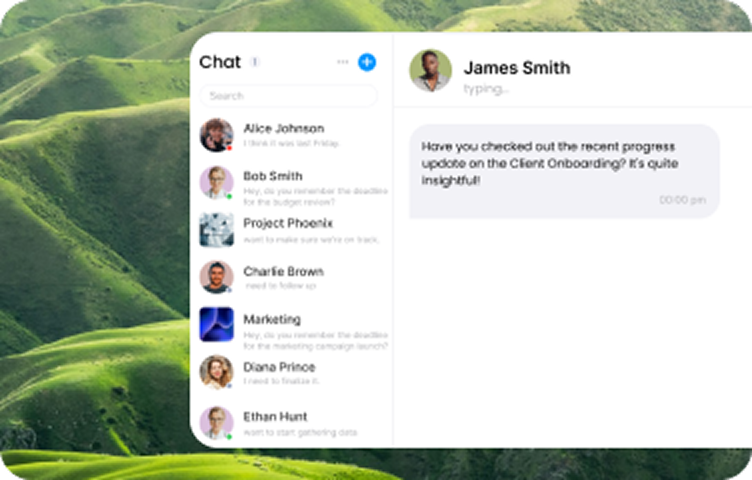
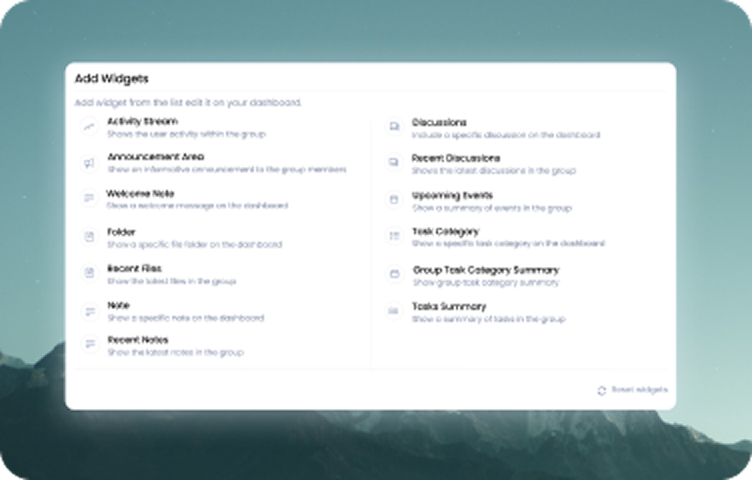
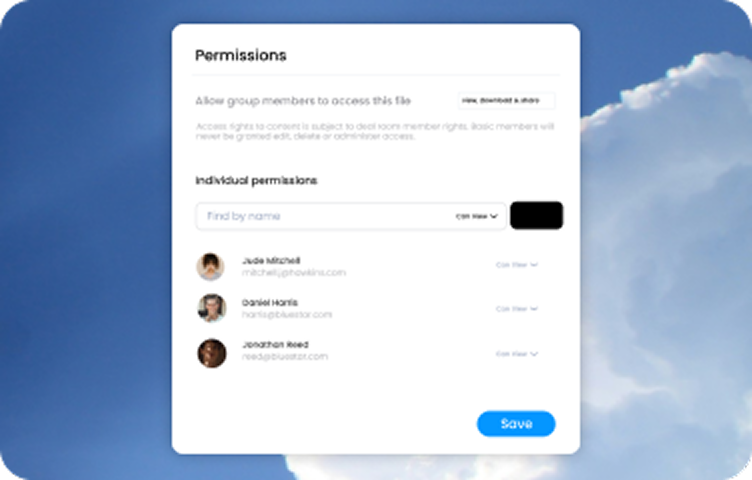
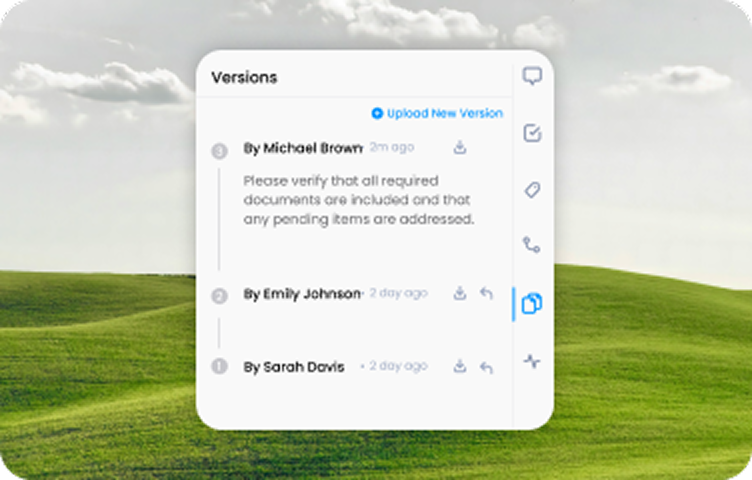
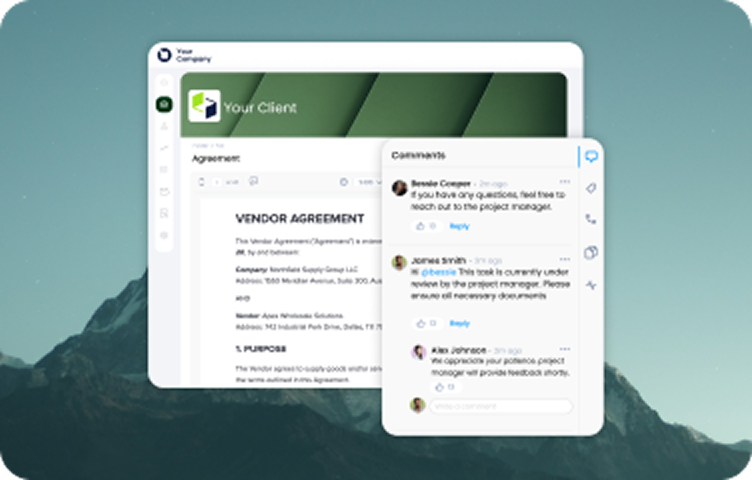
Top Features of Clinked’s
Investor Portal Software
Are you looking to manage clients, projects, or securely store and share files? Choose the solution that fits your needs best. Review the features listed below, or book a demo so we can discuss your requirements and help you select the perfect option.
Industries
White-label client portal software trusted across 20+ industries where precision, prestige and client experience matter the most.

Accounting
.png)
Finance
.jpg)
Insurance
.png)
HR
.png)
Agency

Healthcare
.png)
Investment
.jpg)
Legal
.jpg)
M&A
Got tools you can't give up?
If it’s already part of your day, it should be part of your portal. 7000+ powerful integrations with Google Workspace, Microsoft 365, Zapier, Docusign and Jotform keep your workflows connected without switching platforms.


.svg)
.svg)

.webp)

.svg)
.svg)
.svg)

.svg)


Your shortcut to smarter decisions.
We gathered our most useful guides so you can make confident decisions fast.




FAQs
Here’s a quick overview of the questions asked most when choosing a client portal.
Can’t find what you’re looking for?
Reach out to our lovely sales team: they’re real humans, exceptionally helpful, and ready to guide you.
What is a client portal?
A client portal is a secure, online platform that enables businesses to communicate, collaborate, and share documents with their clients. It provides a central hub for clients to access important information, view project updates, and stay connected with the service provider throughout the engagement.
What does a client portal do?
A client portal allows businesses to share files, exchange messages, track projects, and manage tasks—all within a secure environment. It acts as a collaborative space where both clients and teams can stay updated on the latest progress, make requests, and keep track of important deliverables.
What is customer portal software?
Customer portal software is a platform that lets businesses provide customers with secure, self-service access to account details, support, documents, and communication tools. It streamlines interactions, improves customer experience, and reduces the need for direct support.
What is the difference between client portal and customer portal?
While both terms are often used interchangeably, a client portal is typically used by businesses that provide services, such as consulting, legal, or accounting firms, to manage ongoing client relationships. A customer portal, on the other hand, is more common in product-based businesses, providing a space for customers to manage orders, track shipments, or access product support. The functionality is similar, but the focus and industry of use can differ.
How much does a client portal cost?
The cost of a client portal depends on the features you need, the number of users, and the level of customization. Clinked offers flexible pricing plans based on the size of your business and your specific requirements. Whether you’re a small business or an enterprise, there’s a plan that can fit your budget and needs. Visit Clinked Pricing for more details on available plans. Pricing is typically structured as a monthly or annual subscription.
Is Clinked suitable for businesses of all sizes?
Yes, Clinked is designed for businesses of all sizes, from small agencies to large enterprises. Its scalability, white-label customization, and secure collaboration features make it ideal for growing businesses that require a professional client portal.
What should a client portal include?
At minimum: secure file sharing, messaging, project & task management, document approvals, branding options, integrations, audit trails and mobile access, so work stays organised and clients stay engaged.
Setup & Implementation
How to create a portal for clients?
Creating a client portal involves selecting the right software, such as Clinked, and customizing it to meet your business and client needs. Start by setting up your portal with features like file sharing, messaging, task tracking, and branding elements such as your logo and color scheme. Then, invite your clients to join the portal with secure login credentials, and provide them with an intuitive, centralized space for ongoing collaboration.
How do I add a client portal to my website?
You can easily add a client portal to your website by using client portal software like Clinked. Most platforms provide you with a link or embed code that you can add to your website. This allows clients to log in directly from your website and access the portal securely. You can also customize the portal to match the look and feel of your site, providing a seamless user experience.
How easy is it to set up a client portal with Clinked?
Setting up a client portal with Clinked is designed to be quick and user-friendly. The platform provides step-by-step guidance, from customizing your portal to adding users and setting up secure file-sharing capabilities. With intuitive drag-and-drop features and built-in project management tools, you can have your portal up and running in no time, allowing you to start collaborating with your clients immediately.
Can I use a client portal for client onboarding?
Yes, a client portal simplifies onboarding by providing structured workflows, onboarding forms, and document-sharing capabilities. Clients can securely submit required information, access welcome materials, and complete onboarding steps in one place.
Features & Capabilities
Can I offer a white-label client portal with Clinked?
Yes, Clinked allows you to offer a fully white-label client portal. You can customize the portal with your own branding, logo, and colors, creating a seamless, professional experience for your clients. This ensures that your portal aligns with your company’s identity while maintaining secure communication and collaboration with clients.
Does Clinked offer a mobile app for client portals?
Yes, Clinked offers a mobile app that allows clients and teams to access the client portal on the go. With the mobile app, you can securely share documents, track projects, manage tasks, and communicate in real-time from any device. It’s designed for seamless collaboration, ensuring that you and your clients can stay connected and up-to-date no matter where you are.
Can I customize the client portal to match my brand?
Yes, with Clinked, you can fully customize your client portal by adding your logo, colors, and branding. This creates a professional, consistent experience for your clients.
Can I integrate a client portal with other business tools (e.g., CRM, accounting software)?
Yes, Clinked integrates with popular tools like Zapier, Google Workspace, Microsoft 365, Jotform, Typeform, and many more allowing seamless connectivity with CRMs, accounting practice management software, and other business applications to streamline workflows.
Does Clinked provide automated notifications for client updates?
Yes, Clinked offers real-time notifications for file uploads, task assignments, messages, and project updates, ensuring clients and teams stay informed without needing to check the portal constantly.
Does Clinked support multiple client portals for different clients?
Yes, Clinked allows businesses to create multiple portals for different clients, each with customized branding, permissions, and content. This helps agencies, consultants, and service providers manage multiple clients efficiently within a single platform.
Does Clinked offer guest access for clients and external users?
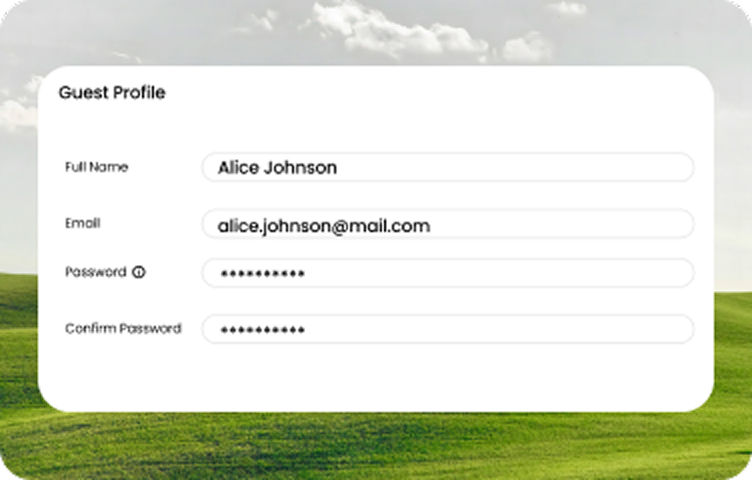
Yes, Clinked allows businesses to provide guest access with controlled permissions, ensuring external users can view or collaborate on specific documents and projects without compromising security.
Can I restrict access to specific content within the client portal?
Yes, Clinked offers granular access controls, allowing you to set permissions for different users. You can restrict access to specific documents, discussions, or projects based on roles, ensuring that clients and team members only see what they need.
Benefits & Use Cases
What are the benefits of using a client portal?
Using a client portal has numerous benefits, including improved communication and transparency, streamlined collaboration, and enhanced client satisfaction. It reduces back-and-forth emails by providing a centralized location for all client-related information. Clients can easily access project updates, documents, and task statuses, which leads to more efficient workflows and stronger relationships.
What industries can benefit from using a client portal?
A wide range of industries can benefit from using a client portal, including legal services, accounting, consulting, financial services, marketing agencies, and IT services. Any business that needs to manage client relationships, share documents securely, track projects, and collaborate in real-time can enhance its operations with a client portal. Clinked's customizable platform is ideal for industries that require secure, transparent, and client communication solutions.
How do client portals improve client relationships?
A client portal fosters transparency and efficiency by providing a central space for document sharing, communication, and project updates. Clients can access information anytime, reducing delays and improving satisfaction.
How does a client portal improve team collaboration?
A client portal enables real-time collaboration by allowing teams to share files, assign tasks, track progress, and communicate in a secure space. It keeps internal and client-facing teams aligned without relying on emails.
How does a client portal reduce email dependency?
By centralizing communication, file sharing, and project updates, a client portal minimizes the need for back-and-forth emails. Clients and teams can access relevant information, request approvals, and collaborate instantly within the portal.
Security & Compliance
Is Clinked HIPAA compliant?
Yes, Clinked leverages AWS’s HIPAA compliance, adhering to the necessary standards for safeguarding sensitive healthcare information. This makes Clinked a secure choice for businesses in the healthcare industry or any organization handling protected health information (PHI), ensuring that client data is stored, managed, and shared in accordance with HIPAA regulations. See how you can generate HIPAA-compliant patient portals.
Can clients upload documents securely in a client portal?
Yes, Clinked allows clients to upload files securely with encryption and access controls. Uploaded documents are stored in a protected environment, ensuring confidentiality and compliance with industry standards.
Are client portals safe?
Yes, client portals are safe when they’re properly configured and used with good security practices. Clinked uses AES-256 encryption, SOC 2 compliant infrastructure and GDPR/HIPAA-ready controls with granular permissions, designed for high-stakes businesses where trust is non-negotiable.