Content Collaboration Platform
Create, organize, and collaborate on content with ease. Our platform simplifies knowledge sharing, ensuring your information is always up-to-date and accessible.
Create, organize, and collaborate on content with ease. Our platform simplifies knowledge sharing, ensuring your information is always up-to-date and accessible.
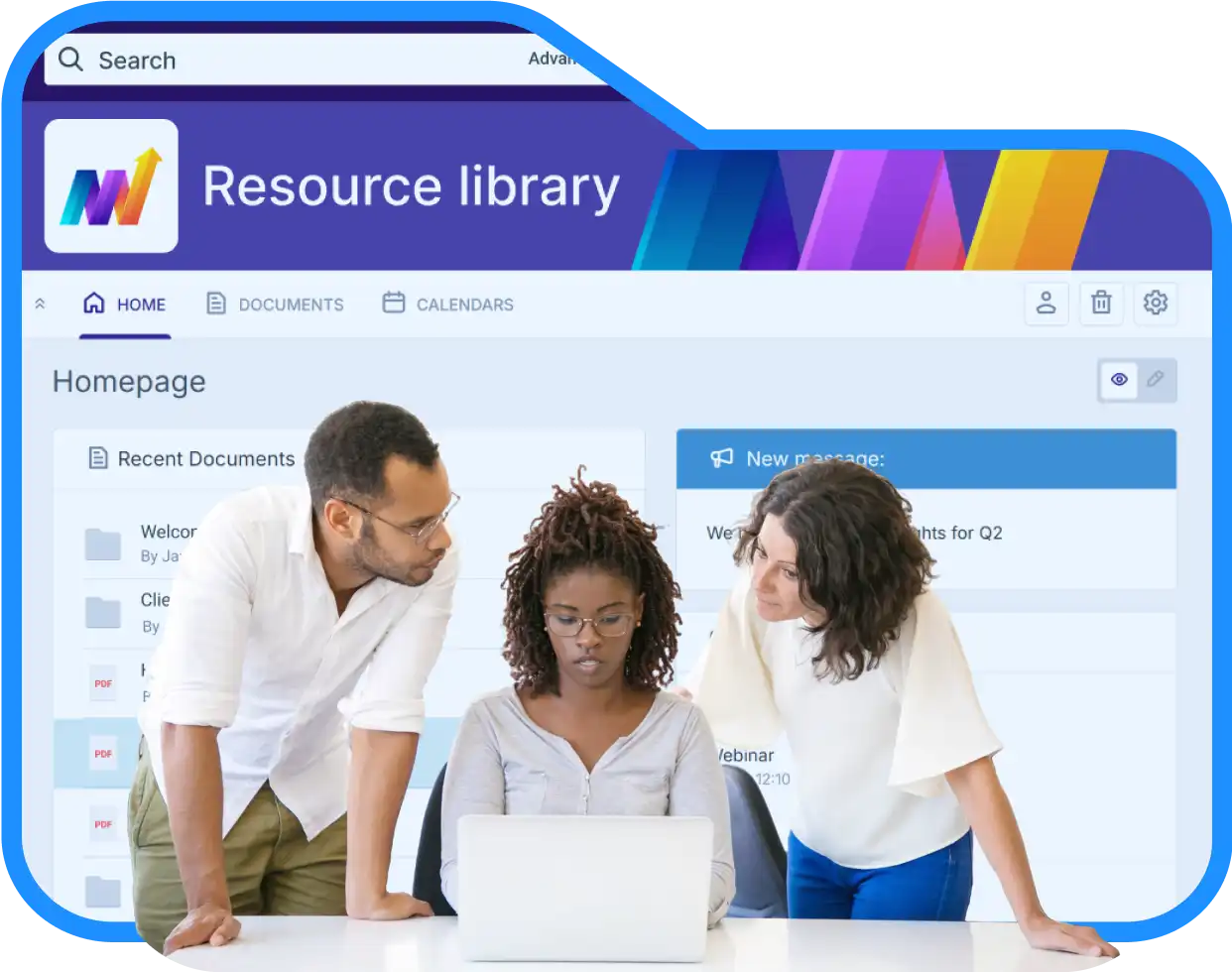


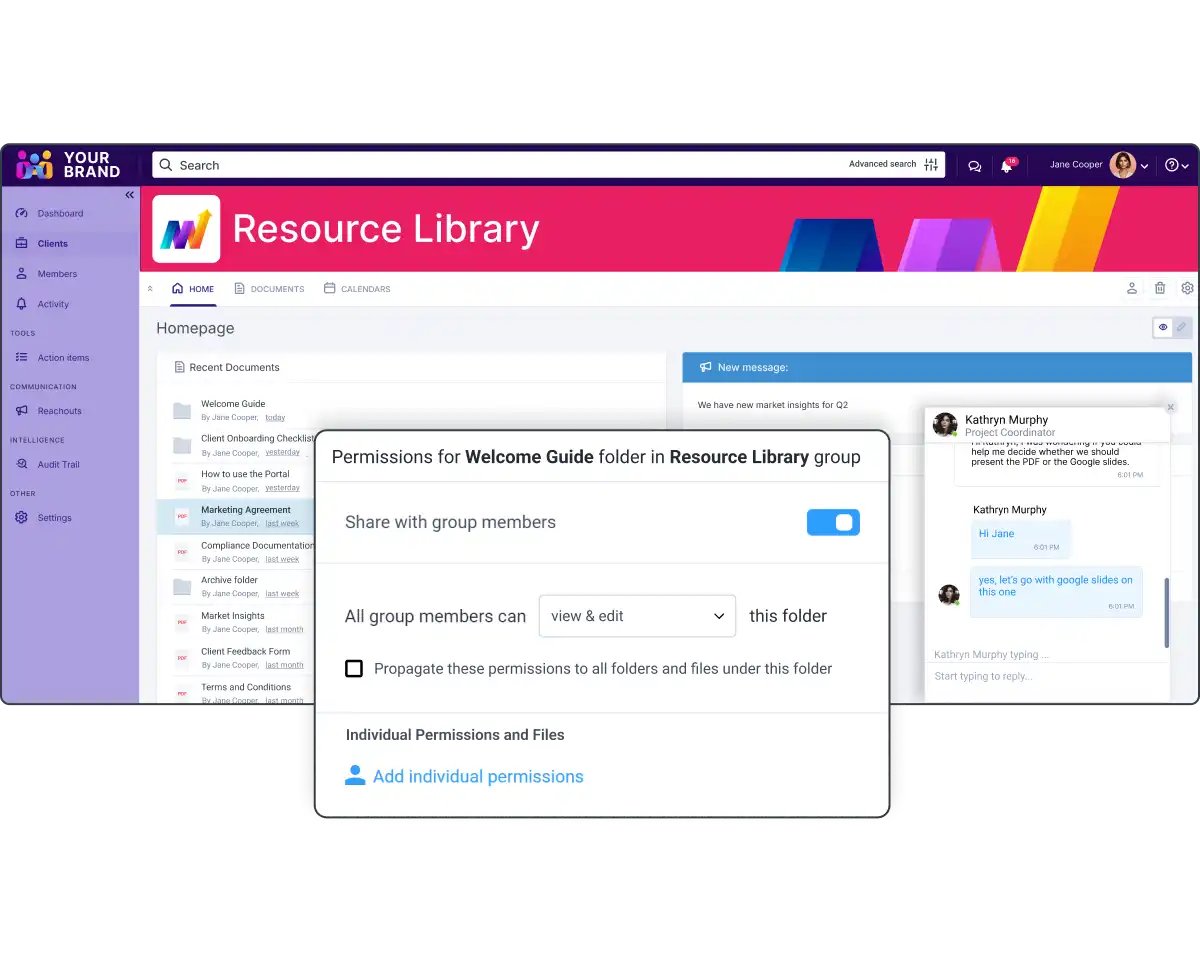
Easily create and organize a centralized knowledge base that serves as a single point of access for all your content.
Whether you’re managing information for employees, partners, students, or clients, this approach ensures that everyone has easy access to the most relevant and up-to-date information, improving efficiency and reducing time spent searching for content.
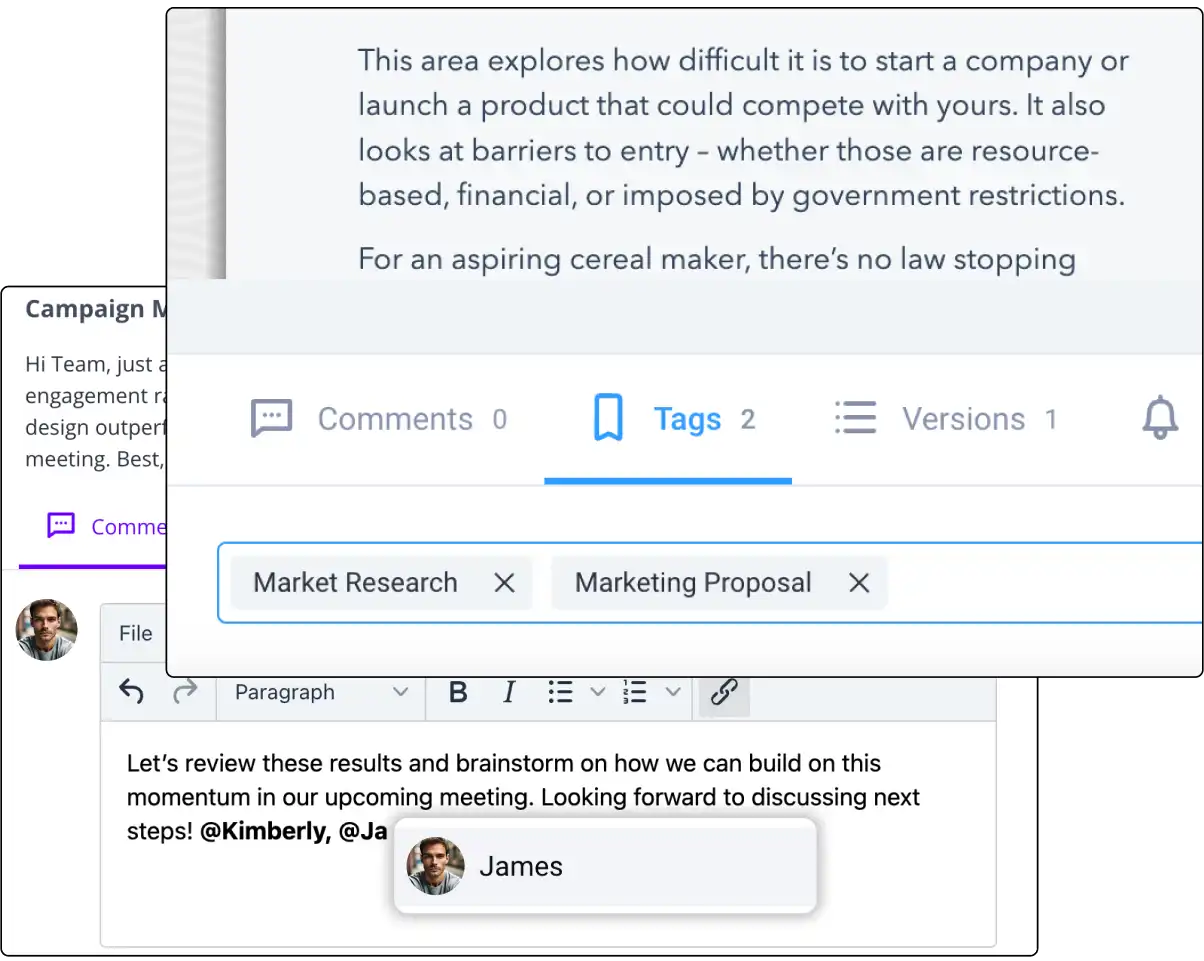
Enhance collaboration across your team with tools that allow for real-time editing, commenting, and tagging.
This setup not only facilitates smooth content creation but also ensures that feedback and updates are incorporated efficiently, leading to faster content production and higher-quality outputs.
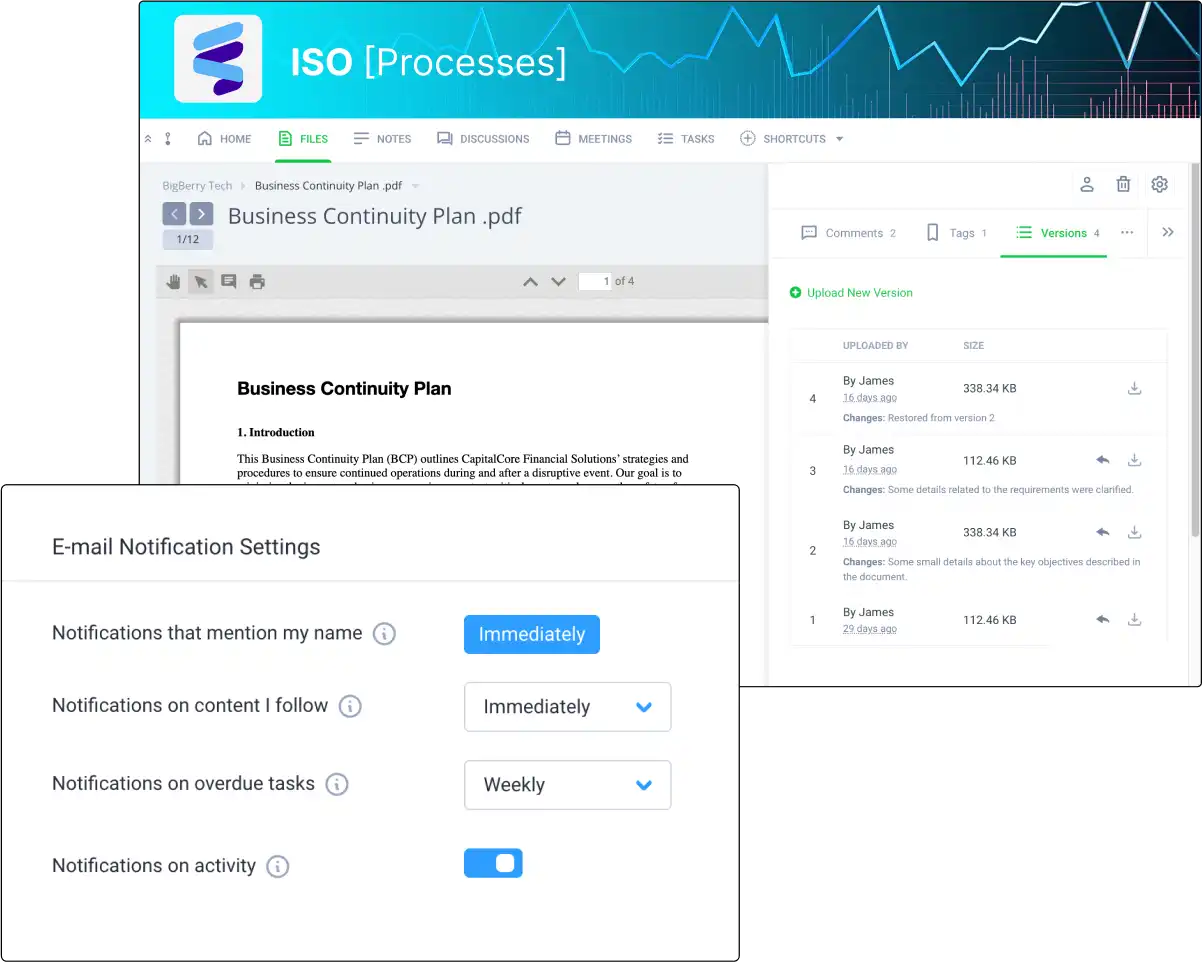
Keep your content current and relevant with tools that simplify the management of content versions, notifications, and updates.
By streamlining these processes, you ensure that your team always works with the latest information, reducing errors and improving overall content management efficiency.


Enhance team productivity with Clinked’s secure platform, designed for seamless content sharing, real-time feedback, and organized document management. Keep your projects on track and your content accessible anytime, anywhere

Collaborate in real-time with Clinked's Online Document Editor. Create, edit, and manage documents seamlessly on a wiki-style platform.

Follow content updates via email notifications. Easily filter activities, manage preferences, and stay connected with team updates.

Use Clinked's Custom Domain for a branded portal experience, making access easier for clients and team members.

Impress clients with Clinked’s white-label options. Match your portal with your corporate branding for a cohesive experience.

Upload large files up to 5GB directly to Clinked. Start with 1TB of storage, making file management simple and efficient.

Instantly view files without downloads. Clinked’s instant viewing feature provides quick access for seamless collaboration.

Use Universal Search to locate files quickly. Index content for easy retrieval and ensure efficient document management.
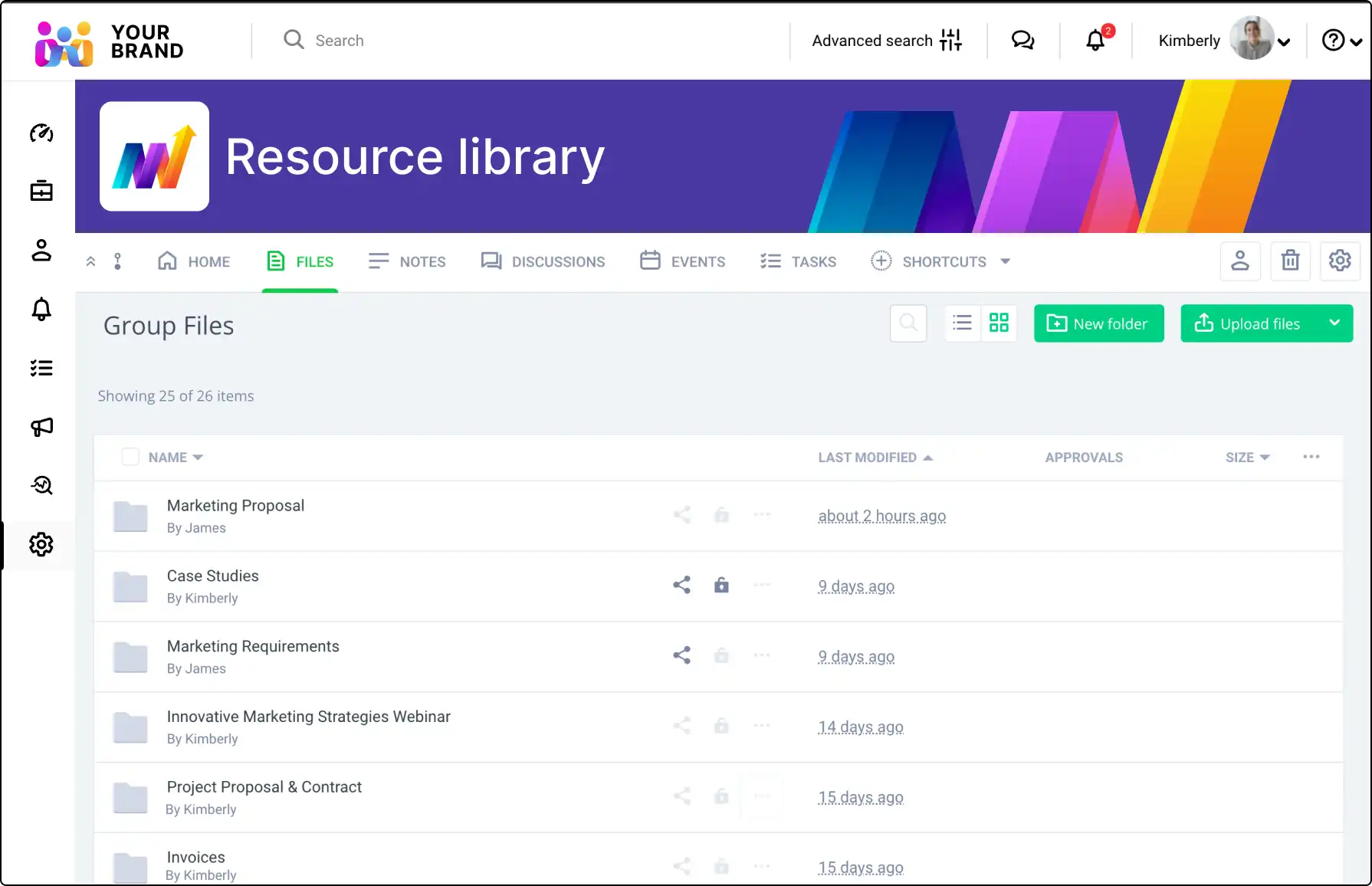
Use File Request to collect files securely from non-members. Allow uploads directly to Clinked for efficient handling.
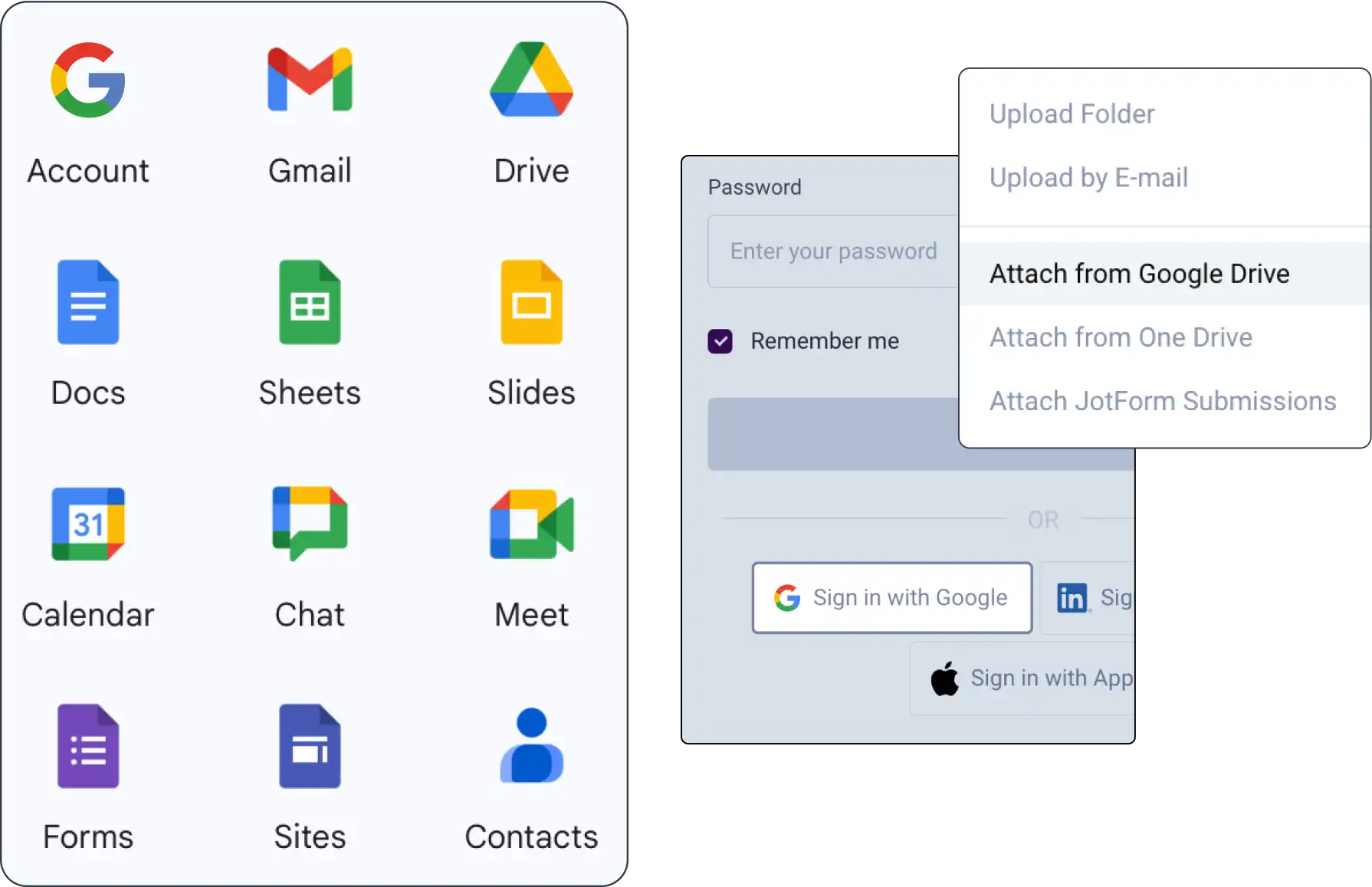
Integrate Google Workspace with Clinked for seamless document sharing, management, and collaboration within your projects.
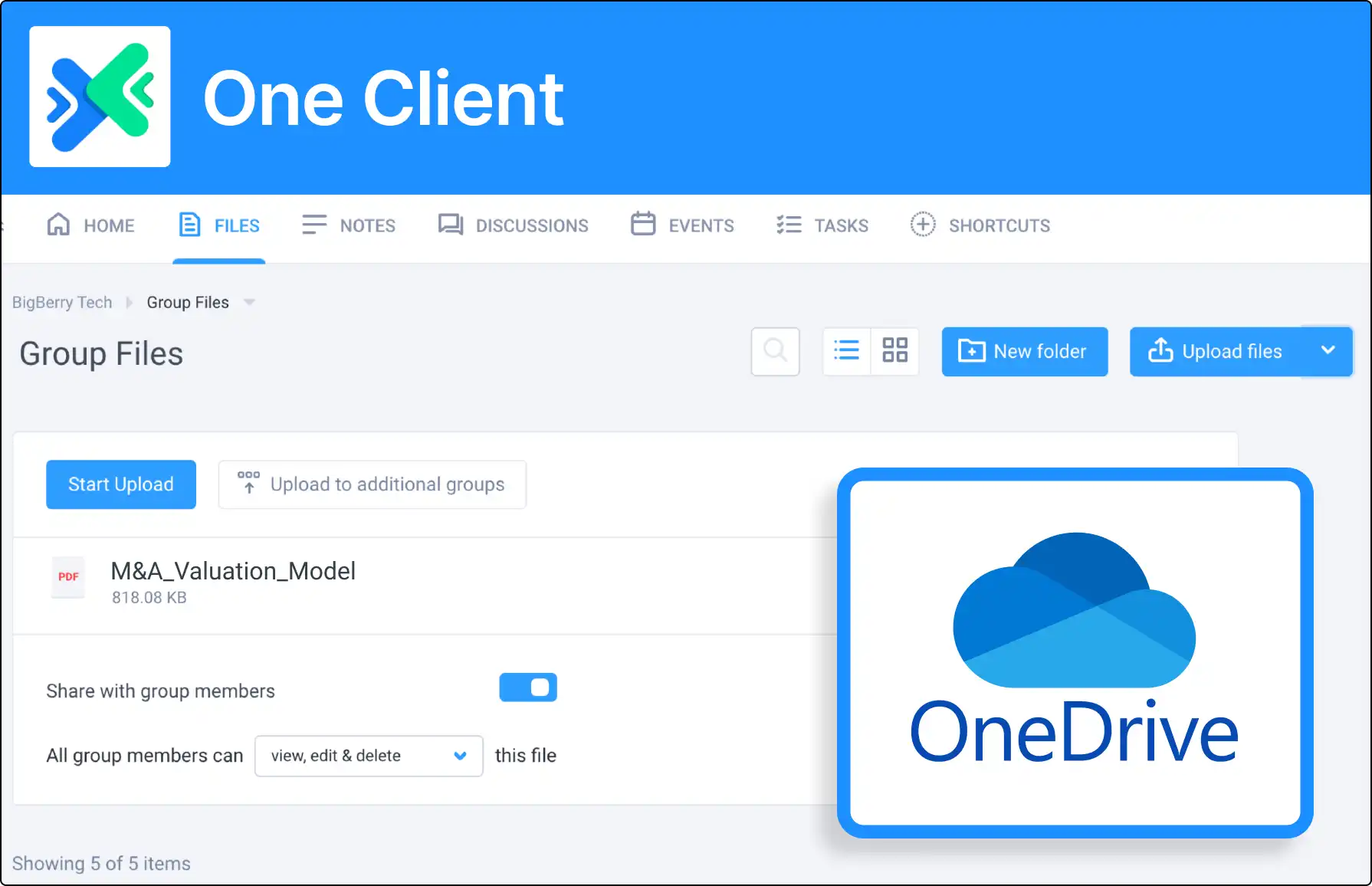
Attach OneDrive files for real-time editing. Enhance productivity by keeping all files in one organized location.
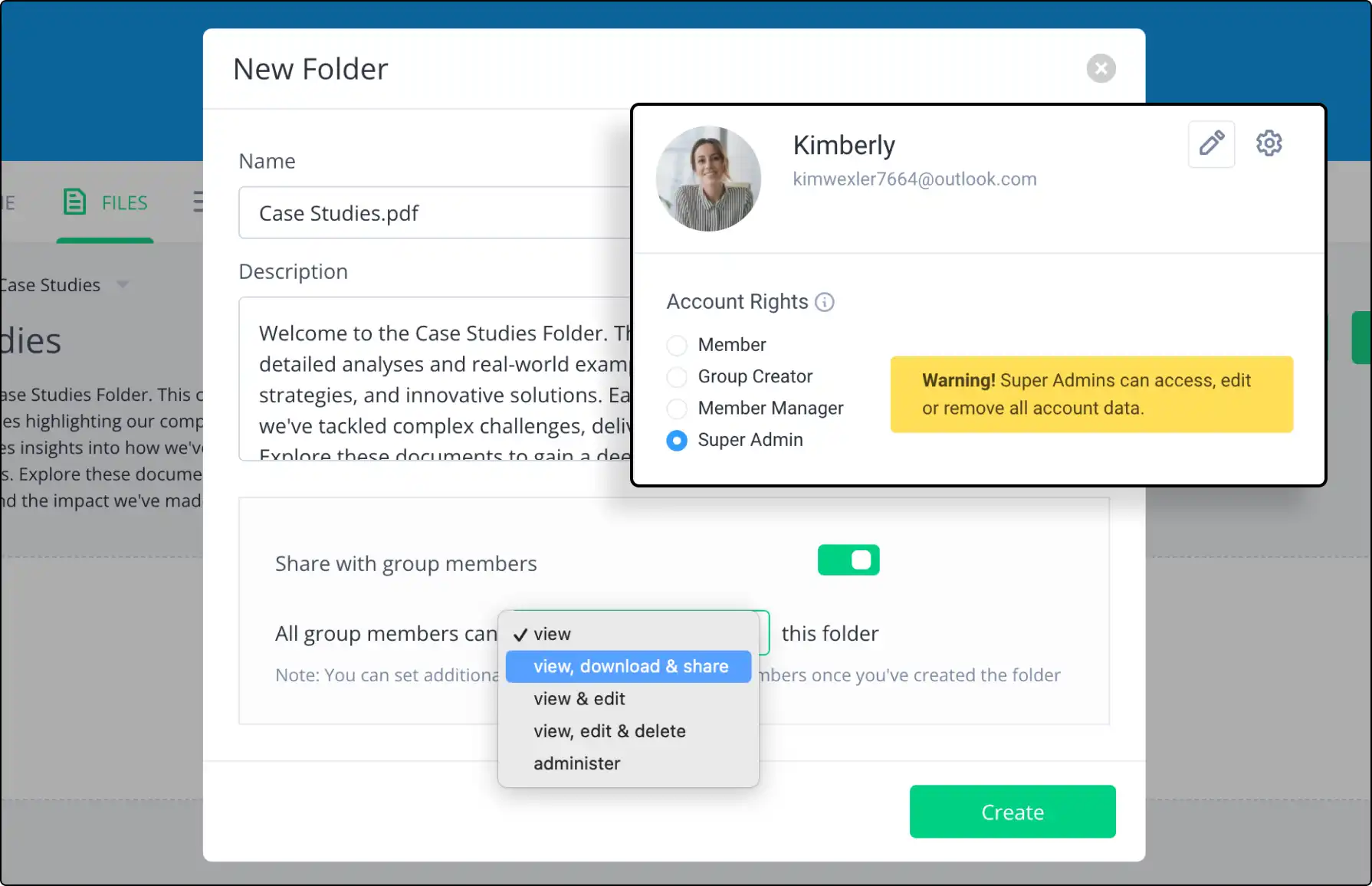
Set specific access permissions for group content. Ensure proper access levels while maintaining control and security.

Keep track of all document versions with Clinked’s version control. Review, compare, and restore previous versions easily.

See how content collaboration portals boost teamwork, document sharing, and project management for creative teams.
A client portal is a secure online workspace where a business and its clients can share documents, communicate, manage tasks and access important information in one place. Client portals are commonly used by professional services firms, agencies, consultants and client-facing teams.
Client portal software helps businesses create secure digital workspaces for clients. It usually includes file sharing, messaging, permissions, notifications, branding, document management and collaboration tools.
A secure client portal is a client-facing workspace designed to protect sensitive information. It typically includes secure login, access permissions, encrypted file sharing, user controls, audit trails and data protection features.
Yes. Clinked can be used as a secure client portal for sharing files, managing communication, collaborating with clients and organising client workspaces. It supports branded portals, permissions, document sharing and secure collaboration.
Yes. Clinked supports white-label and branded client portals, including custom branding and client-facing workspaces. This helps businesses give clients a secure portal experience that matches their own brand.
Yes. With Clinked, businesses can create custom-branded client portals with their own branding, client workspace structure and secure access controls.
Clients can usually access shared documents, upload files, communicate with the business, review updates, collaborate on tasks and find important information in one secure workspace. The exact access can be controlled by the business.
A client portal provides a more controlled and branded experience than email or standard file-sharing tools. It combines secure file sharing, communication, permissions, notifications and collaboration in one workspace, instead of spreading client work across multiple tools.
Yes. A client portal can be used for secure client file sharing, document uploads, approvals and ongoing document exchange. Permissions help control which clients or users can access each file or folder.
Client portals are used by accountants, law firms, consultants, agencies, financial services firms, property teams and other businesses that need to share information and collaborate securely with clients.
Yes. External clients can be invited into a Clinked portal and given controlled access to the documents, discussions, tasks or updates that are relevant to them.
Yes. Consultants can use a client portal to share deliverables, collect files, manage updates, communicate with clients and keep project information organised in one secure workspace.