Document Management
Software for
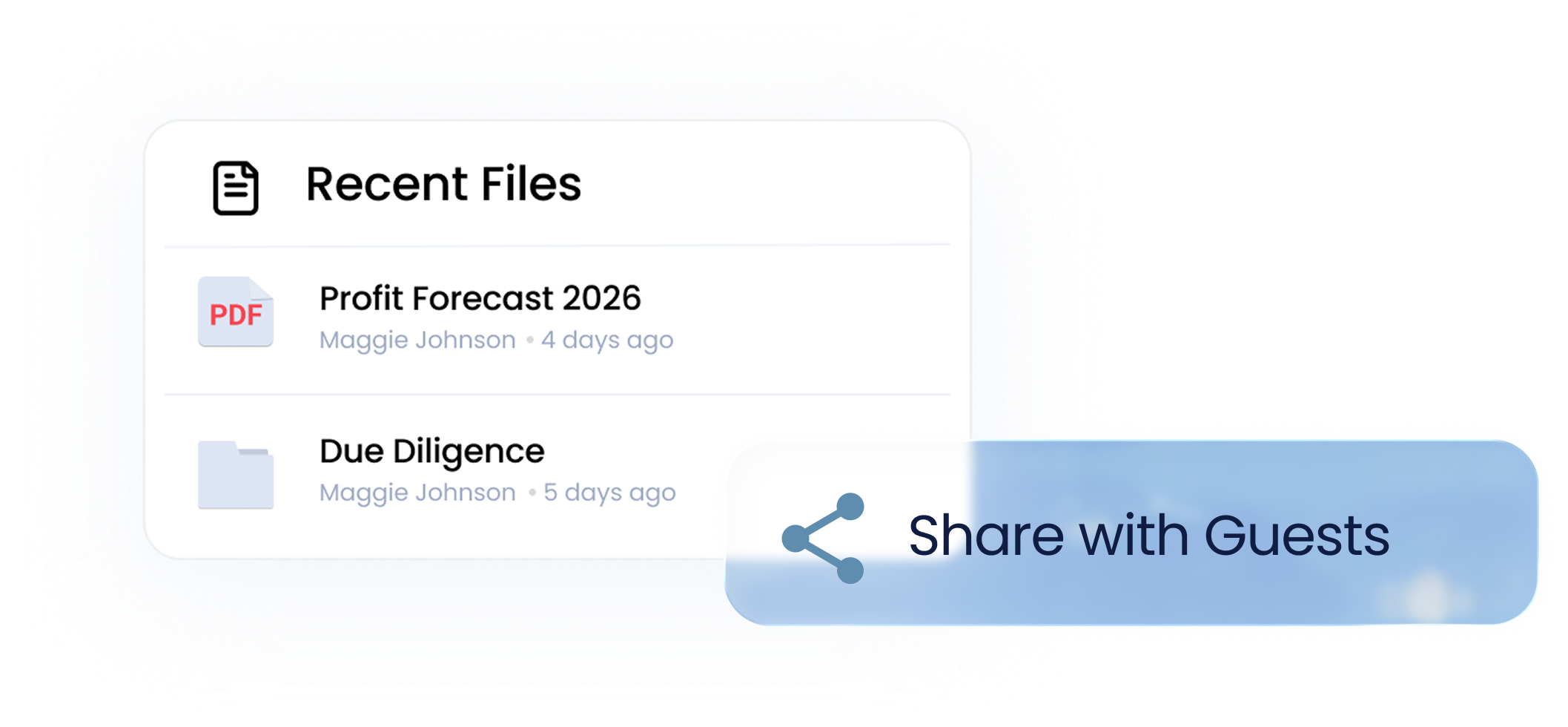
Secure Client Collaboration
Collect, share, and track client documents,
without email, shared drives, or follow-ups.




.svg)


You’re in good company.
businesses across 40 countries for
client document management.











It can also
sound
Get client document management
problems out of your inbox and off
your mind, with Clinked.
feel
simple
Clients uploading
documents in the
wrong
place.
Enough “can you
send it again?”
messages
to make you
question your
career path.
Approvals lost in email chains.

Files
buried across
inboxes, drives,
and chat threads.
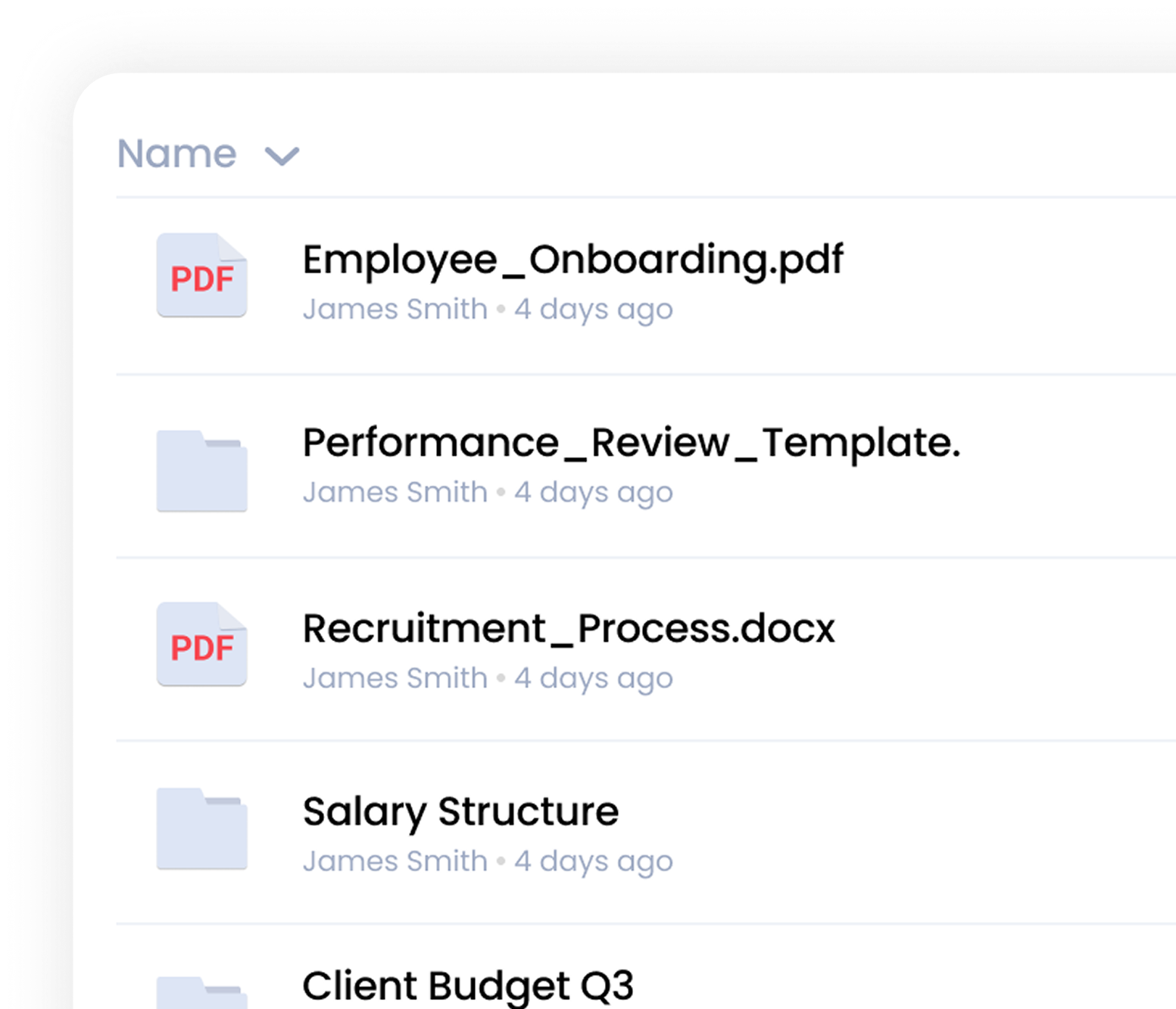
What is a
client document
management portal?
Good document management software keeps documents organised. Great systems keep the work moving too.
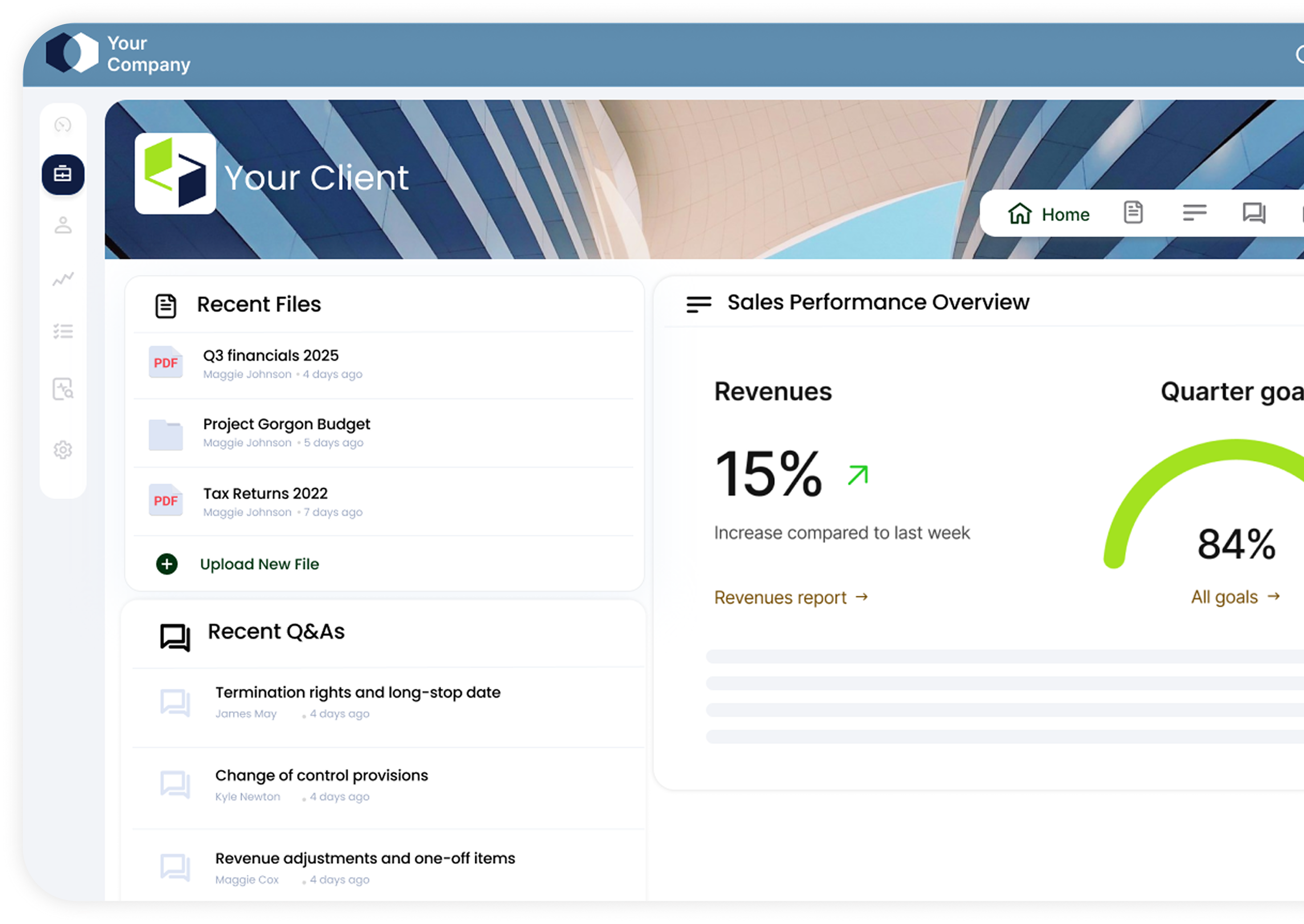
A client document management portal gives businesses and clients a secure place to share, collect, organise, and track documents without the usual chaos of emails and follow-up calls.
the file?”
Done“
Create workspace
per client.
Upload/request
documents.
Set permissions.
Track activity.
Keep communication
on the files.
FROM “Where is the file?” TO “It is Done“
Document Management System
vs Document Portal
Document Portal
- Built for ongoing client collaboration
- Documents, communication, and workflows in one place
- Real-time visibility into uploads, approvals, and activity
- Easier client experience with fewer follow-ups
- Secure, structured, and client-facing by design
Traditional Document
Management Systems (DMS)
- Built mainly for storage
- Limited client-facing experience
- Documents separated from conversations and workflows
- Harder to track approvals and progress
- Clients often pushed back to email
Shared Drives vs
Document Portal
Document Portal
- One secure place for every document
- Clear visibility into uploads, views, and activity
- Version control built in
- Granular permissions and secure access
- Clients always know where to upload and find files
- Everything organised around the client, not the inbox
Email & Drive
- No visibility into who uploaded or viewed what
- Endless “Can you resend that?” messages
- Version confusion and duplicate files
- Sensitive documents moving through inboxes
- Documents scattered across multiple tools
- Weak access control and encryption concerns
Storage is only part
of the problem.
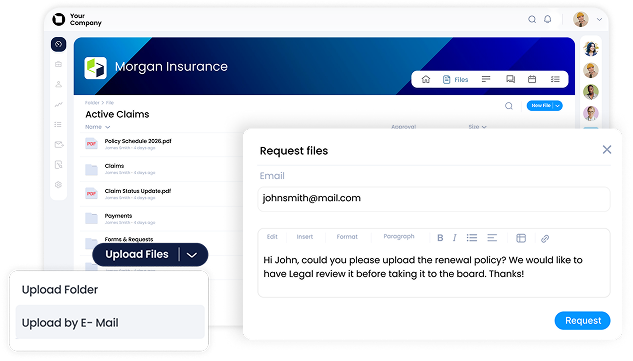
document storage. They usually
end with “Wait, it can do that too?”
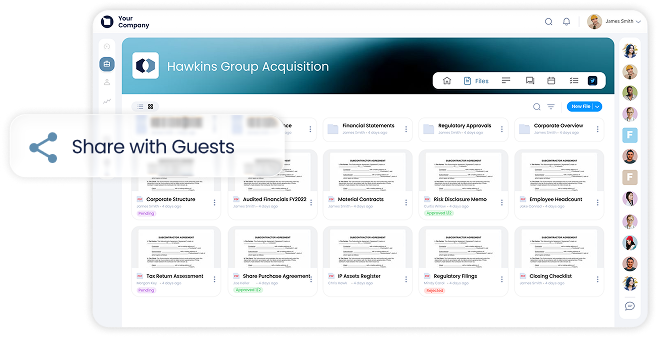
download, or edit documents
with granular permissions built for
client-facing work.
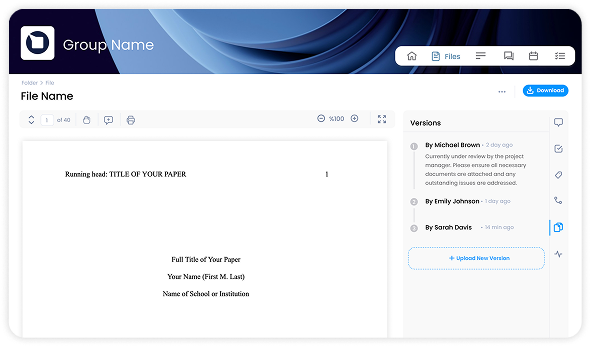
with version control and full visibility into
every file interaction.
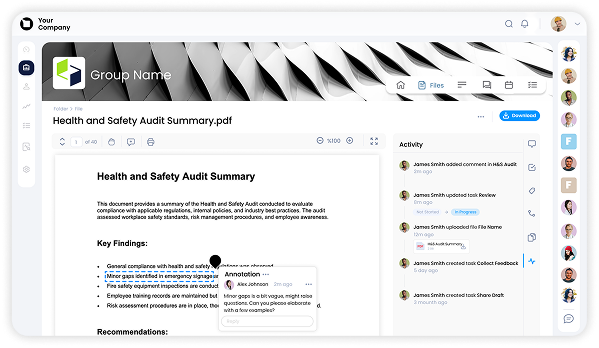
informed without the constant checking,
chasing, or follow-up emails.
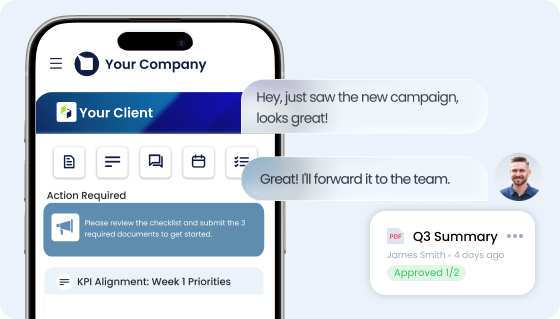
Neither do you.
conversations from the mobile app,
wherever the day takes you.
approvals, and progress visible, so nothing
slips through the cracks.

to make sense.
connected to the work itself instead of
scattered across inboxes
and chat threads.
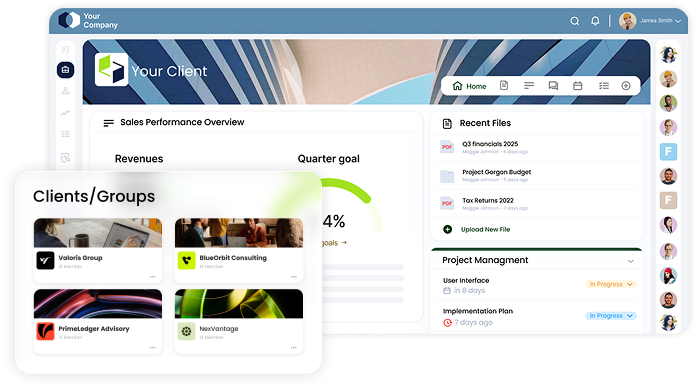
colours, domain, and client-facing interface,
so everything feels unmistakably yours.
Use cases
Onboarding
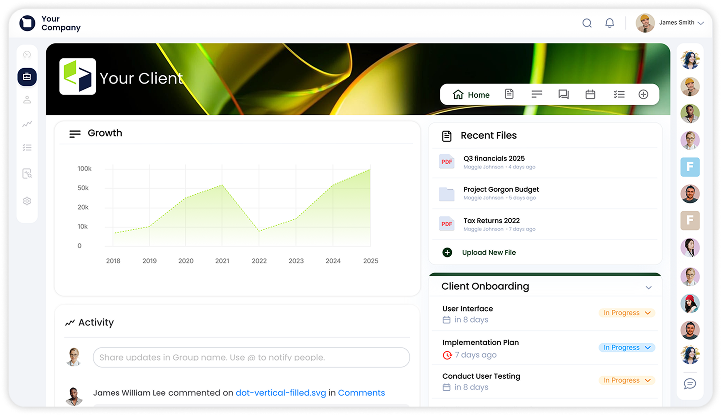
Keep client onboarding documents
organised from day one, with structured
uploads, requests, and secure
access in one place.
Use cases
Collaboration

Keep conversations, updates, and files
connected to the documents to make
collaboration easier for
everyone involved.
Use cases
Document Collection
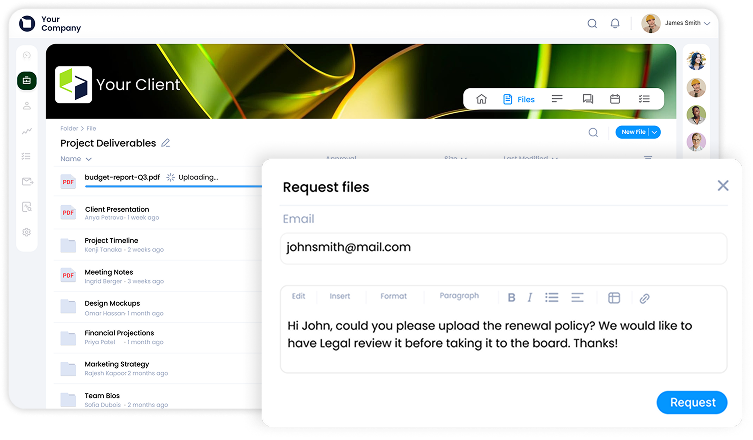
Request and collect files through
designated document workflows
instead of chasing attachments
across inboxes and shared drives.
Use cases
Approvals
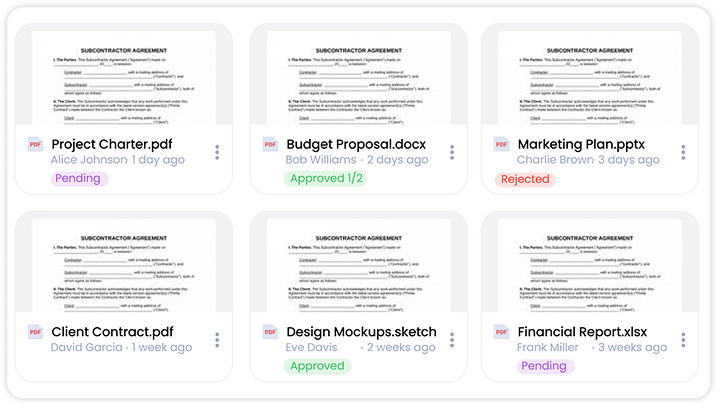
Track reviews, signatures, and
approvals with full visibility into
progress and status.


Are we a match?
Is Clinked the right document management
software for you?
Probably yes,
if you:
- Manage multiple clients, projects, and deadlines at the same time
- Regularly collect documents from clients and are tired of chasing them
- Want to know exactly what’s been uploaded, viewed, approved, or missing
- Have reached your limit with email attachments and shared drives
- Need a simpler and repeatable way to handle client document workflows
- Want clients to stop calling to say “where do I upload this?”
Probably no,
if you:
- Only need internal file storage and no client collaboration
- Depend on deeply customised, IT-managed infrastructure for every workflow
- Rarely exchange documents with external clients
Shopping around?
The right document management portal
should feel like relief, not another platform
your team tolerates.
Below's a short checklist to help
you assess that and a guide to pick the best document management software
for your use case.

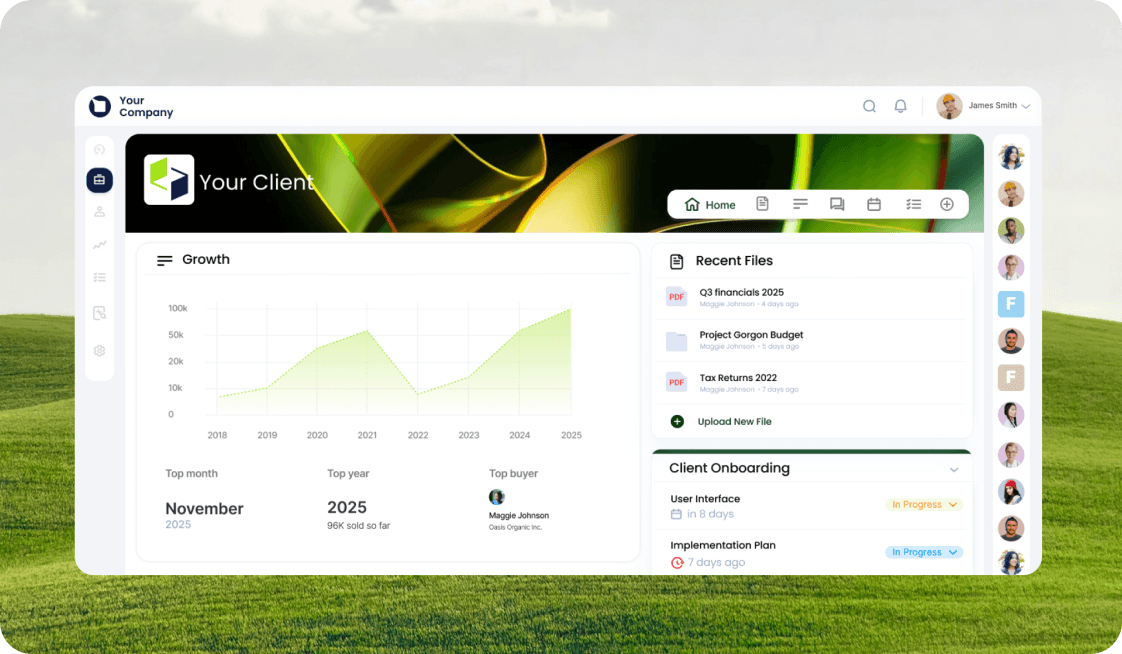
Workspace for Each Client
A dedicated and branded space for
every client’s documents, conversations,
and requests.
Organisation
Keep documents structured,
searchable, and easy to find as
client work grows.
Security
Bank-grade security should be the
default, if not the bare minimum.
Encryption at transit and rest, GDPR, ISO
27001 and SOC2 compliance let you share
sensitive documents with confidence
through secure access, protected links,
and controlled visibility.
Document Requests
Request files in a structured way
instead of chasing uploads
across email threads. Track the
status of each upload and
approval in real time.
Tracking
See what’s been uploaded, viewed,
approved, or still waiting input.
Mobile App
Upload, download, request or
approve, on the go, wherever your
day takes you.
Permissions
Control exactly who can view,
upload, edit, or download
documents.
Branding
A client-facing experience with
your own logo, colours, and
branded workspace, reinforcing
trust, not steering away from it.