Collaboration Tools for Virtual Teams
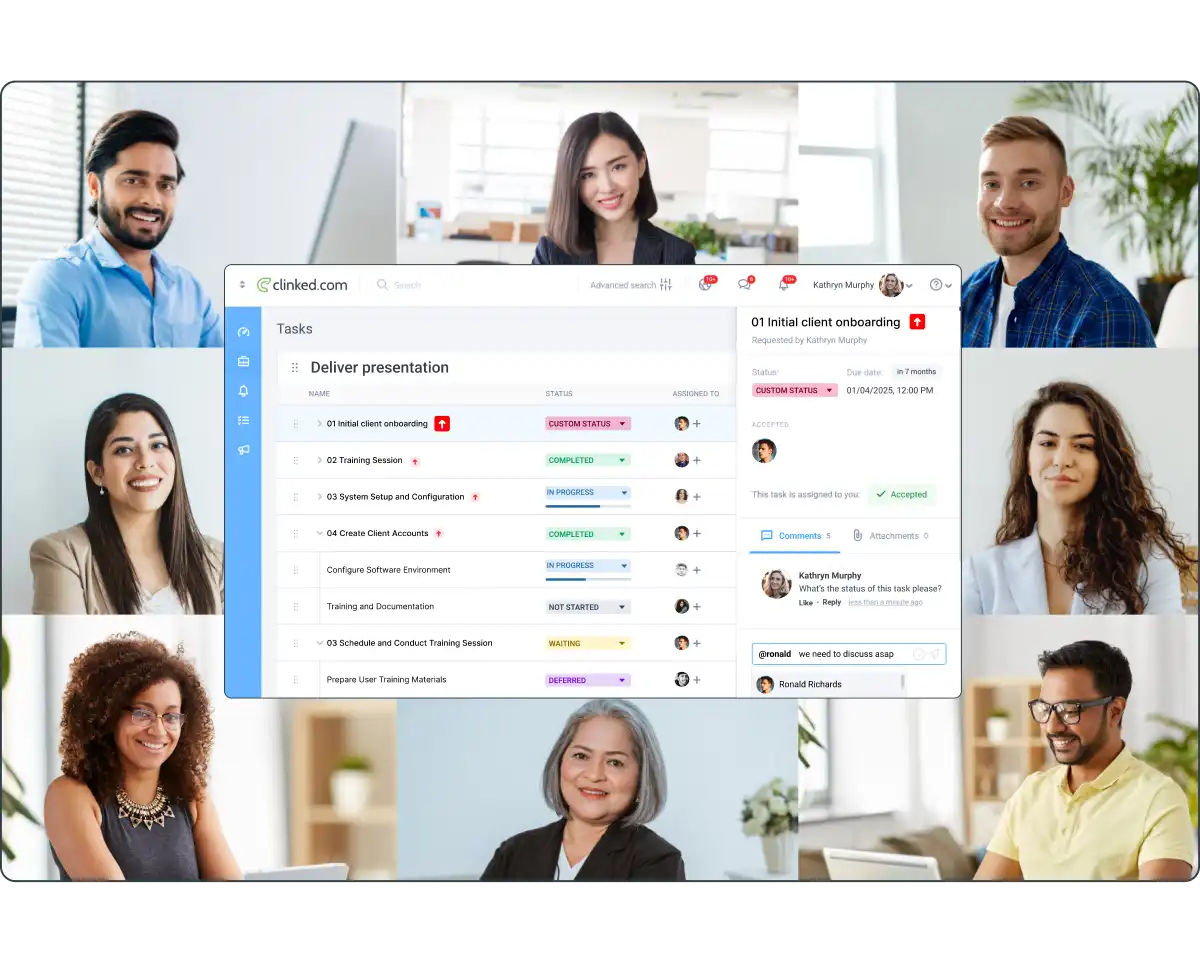
Clinked brings your team, clients, and projects together on one secure platform, enabling you to collaborate, share files, and manage tasks from anywhere in the world.
Clinked brings your team, clients, and projects together on one secure platform, enabling you to collaborate, share files, and manage tasks from anywhere in the world.


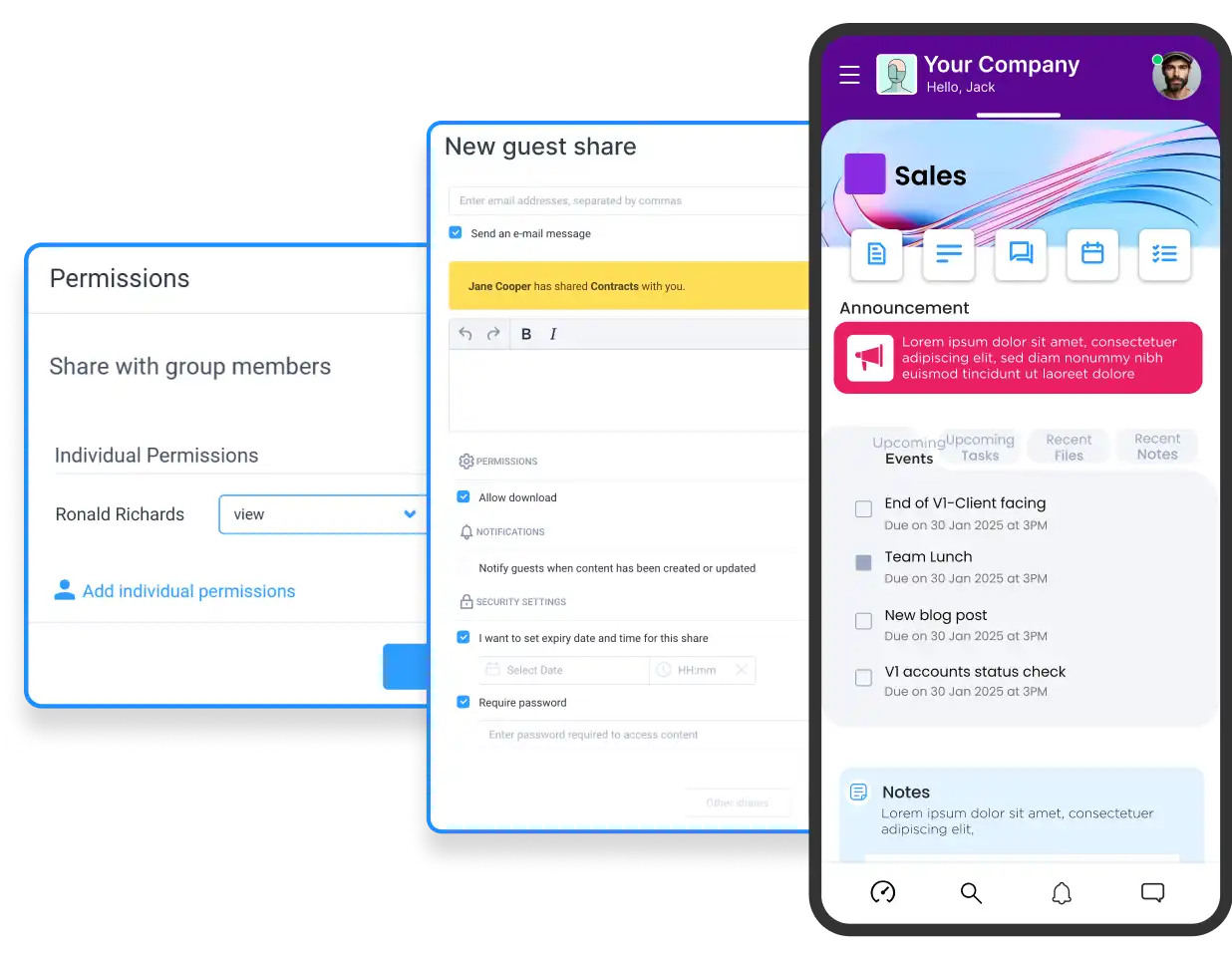
Clinked ensures your data is protected with bank-level encryption, making file sharing across your remote team or with clients completely secure.
Collaborate on documents in real-time, leave comments, and track changes without the need for back-and-forth emails.
With integrated messaging and notifications, your team can communicate effectively, keeping everyone on the same page, no matter their location.
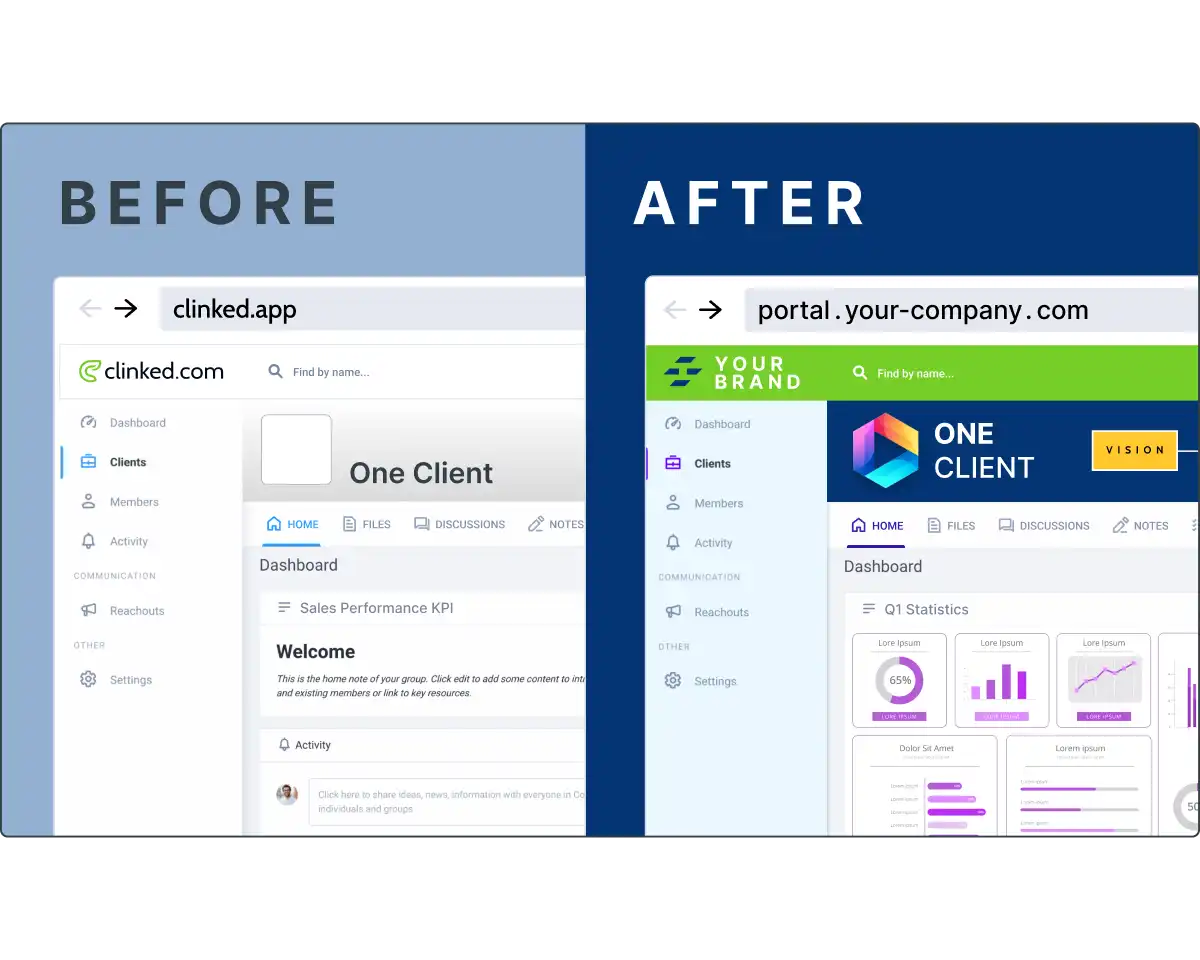
Provide a professional, branded experience to your clients through Clinked’s customizable portals.
These portals act as a dedicated space for sharing files, tracking project updates, and maintaining a direct communication line with clients.
Each portal is secure and fully tailored to your company’s branding, ensuring a seamless and personalized experience that fosters client trust and long-term engagement.
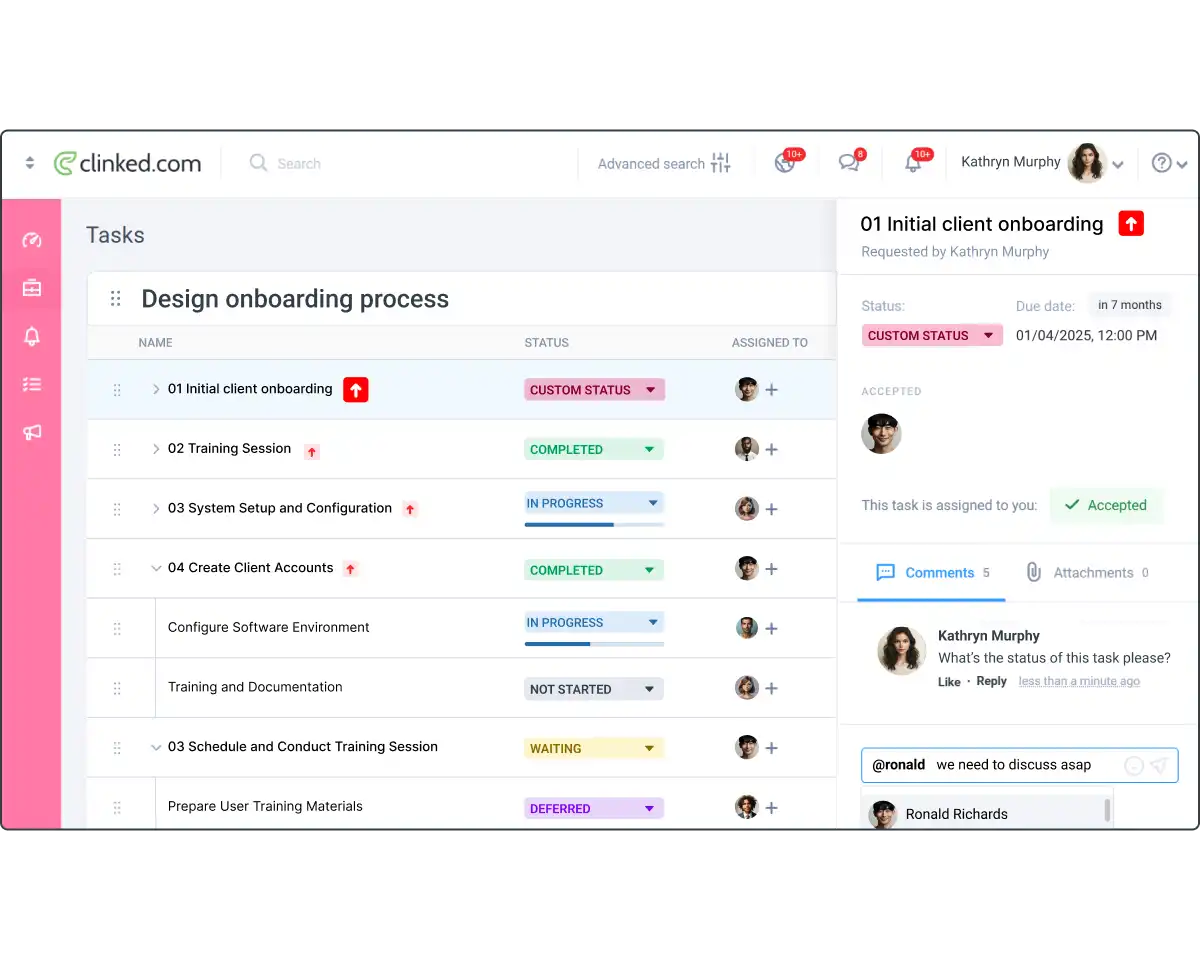
Clinked’s task management tools allow you to assign tasks, set deadlines, and monitor progress at every stage of a project.
The intuitive interface makes it easy to track who’s working on what, ensuring that nothing falls through the cracks.
Whether your team is distributed across multiple locations or working in different time zones, Clinked helps keep everyone aligned and projects on schedule.


Unlock powerful tools for seamless collaboration, secure file sharing, and organized project management. Clinked’s features empower virtual teams to work efficiently, no matter where they’re located.

Automate workflows in Clinked with Zapier, connecting thousands of apps for improved productivity and efficiency.

Stay updated with Clinked’s email notifications. Get alerts for content changes, keeping you connected to important actions.
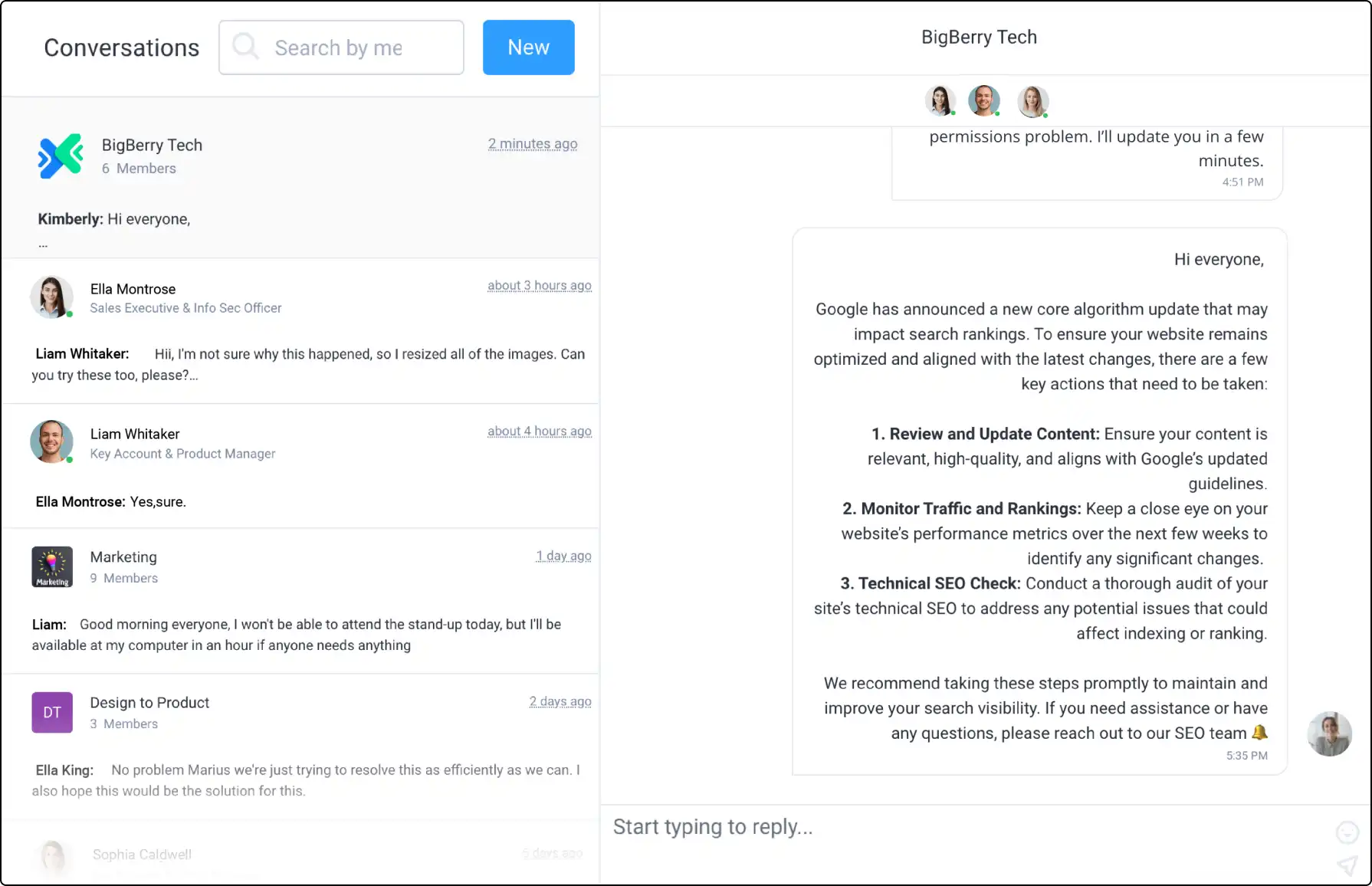
Connect with your team using Clinked's secure Group Chat. Communicate in real-time, whether in groups or one-on-one.

Use Clinked’s Reachouts to share updates like newsletters or invitations instantly across groups, keeping everyone informed.

Use Clinked's Custom Domain for a branded portal experience, making access easier for clients and team members.

Impress clients with Clinked’s white-label options. Match your portal with your corporate branding for a cohesive experience.

Upload large files up to 5GB directly to Clinked. Start with 1TB of storage, making file management simple and efficient.
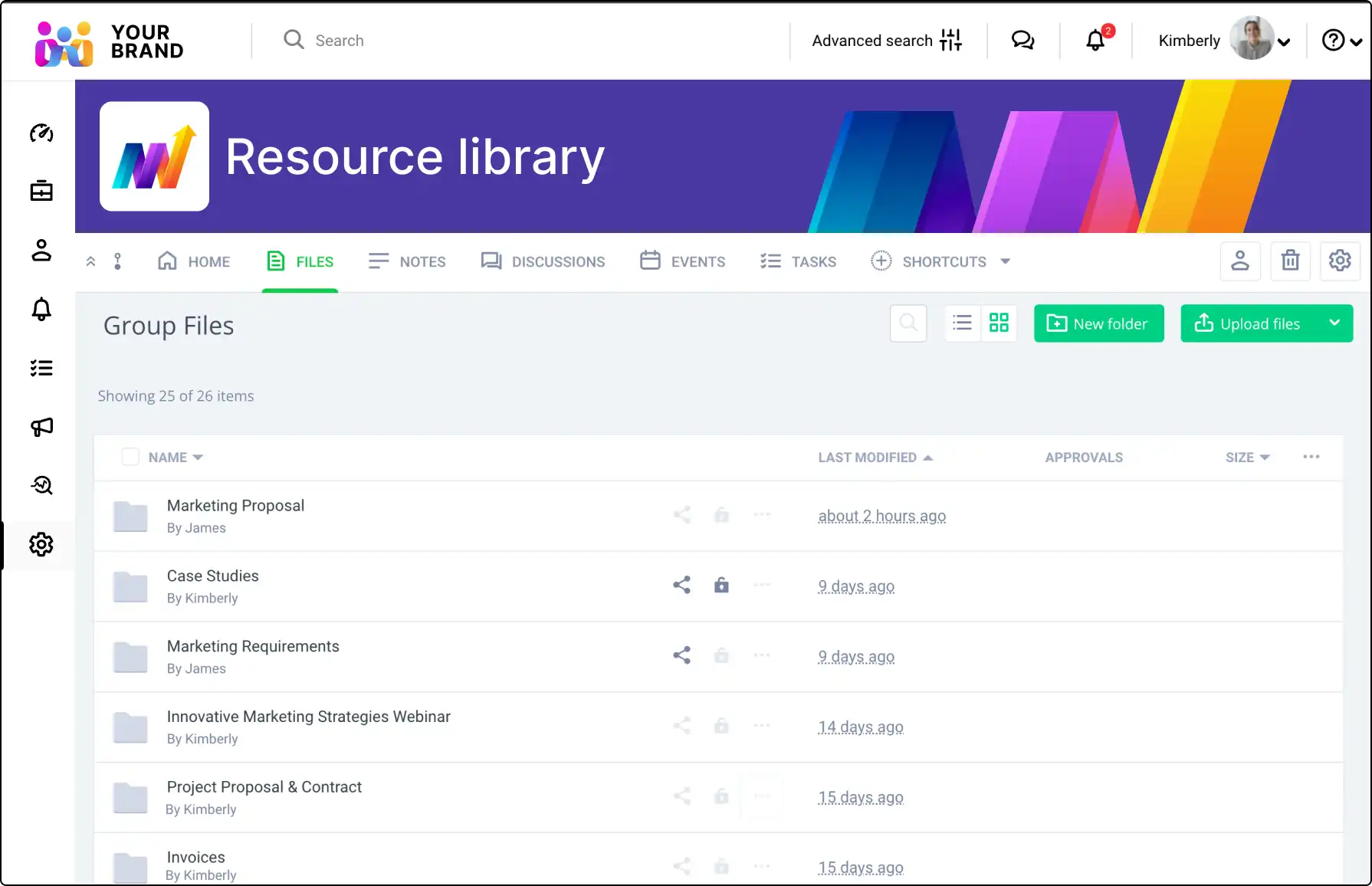
Use File Request to collect files securely from non-members. Allow uploads directly to Clinked for efficient handling.
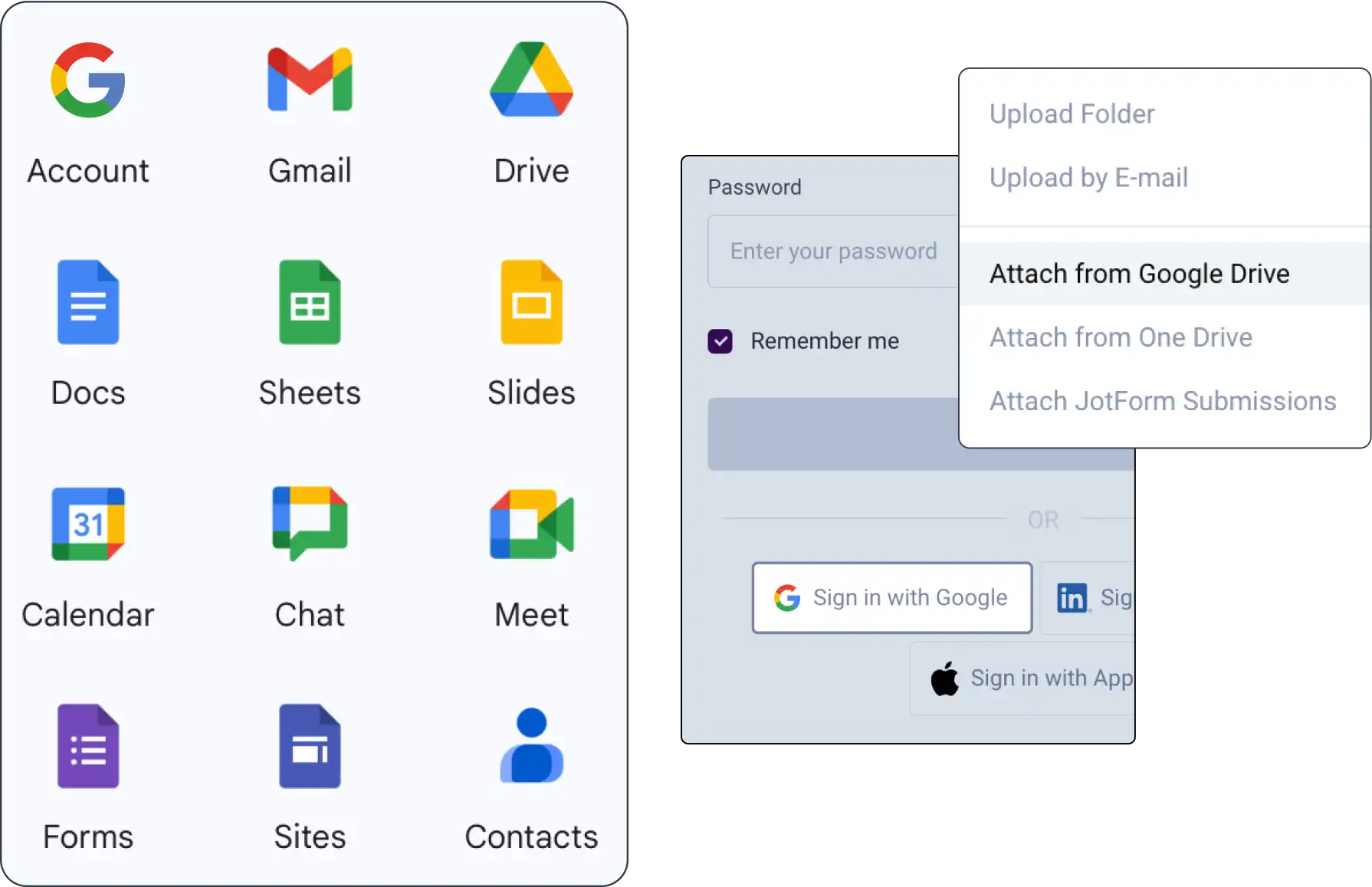
Integrate Google Workspace with Clinked for seamless document sharing, management, and collaboration within your projects.

Use Acrobat Sign integration for quick, secure document signing and storage in Clinked, ensuring compliance and efficiency.
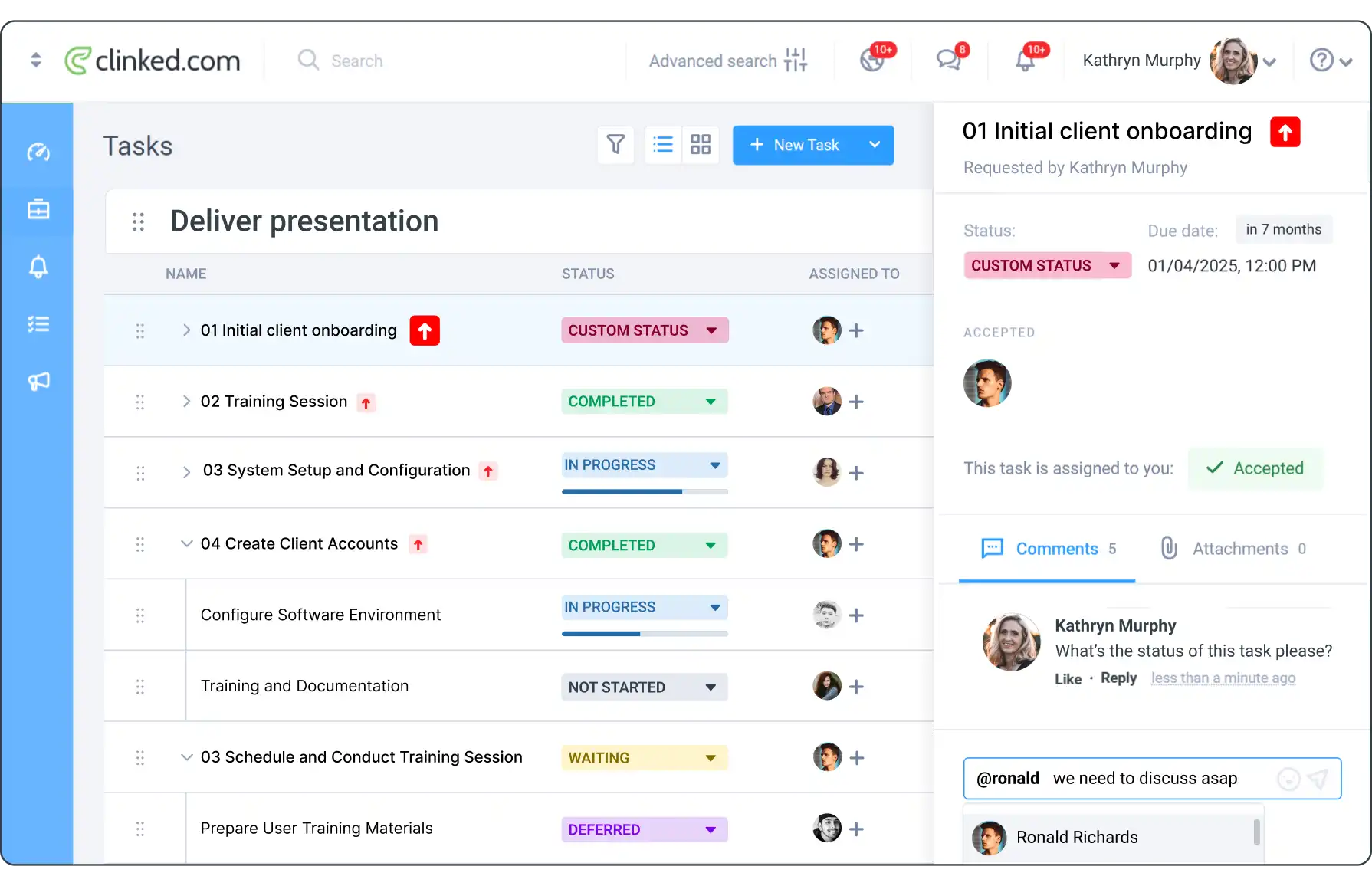
Manage tasks in Clinked by organizing, assigning, setting due dates, and tracking progress in a collaborative space.
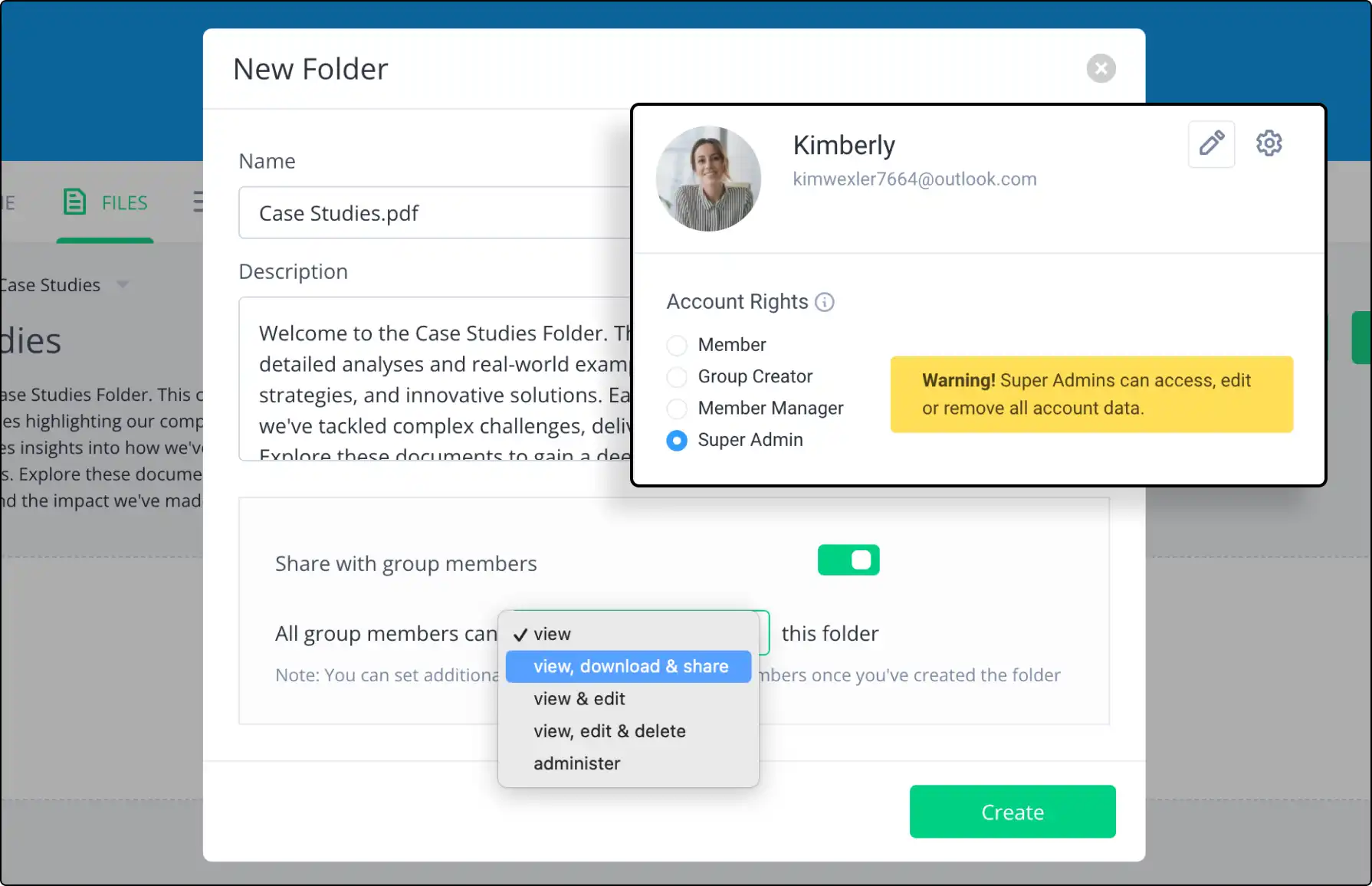
Set specific access permissions for group content. Ensure proper access levels while maintaining control and security.






Discover how Clinked’s tools support virtual teams with real-time communication, file sharing, and task management for remote collaboration.
Clinked offers four pricing plans to cater to different business needs: Lite, Standard, Premium, and Enterprise. Pricing starts at $77 per month for the Lite plan, with features scaling up to the Enterprise plan, which includes custom options for larger organizations. Annual and two-year subscription discounts are also available. You can explore each plan’s features and choose the one that best suits your requirements on Clinked’s pricing page.