Legal Document
Management Software
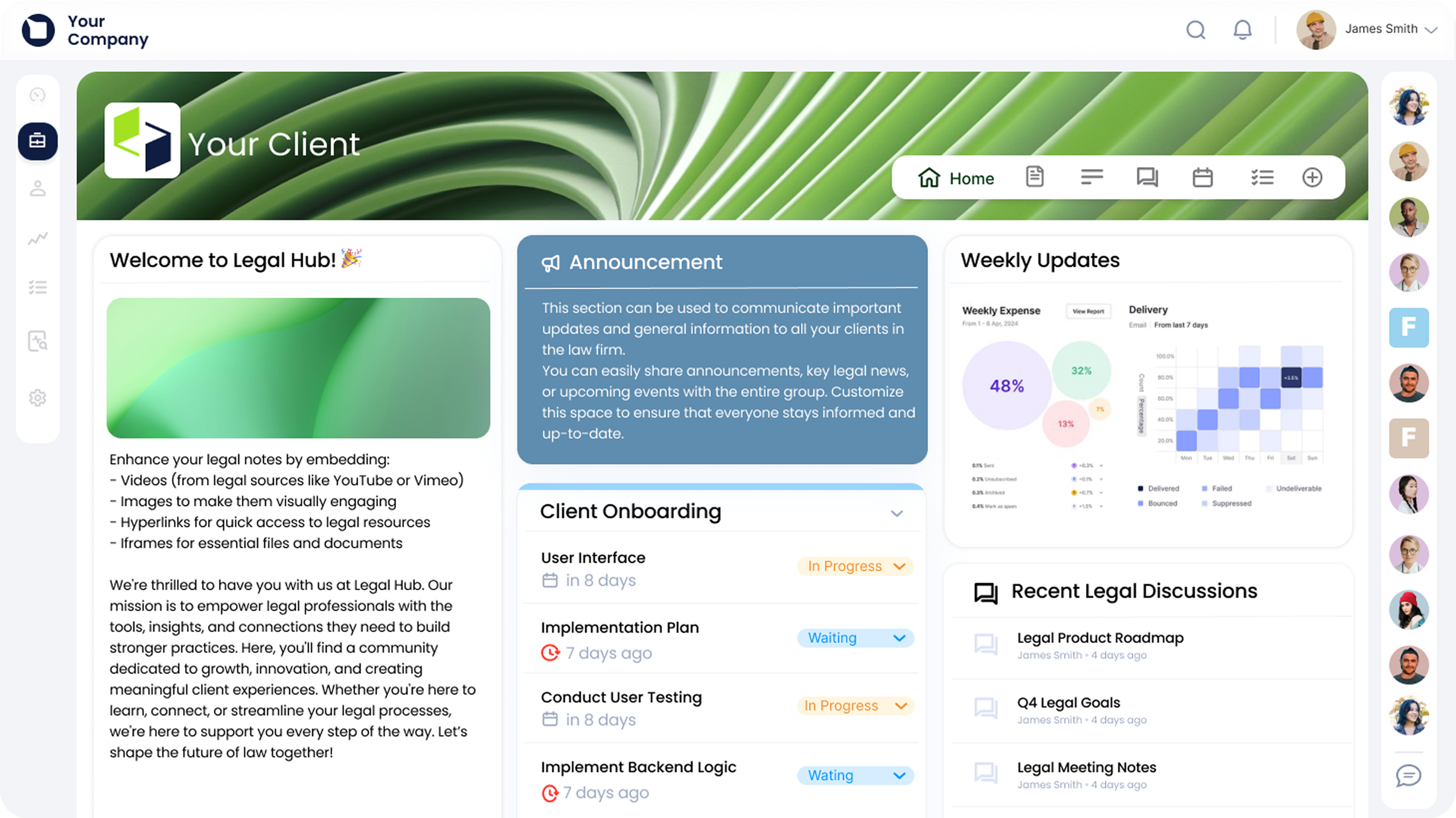
Document management software for law
firms that need more than storage. Manage case files, client communication, approvals,
and documents from one secure workspace.




.svg)


You’re in good company.











What is a legal document management system?
It combines document management with permissions, collaboration, and visibility, making it easier to keep legal work organised and audit-ready.




From your first matterto yourthousandth.
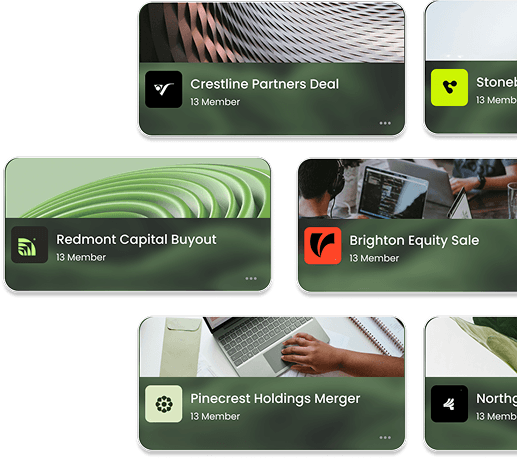
Clinked feels just as convenient handling ten matters as it does handling a thousand; whether you're a small practice looking for simplicity or a growing firm in need of greater visibility and control.
Legal work happens
wherever the client
needs you.
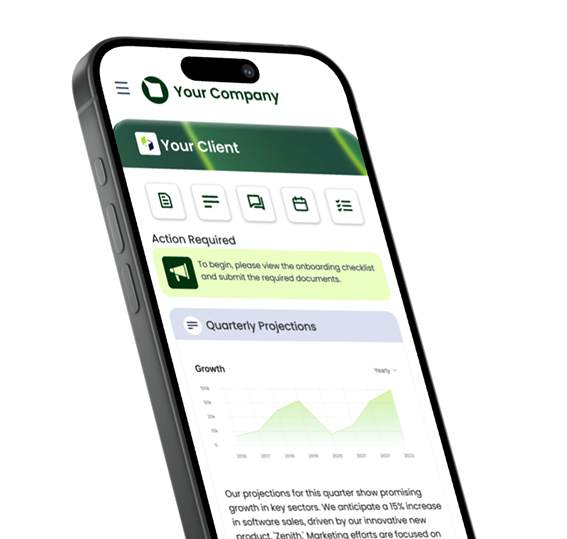
With cloud-based document management
systems for law firms, legal teams can
securely access, manage, and share
documents whether they're in the office, in
court, or on the move.
Ready when someone asks later.
Bank-grade encryption, granular permissions, encryption, version control, and full audit trails help firms maintain visibility, accountability, and stronger legal document compliance practices.




The documents are only
part of the workload.
A secure home for client collaboration.
Documents, requests, uploads, and updates stay connected in one secure workspace.
Communication that stays attached to the matter. No more digging through inboxes to reconstruct what happened three weeks ago.
Notifications that eliminate the guessing. See what's been uploaded, reviewed, completed, or waiting for attention in real time.
Workflows that keep cases moving.
Manage approvals, tasks, document requests, and matter progress with greater visibility.
Weighing your options?
This will save you hours.
Want a closer look at the market?
Compare the best document management
software for law firms.
When evaluating document management software for law firms, it's worth looking beyond storage alone.
Make sure to look for:
- Strong security
- Easy adoption
- White-label branding
- Client collaboration
- Matter tracking
FAQs
Here’s a quick overview of the questions asked most when choosing a M&A deal room.
Can’t find what you’re looking for?
Reach out to our lovely sales team: they’re real humans, exceptionally helpful, and ready to guide you.
Yes, the Clinked mobile app is free to download and use. You can access your client portal, collaborate with clients, and manage projects directly from your phone.
What is a document management portal?
A document management portal is a secure online workspace where businesses can store, organise, share, and manage documents with clients, partners, and internal teams. Clinked combines document management with client portal features, so files, conversations, tasks, approvals, and updates stay together in one secure place.
Does Clinked provide document management software with a client portal?
Yes. Clinked provides document management software with a built-in client portal, allowing businesses to securely share files, manage client documents, control access permissions, and collaborate with external users from one branded workspace.
Can I use Clinked as client file management software?
Yes. Clinked can be used as client file management software to organise documents by client, project, team, or workspace. Clients can upload, download, review, and access files securely without relying on long email threads or scattered attachments.
Is Clinked suitable for client document management?
Yes. Clinked is suitable for client document management because it gives each client a secure workspace where documents, messages, tasks, approvals, and project updates can be managed in one place.
What is the difference between document management software and a client portal?
Document management software helps teams store, organise, and control files. A client portal adds secure external access, branded workspaces, client communication, permissions, and collaboration tools. Clinked combines both, making it easier to manage documents and client relationships together.
Does Clinked support cloud-based document management?
Yes. Clinked is cloud-based, so teams and clients can securely access documents online from anywhere. This makes it easier to manage files, collaborate remotely, and keep everyone working from the latest version.
Can clients upload documents to Clinked?
Yes. Clients can securely upload documents directly into their portal. This helps businesses collect files, organise client information, reduce email attachments, and keep important documents in one central location.
Can I control document access and permissions?
Yes. Clinked includes user permissions and access controls, so you can decide who can view, upload, download, edit, or manage documents within each workspace.
Can Clinked replace email attachments for document sharing?
Yes. Instead of sending sensitive files through email, Clinked lets you share documents securely through a client portal. Clients can access the latest files, upload requested documents, and collaborate in a controlled workspace.
Who uses Clinked for document management?
Clinked is used by professional services firms, financial services teams, agencies, legal teams, consultants, and other businesses that need secure client document management and external collaboration.