No-Code Client Portal Builder
Build a professional, branded client portal in minutes – no coding required. Save time, collaborate efficiently, and impress your clients with Clinked’s secure and easy-to-use platform.
Build a professional, branded client portal in minutes – no coding required. Save time, collaborate efficiently, and impress your clients with Clinked’s secure and easy-to-use platform.
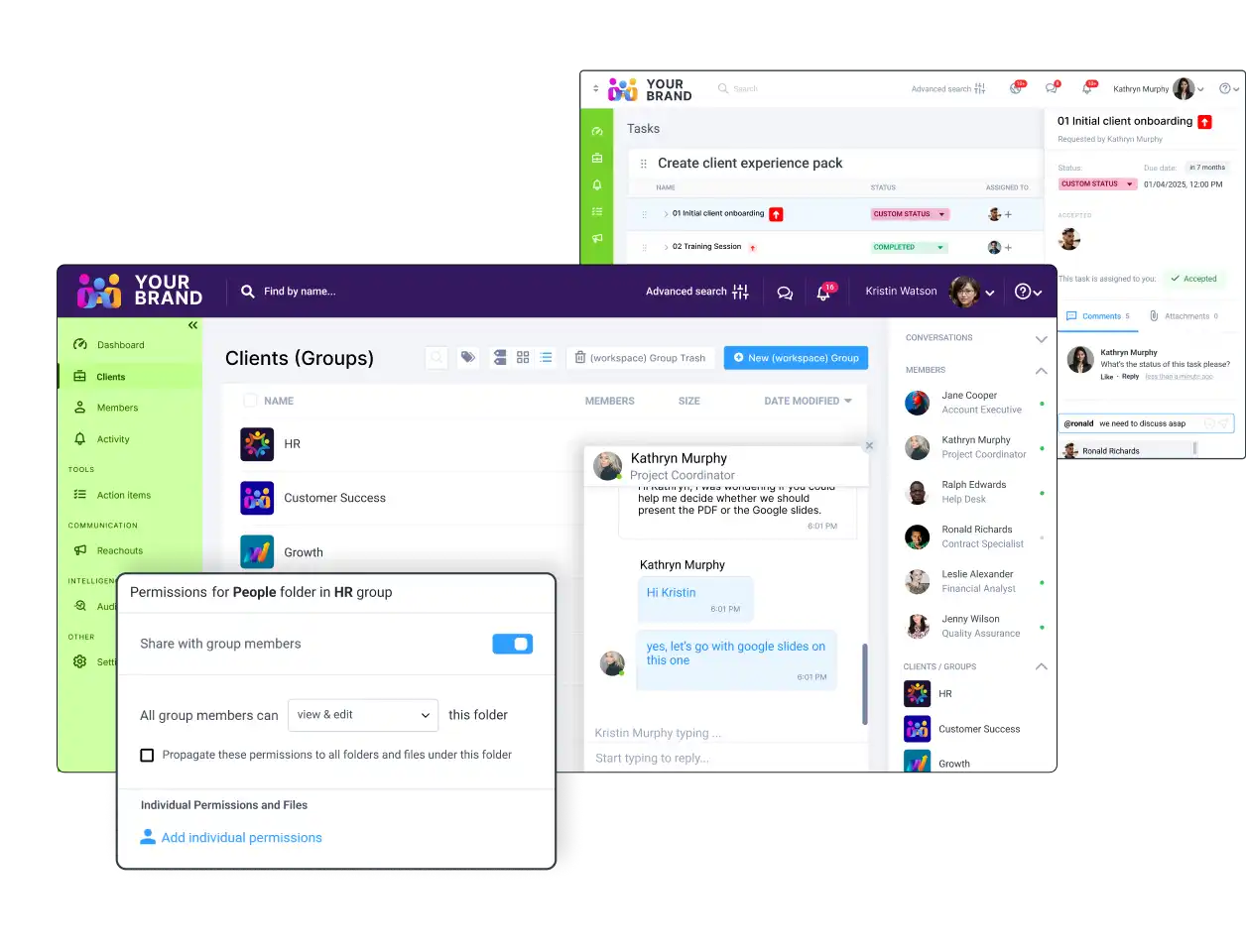


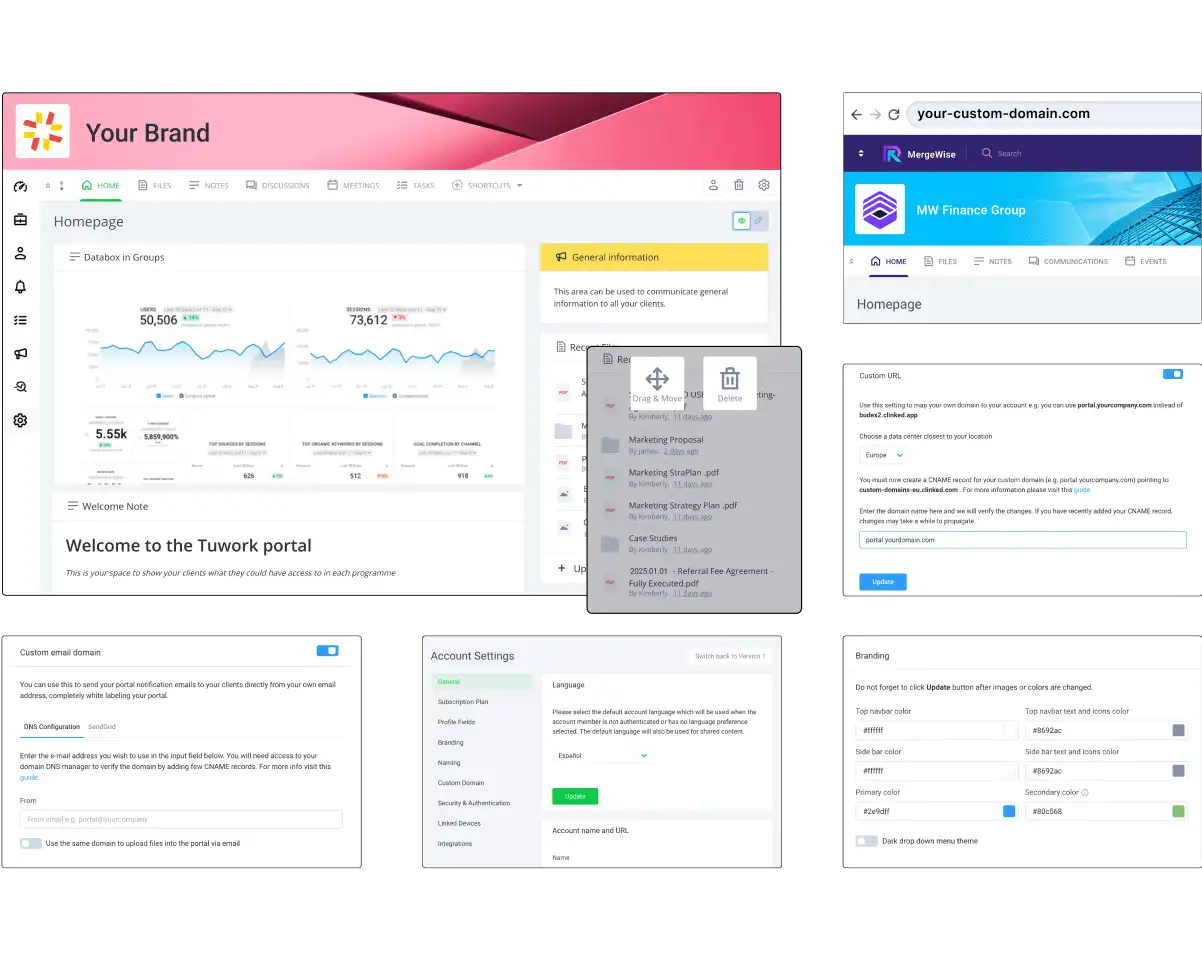
Create and customize a professional client portal in minutes with our intuitive, no-code platform. No technical expertise needed—just powerful tools to simplify collaboration and impress your clients.
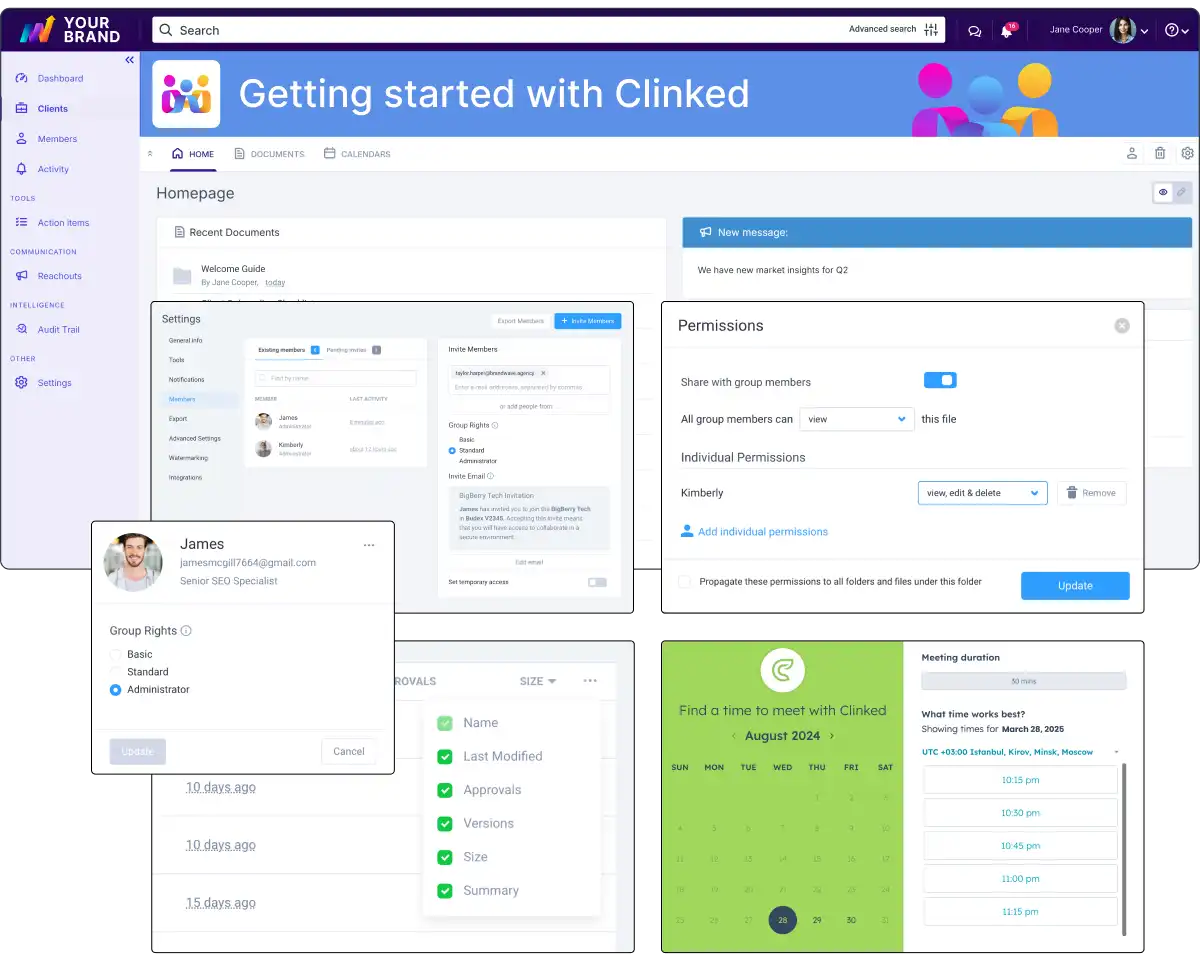
Launch your client portal quickly with step-by-step onboarding and pre-built templates. Need assistance? Our support team is ready to help—just give us a call.
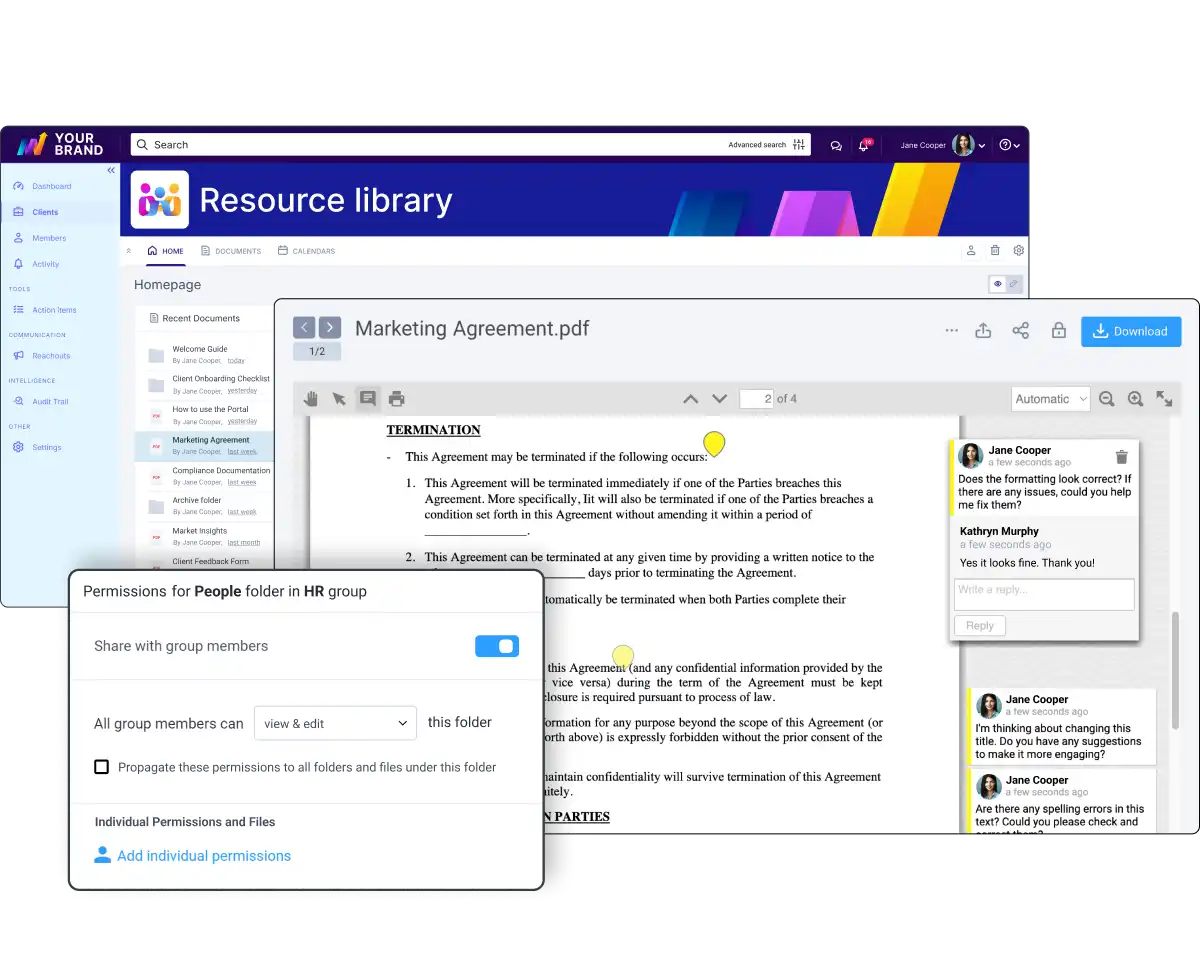
Deliver a seamless client experience with secure file sharing, fully branded portals, and real-time document collaboration. Empower your team to communicate, share, and work efficiently—all in one centralized space.
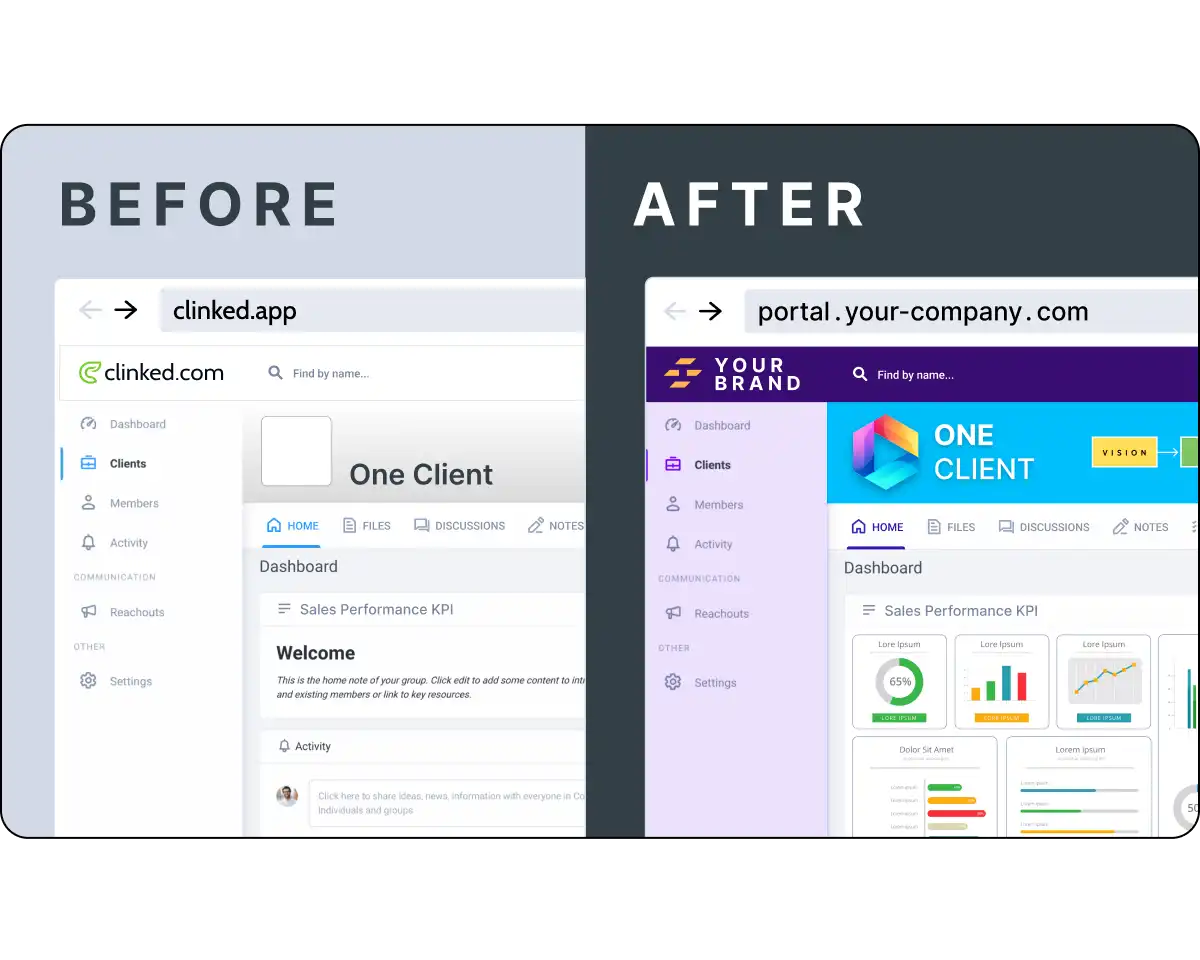
Fully brand your client portal with your logo, colors, and style. Deliver a seamless, professional experience that feels like an extension of your business—no coding needed.
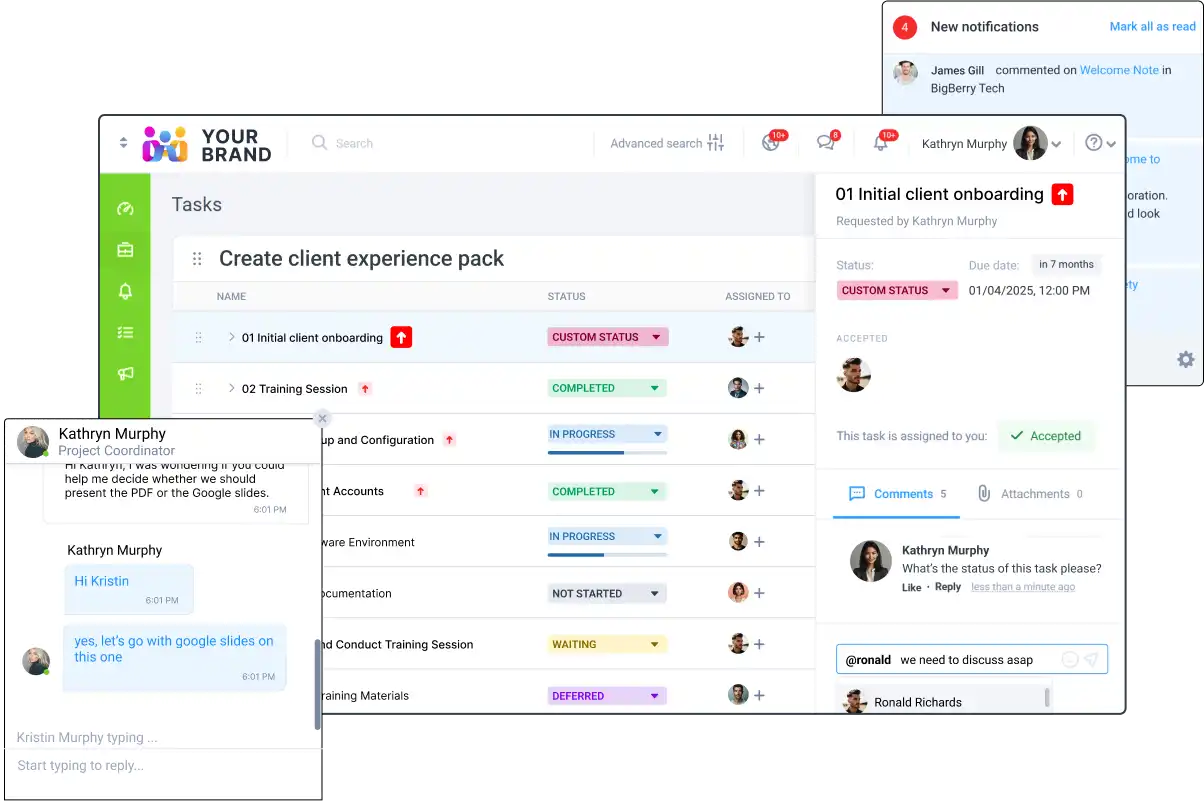
Streamline client interactions with built-in messaging, notifications, and task management. Keep everything organized and accessible in one platform to ensure seamless collaboration and communication.


Build a secure, branded, and user-friendly client portal with powerful no-code features designed to streamline communication, collaboration, and file sharing—no technical skills required.

Clinked meets US standards with HIPAA, FISMA, and FIPS compliance, ensuring a secure environment for healthcare and government data.

Stay updated with Clinked’s email notifications. Get alerts for content changes, keeping you connected to important actions.
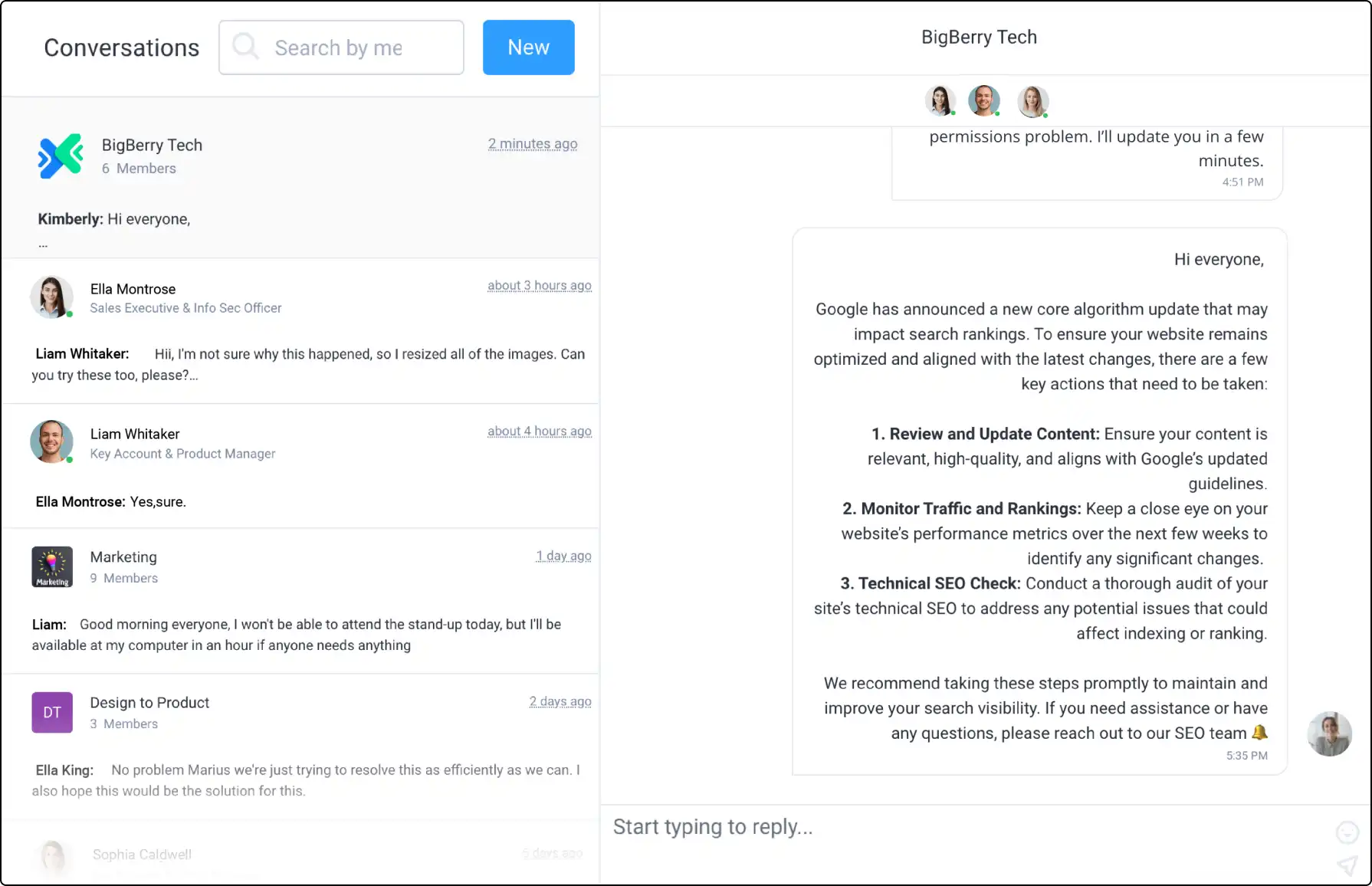
Connect with your team using Clinked's secure Group Chat. Communicate in real-time, whether in groups or one-on-one.

Use Clinked's Custom Domain for a branded portal experience, making access easier for clients and team members.

Impress clients with Clinked’s white-label options. Match your portal with your corporate branding for a cohesive experience.

Upload large files up to 5GB directly to Clinked. Start with 1TB of storage, making file management simple and efficient.
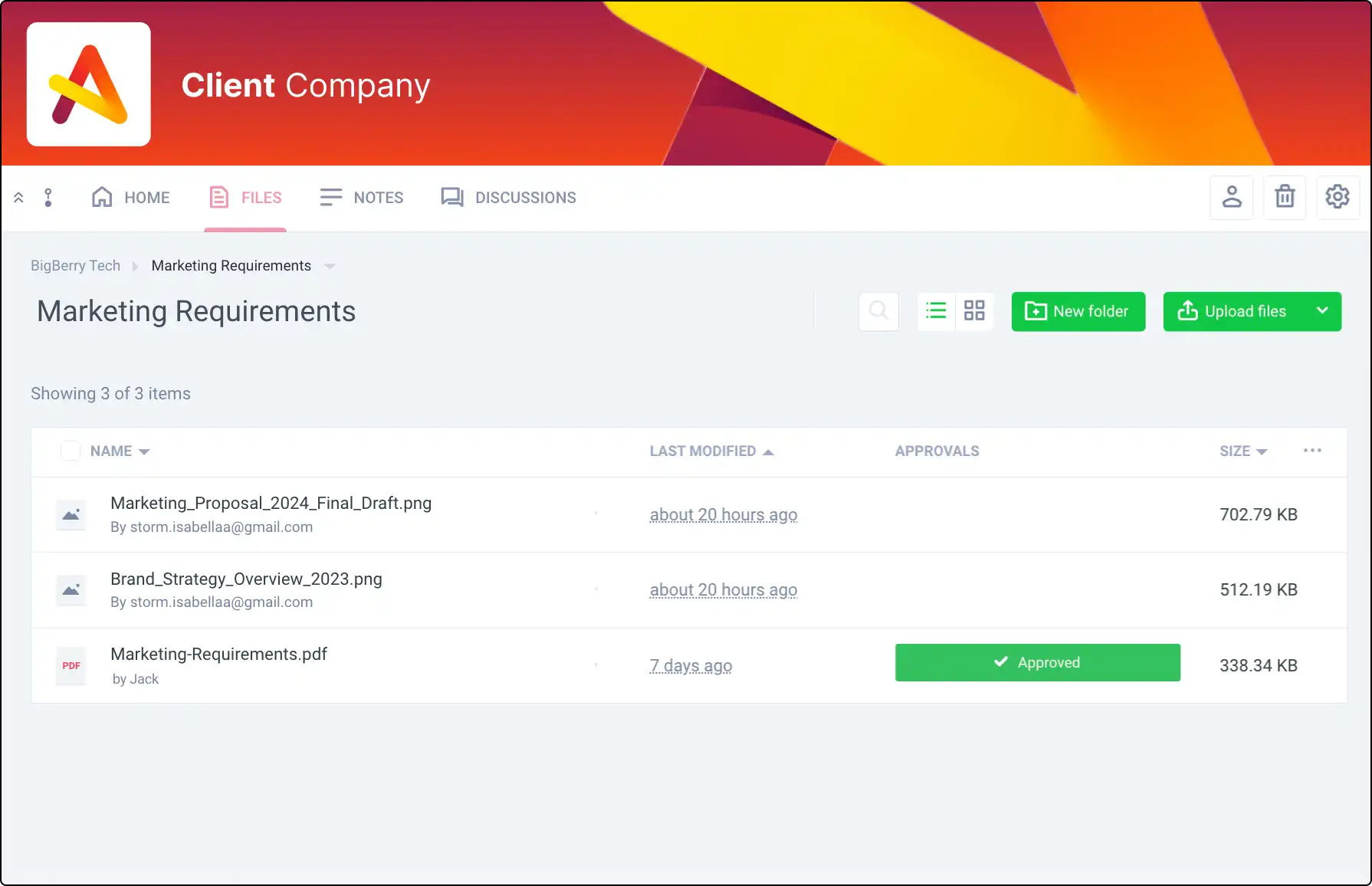
Manage document sign-offs efficiently. Track approvals or rejections within Clinked to ensure everyone is on the same page.
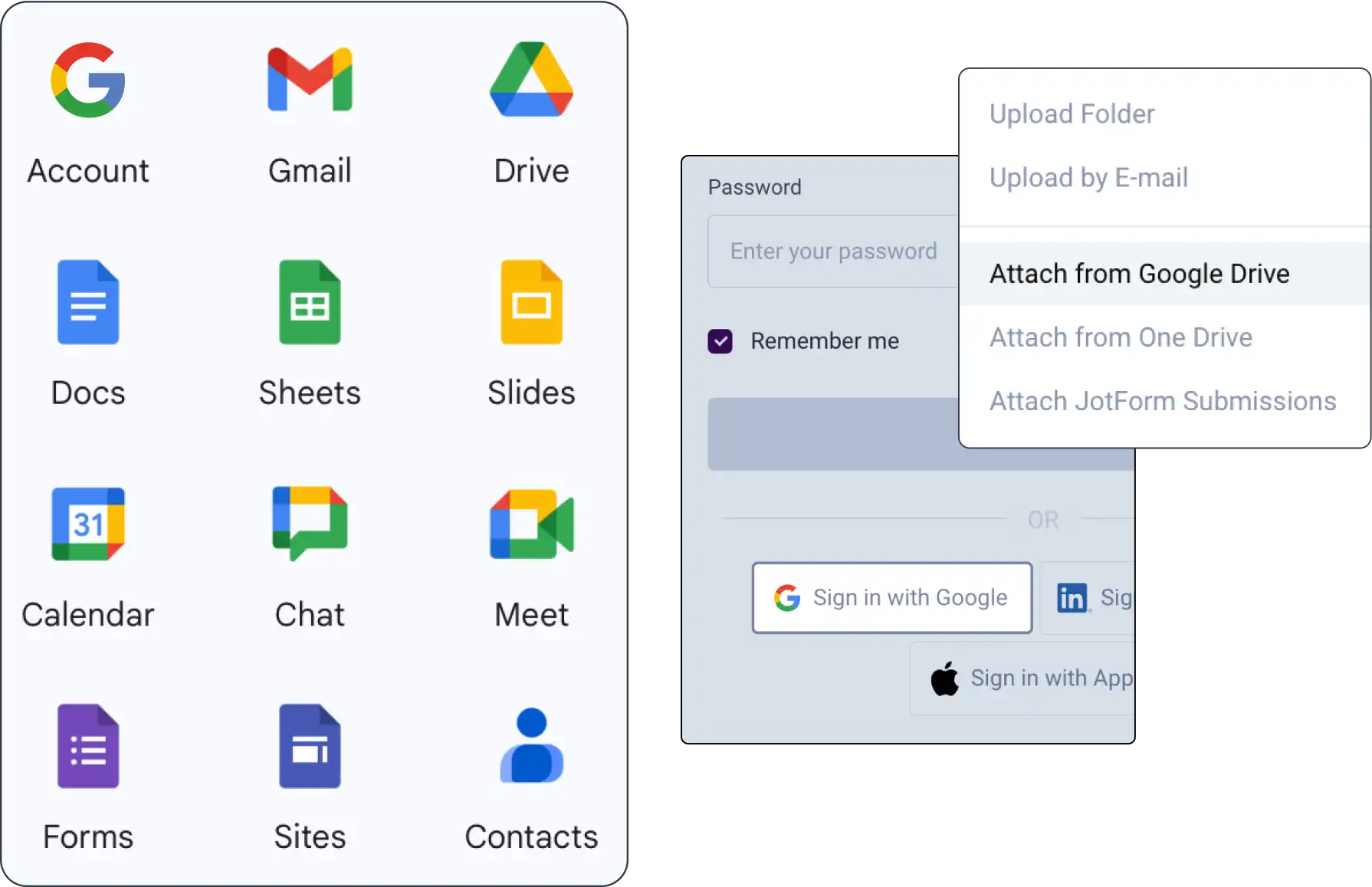
Integrate Google Workspace with Clinked for seamless document sharing, management, and collaboration within your projects.

Offer a branded mobile app with Clinked’s white-label option, enabling seamless collaboration on the go for your clients.

Ensure transparency with detailed audit trails. Track user activities and document actions to manage your portal effectively.
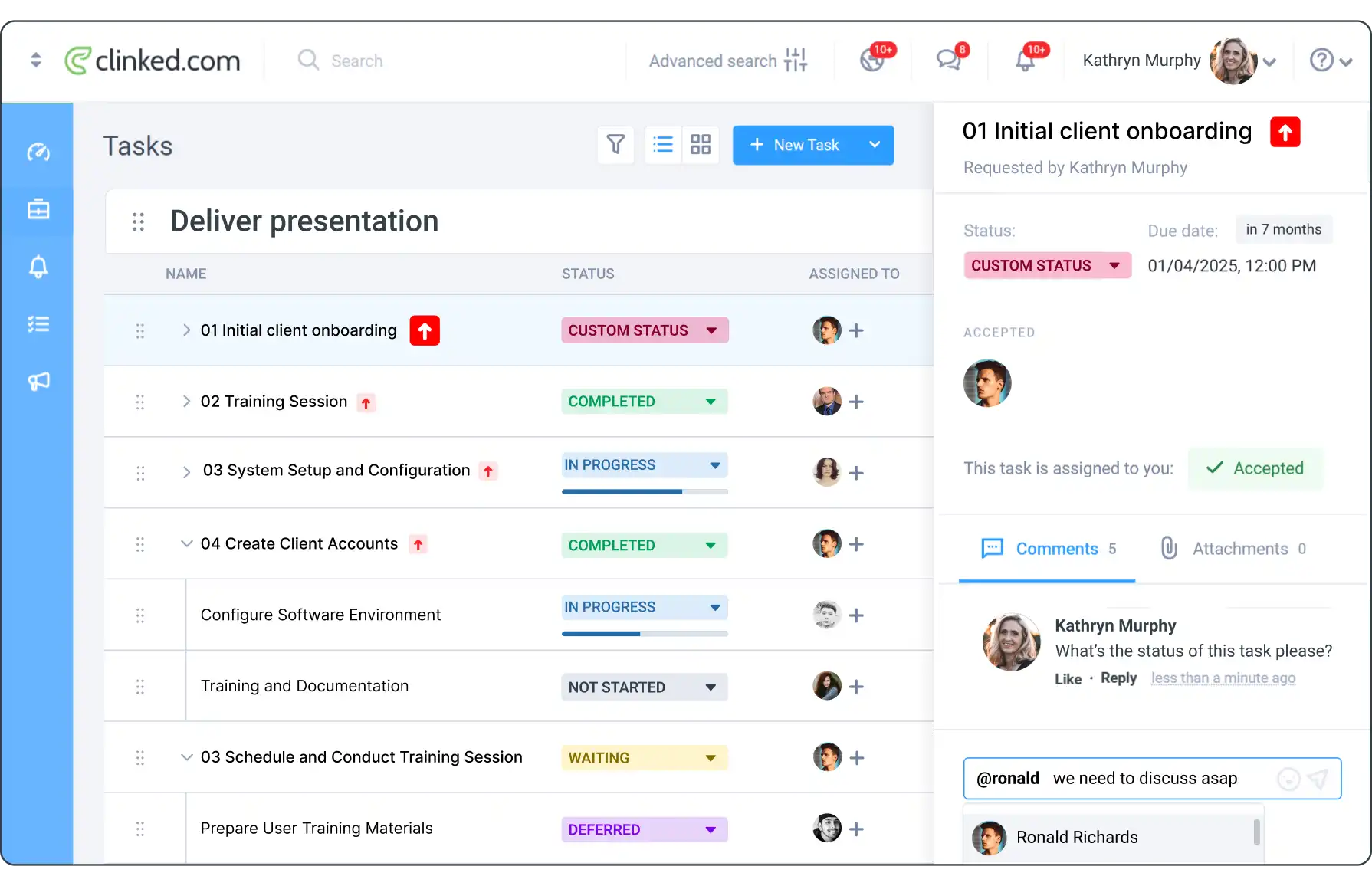
Manage tasks in Clinked by organizing, assigning, setting due dates, and tracking progress in a collaborative space.
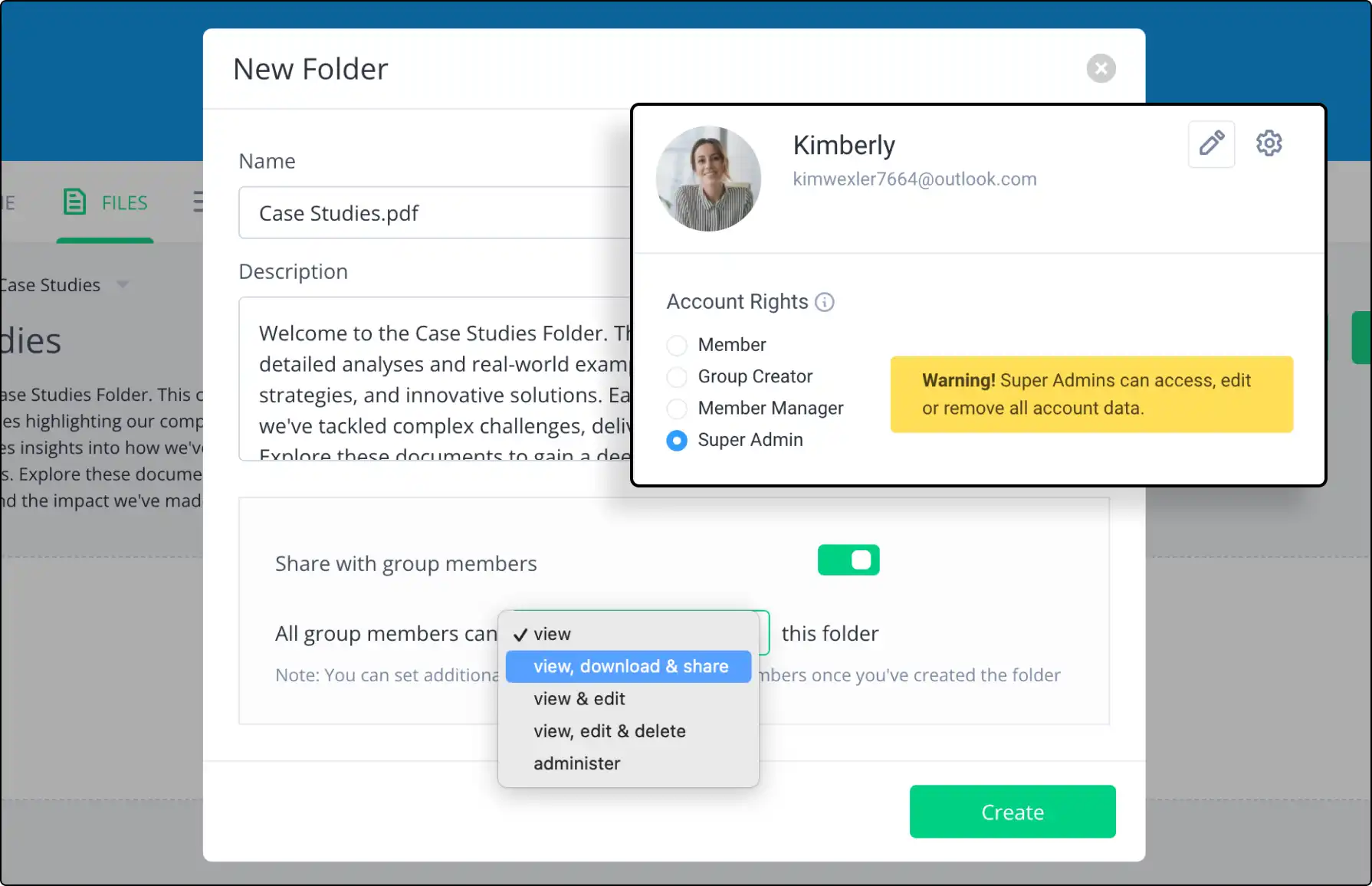
Set specific access permissions for group content. Ensure proper access levels while maintaining control and security.



See how content collaboration portals boost teamwork, document sharing, and project management for creative teams.
A client portal is a secure online workspace where a business and its clients can share documents, communicate, manage tasks and access important information in one place. Client portals are commonly used by professional services firms, agencies, consultants and client-facing teams.
Client portal software helps businesses create secure digital workspaces for clients. It usually includes file sharing, messaging, permissions, notifications, branding, document management and collaboration tools.
A secure client portal is a client-facing workspace designed to protect sensitive information. It typically includes secure login, access permissions, encrypted file sharing, user controls, audit trails and data protection features.
Yes. Clinked can be used as a secure client portal for sharing files, managing communication, collaborating with clients and organising client workspaces. It supports branded portals, permissions, document sharing and secure collaboration.
Yes. Clinked supports white-label and branded client portals, including custom branding and client-facing workspaces. This helps businesses give clients a secure portal experience that matches their own brand.
Yes. With Clinked, businesses can create custom-branded client portals with their own branding, client workspace structure and secure access controls.
Clients can usually access shared documents, upload files, communicate with the business, review updates, collaborate on tasks and find important information in one secure workspace. The exact access can be controlled by the business.
A client portal provides a more controlled and branded experience than email or standard file-sharing tools. It combines secure file sharing, communication, permissions, notifications and collaboration in one workspace, instead of spreading client work across multiple tools.
Yes. A client portal can be used for secure client file sharing, document uploads, approvals and ongoing document exchange. Permissions help control which clients or users can access each file or folder.
Client portals are used by accountants, law firms, consultants, agencies, financial services firms, property teams and other businesses that need to share information and collaborate securely with clients.
Yes. External clients can be invited into a Clinked portal and given controlled access to the documents, discussions, tasks or updates that are relevant to them.
Yes. Consultants can use a client portal to share deliverables, collect files, manage updates, communicate with clients and keep project information organised in one secure workspace.