


Best Client Portals for Law Firms
Client portals for law firms give clients a controlled place to exchange documents, submit information, receive matter updates and communicate with their legal team.
Some portals are standalone, client-facing platforms. Others sit inside broader legal practice-management systems that also handle billing, time recording and internal matter administration. The right choice depends on whether your firm wants to improve the client experience alongside its existing software or replace several systems with one legal platform.
What is a law firm client portal?
A law firm client portal is a secure online environment where lawyers and clients can share files, exchange messages, submit requested information and access relevant matter updates.
A dedicated portal mainly supports external collaboration. Practice-management software has a wider internal role, often covering matters, billing, time recording, calendars and accounting.
For a broader explanation of portal functionality, see Clinked’s guide to client portal software.
Many firms use both. Their practice-management system remains the internal source for matters and billing, while a separate portal provides a more configurable client-facing experience.
Clinked explains this distinction in more detail in its guide to client portals versus legal practice-management software.
Best client portals for law firms
Clinked — Best for a secure, branded client-facing portal
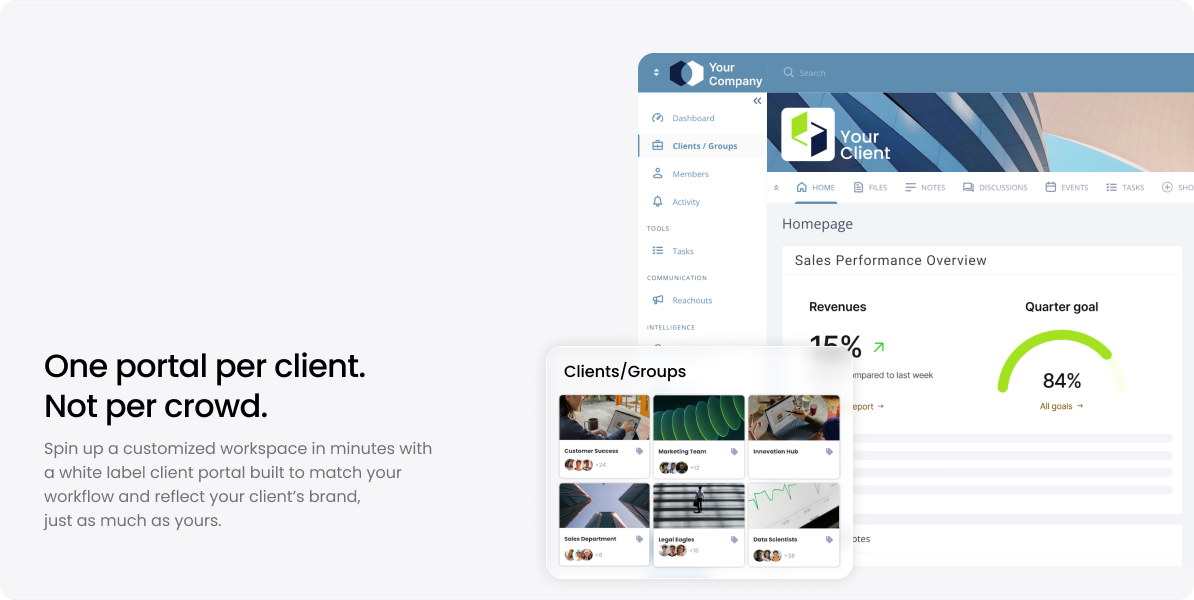
Clinked may suit firms that want a dedicated client collaboration layer without replacing their existing legal software. Firms can create separate client or matter workspaces, exchange documents, collect files, manage approvals and control access through granular permissions. Its white-label options include firm branding and custom domains, making it relevant where the client experience should remain under the law firm’s identity.
Clinked is not intended to replace specialist legal billing, trust accounting, time recording or full matter-management software. Its strength is providing a configurable client-facing workspace alongside a firm’s existing systems.
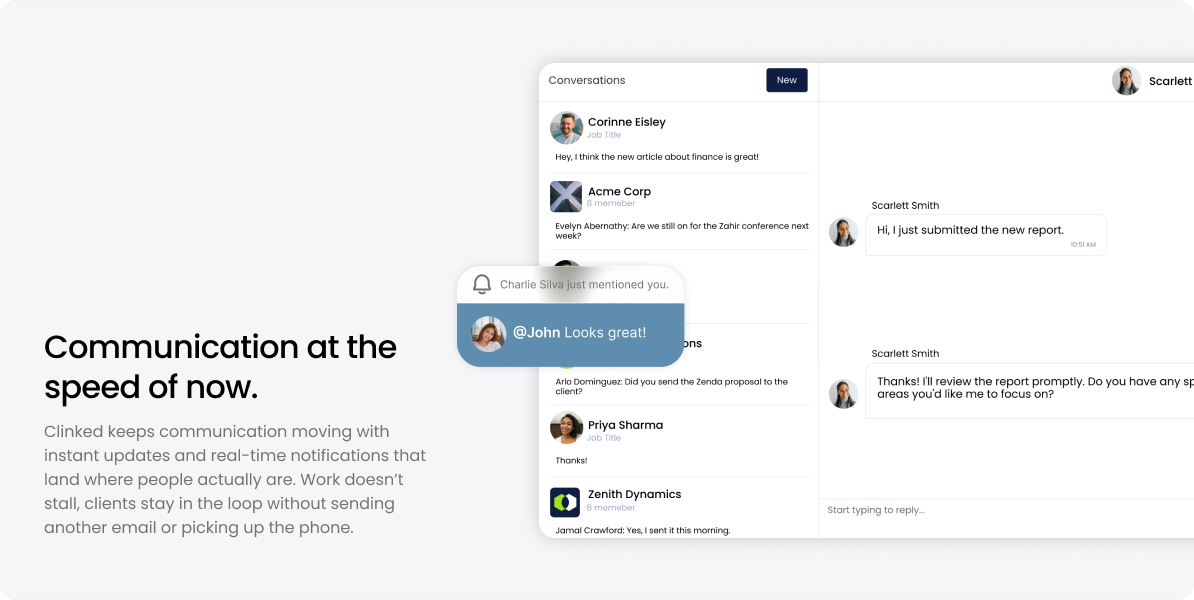
Law firms comparing document workflows can also review Clinked’s guides to secure file sharing for law firms and the best document-management software for law firms.
Clio — Best for an established all-in-one legal platform

Clio for Clients gives clients a place to communicate with their firm, access case information and exchange documents. It sits inside Clio’s broader platform, which covers client intake, matters, time tracking, billing and payments.
It is worth considering when a firm wants client access closely connected to its internal legal operations. Firms primarily seeking a heavily branded, standalone client environment may prefer a dedicated portal.
MyCase — Best for small and midsized practices

MyCase combines its client portal with legal practice and case management. Clients can access case updates, documents, invoices, account statements and messages through one system. Its wider platform also includes legal billing, payments and other practice-management functions.
This consolidated approach may reduce the number of systems a smaller firm needs to administer. However, it is designed as a broader legal platform rather than a deeply customised standalone portal.
Smokeball — Best for integrated workflows and billing
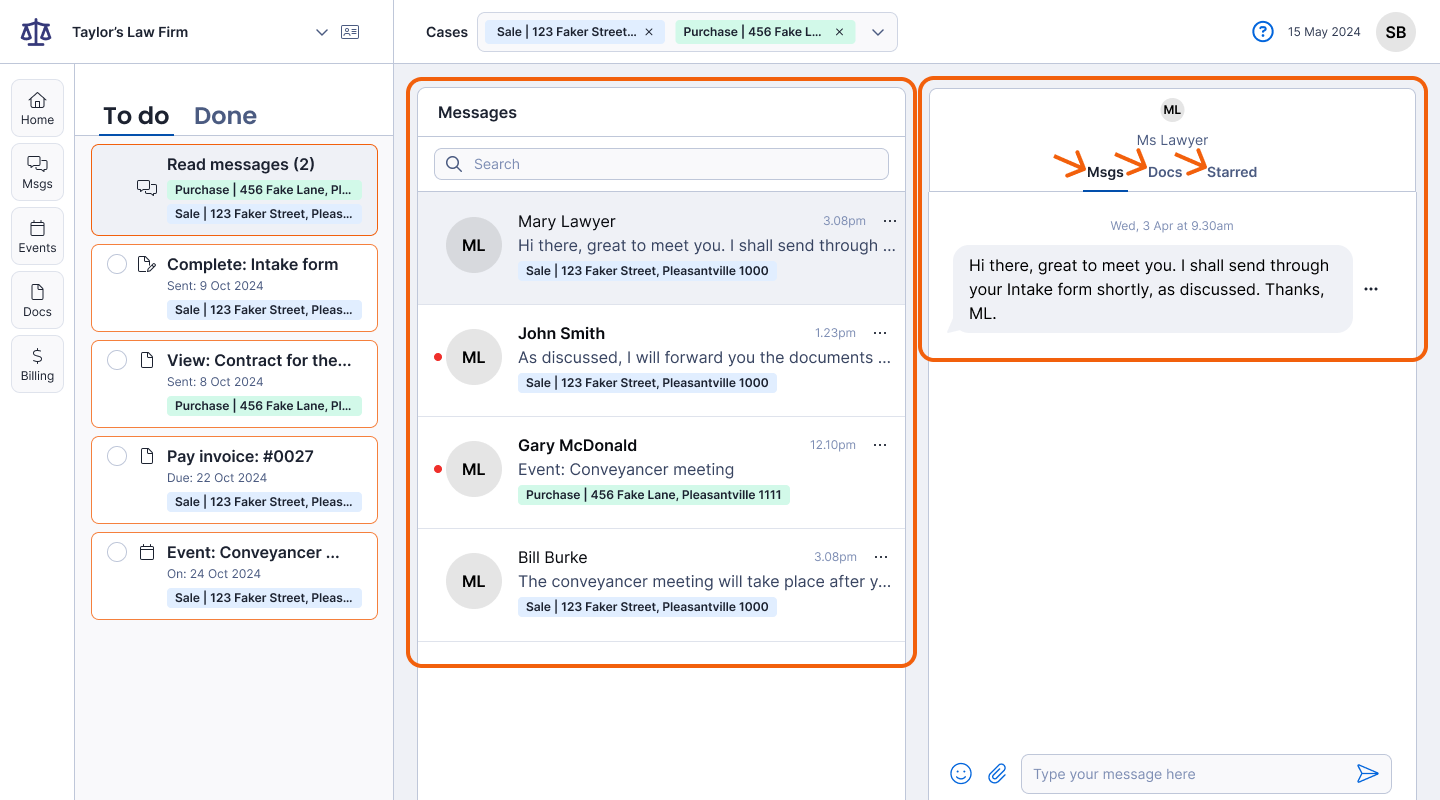
Smokeball’s client portal connects with its billing, case-management and workflow features. Clients can access documents and financial information, while the wider platform supports matter management, automatic time tracking, billing and trust accounting.
It may suit firms looking to consolidate internal operations and client access. A firm that already has established practice-management software should consider whether adopting another complete platform would create unnecessary migration work.
Filevine — Best for litigation and case-intensive firms

Filevine provides a client portal inside its wider legal case-management environment. Clients can access case information, receive updates, exchange messages and retrieve documents without repeatedly contacting the firm.
Its case-management depth may appeal to litigation practices and firms handling large matter volumes. For a firm that only needs branded document exchange and client communication, the wider platform may be more extensive than required.
Actionstep — Best for configurable legal workflows
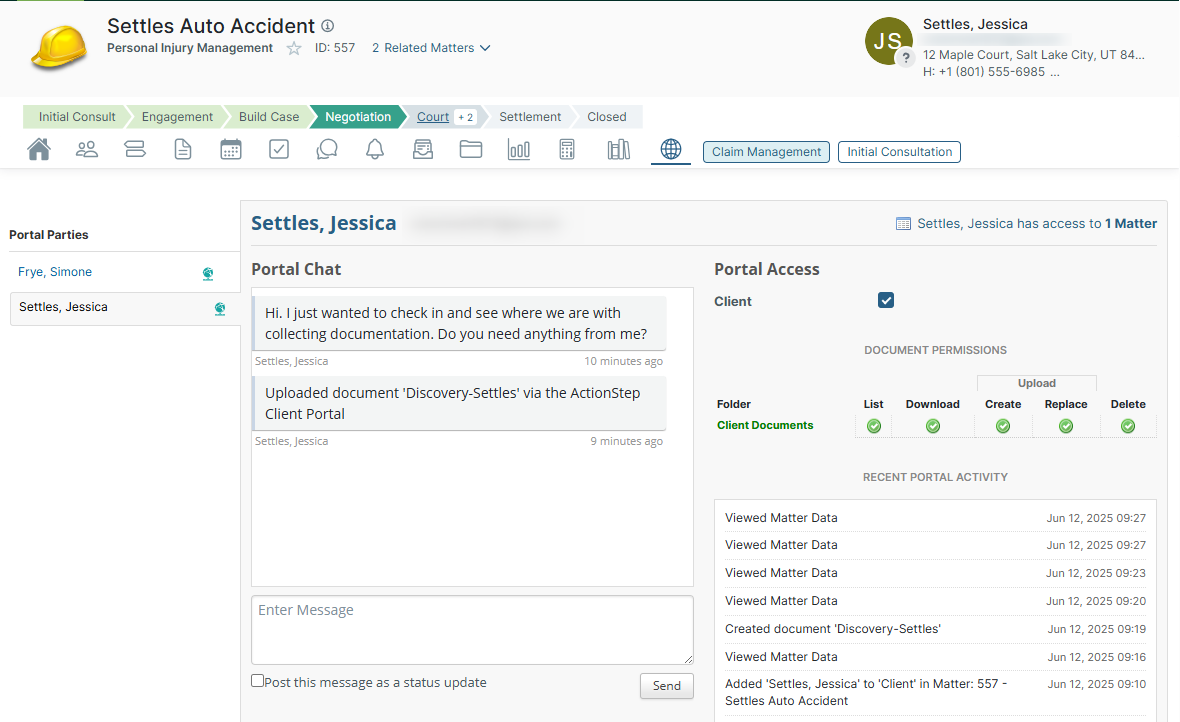
Actionstep’s portal allows lawyers and clients to share documents, view matter information and communicate within the firm’s wider legal practice-management environment. The platform also includes workflow automation, billing, accounting, time capture and reporting.
It may suit midsized firms that want client interactions tied to structured internal workflows. Its broader scope means implementation is likely to involve more than adding a standalone client portal.
Benefits of client portals for law firms
The main benefits of client portals for law firms come from giving clients and legal teams one controlled location for external collaboration.
A portal can reduce the use of confidential email attachments, make document requests easier to track and keep messages connected to the relevant client or matter. Permissions can restrict users to authorised content, while activity records provide greater visibility over uploads, downloads and other actions.
A branded portal can also create a more consistent client experience. Clients know where to find updates, requests and case documents rather than searching through separate emails and file-sharing links.
For a closer look at document exchange options, see Clinked’s comparison of email, SharePoint and client portals for legal file sharing.
These benefits still depend on appropriate configuration, internal procedures and user adoption. A portal does not automatically make a firm secure or compliant.
How to choose a law firm client portal
Begin by deciding whether your firm needs a dedicated client-facing workspace or a complete replacement for its practice-management system.
Assess:
- Security controls, authentication and permissions
- Document uploads, requests, approvals and version history
- Client messages and notifications
- Branding and custom-domain requirements
- Integration with existing legal and document systems
- Ease of use for clients and administrators
- Mobile access
- Pricing, storage and scalability
Also confirm what is included in the relevant plan. A platform may advertise a feature that requires an upgrade, separate product or additional implementation.
Firms with document-heavy workflows may also benefit from reviewing Clinked’s overview of legal document-management systems.
Which portal is right for your firm?
Clinked is worth considering when branding, secure document collaboration and flexible client workspaces are the priority. Clio, MyCase and Smokeball may be better fits for firms replacing or consolidating practice-management systems. Filevine is aimed more towards case-intensive operations, while Actionstep is suited to firms that want configurable legal workflows.
There is no universal winner. The best choice depends on the systems your firm already uses and the client processes it wants to improve.
Read more: Explore these related guides to compare document workflows, security requirements and software options for law firms.
- Secure file sharing for law firms: a practical guide
- Client portal vs legal practice-management software
- Best document-management software for law firms
- Client communication tools for law firms: secure alternatives to email


