


Free Client Portal Software: What to Look For Before You Choose
Looking for free client portal software usually starts with one simple problem:
Your client work is scattered.
Files are in email. Updates are in chat. Documents are in Google Drive. Requests are in spreadsheets. Someone on your team knows where the latest version is, but your client does not.
That setup may work for a while. But once you manage more clients, more files, or more sensitive information, it starts to break.
Free client portal software can help by giving clients one place to access files, upload documents, read updates, and communicate with your business. But not every free option gives you the same experience.
Some tools are useful for basic file sharing. Others are closer to a real client portal. Before you choose one, you need to know what “free” actually means and which features matter most.
Quick answer: what should you look for in free client portal software?
The best free client portal software should include secure client login, separate client workspaces, file sharing, client uploads, permissions, branding, notifications, and simple client communication.
If you only need to share a few files, a free folder or template may be enough. But if you manage multiple clients, handle sensitive documents, or want a branded client experience, choose a professional client portal with a free trial instead.
What is free client portal software?
Free client portal software is a tool that lets your business create a private online space where clients can log in, access files, upload documents, view updates, and communicate with your team.
A client portal can include:
- secure client login
- file sharing
- client uploads
- branded workspaces
- client communication
- document requests
- project updates
- permissions
- notifications
- mobile access
The word “free” can mean different things.
It may mean:
- a free forever plan with limits
- a free trial
- a free template
- a free open-source tool
- a DIY setup using Google Drive, Notion, or spreadsheets
That is why the first question should not be “Is it free?”
The better question is:
Will this still work when real clients start using it?
The biggest risks when choosing free client portal software
Free client portal software can help you get started, but the wrong setup can create problems later.
The biggest risks are:
Clinked’s own security page confirms it is ISO 27001 certified and that its security processes are independently audited. It also states Clinked supports encryption in transit and at rest.
Free plan vs free trial: what is the difference?
A free plan usually gives you long-term access, but with limits. Those limits may include fewer users, less storage, no branding, limited permissions, or fewer support options.
A free trial gives you temporary access to a more complete product. This is useful when you want to test the real client experience before paying.
If you only need a simple place to share files, a free tool may be enough.
If you need secure access, client separation, branding, and communication in one place, a free trial of professional client portal software is usually the better option.
What to look for in free client portal software
Here are the features that matter most.
1. Secure client login
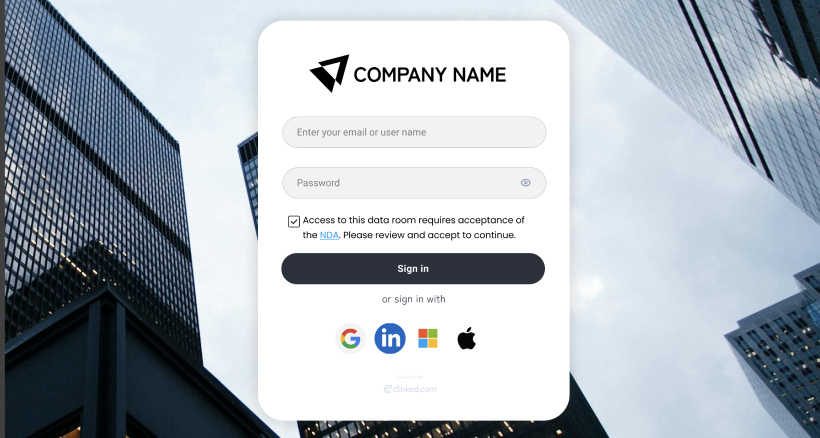
A real client portal should give every client their own login.
This is different from sending public links or sharing folders that can be forwarded.
Secure login matters when clients are accessing contracts, financial records, legal documents, reports, tax files, medical information, business plans, or private project documents.
Before choosing a tool, ask:
- Can each client log in securely?
- Can I remove access when needed?
- Can I control who sees each file?
- Can I separate internal users from external clients?
If the answer is unclear, the tool may not be strong enough for serious client work.
2. Separate client workspaces

One of the most important questions is:
Can my clients see each other?
In a proper client portal, the answer should be no.
Each client should have their own private workspace with their own files, messages, updates, and documents.
This matters for agencies, consultants, accountants, financial firms, legal teams, healthcare providers, HR teams, property businesses, and any company managing multiple clients.
A shared folder system can work at first, but it becomes risky when all client information is managed manually.
3. File sharing and client uploads
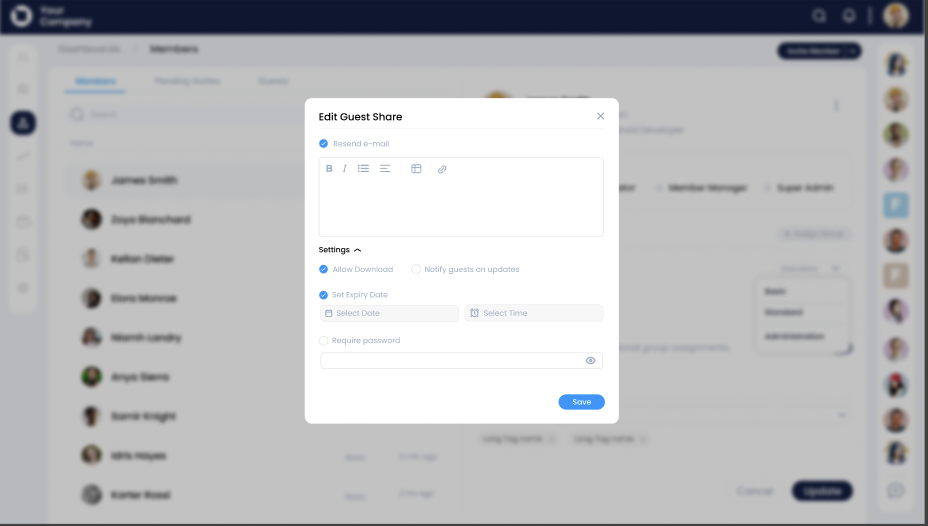
File sharing is the basic requirement.
But a good client portal should not only let you send files to clients. It should also let clients upload files back to you.
Look for a portal that lets you:
- upload documents
- organize files into folders
- share files with specific clients
- receive client uploads
- control file access
- avoid duplicate email attachments
- keep the latest version easy to find
This is especially important for businesses that collect documents during onboarding, tax preparation, legal work, consulting projects, financial reviews, or client approvals.
4. Branding
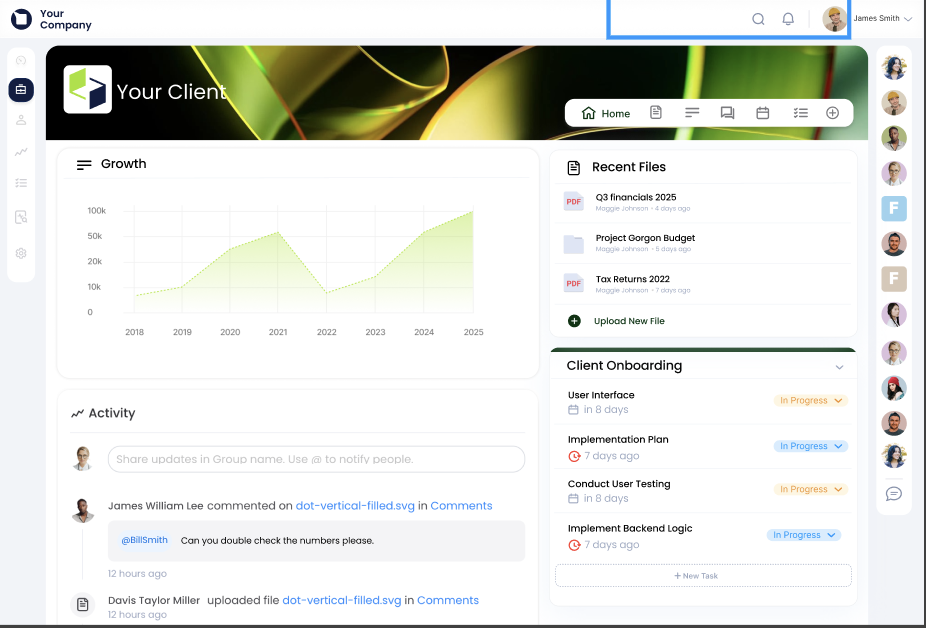
A shared folder may be functional, but it does not feel like your business.
A branded client portal gives clients a more professional experience. It can include your logo, colors, company name, and branded workspace.
This matters because clients notice the difference between:
“Here is a Google Drive link.”
and:
“Here is your secure client portal.”
If client experience is part of your service, branding should not be treated as a nice-to-have.
5. Simple client experience
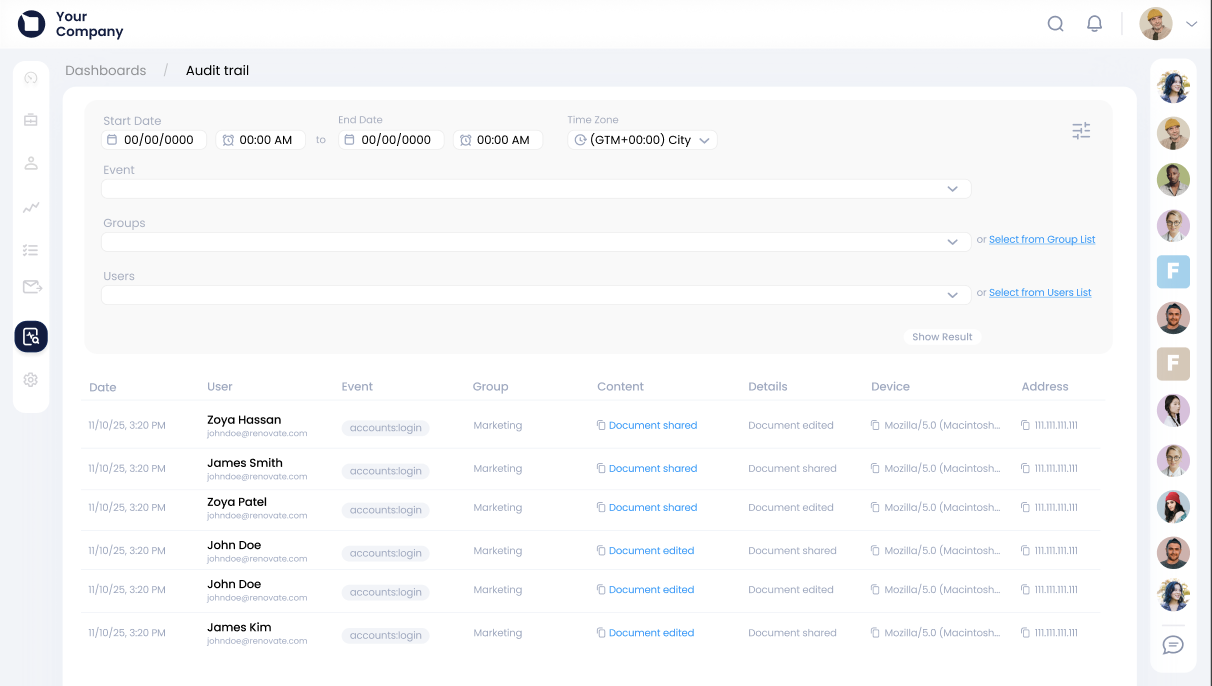
Your portal needs to be easy for clients, not just easy for your internal team.
Many clients are not technical. They do not want to learn a complicated system just to download a file or upload a document.
A good client portal should make it easy to:
- log in
- find files
- upload documents
- read updates
- respond to messages
- understand what is needed next
If your least tech-savvy client would struggle to use it, the portal will not work.
6. Permissions and access control
Permissions are where many free or DIY setups become risky.
You may need different access for:
- clients
- internal team members
- external partners
- finance contacts
- project managers
- admins
- reviewers
- approvers
A client portal should let you control access by client, workspace, folder, file, or user role.
This is one of the main reasons businesses outgrow Google Drive, spreadsheets, and shared folders.
7. Communication in one place

A client portal should reduce email back-and-forth.
If your files are in one tool but all communication still happens in email, Slack, WhatsApp, or chat, your client process is still scattered.
Look for a portal that keeps important communication close to the work.
That may include:
- client messages
- project updates
- comments on files
- document requests
- approval notes
- announcements
- notifications
The goal is simple: give clients a single place for everything important.
8. Notifications
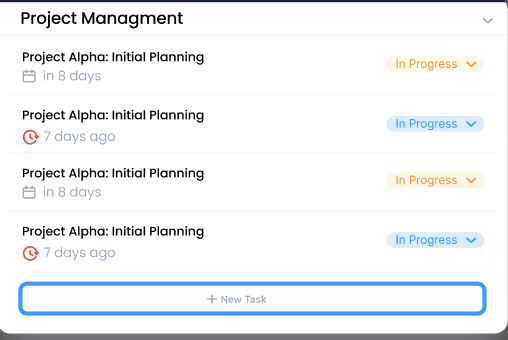
A portal only works if clients know when something changes.
Clients should be notified when:
- a file is added
- a document is requested
- an update is posted
- a message is sent
- an approval is needed
- a task or project item changes
Without notifications, your team will end up chasing clients manually.
9. Mobile access

Clients are not always at their desks.
They may need to review a file, upload a document, or check an update from their phone.
Mobile access is especially important if your clients are business owners, executives, field workers, healthcare professionals, property managers, or busy external stakeholders.
10. Room to grow
A free portal may solve today’s problem, but think about what happens later.
Ask:
- Will this still work with more clients?
- Can we add more team members?
- Can we create separate client spaces?
- Can we manage permissions at scale?
- Can we upgrade without rebuilding everything?
- Will clients still find it easy to use?
Sometimes the cheapest option at the start becomes the most expensive later because your team has to rebuild the whole process.
Free client portal checklist
Before choosing a tool, check whether it gives you:
When should you choose professional client portal software?
Choose professional client portal software when client work becomes important enough to need structure.
That usually means:
- you manage several clients
- clients regularly send or request documents
- you need secure login access
- you want your portal to look like your brand
- you handle confidential information
- clients need regular updates
- your team wants to reduce email back-and-forth
- you need better permissions
- you want clients to have a better experience
At that stage, the portal is not just a place to store files.
It becomes part of how you deliver your service.
Free client portal vs Google Drive
Google Drive is useful for basic file sharing.
But it is not a complete client portal.
Google Drive can help you store and share files, but it does not give you the same branded workspace, client isolation, structured communication, permissions, and client experience as dedicated portal software. learn where google drive can fall short here.
Common mistakes to avoid
Choosing only because it is free
Free is useful, but the wrong free tool can create more work later.
If the portal is hard to use, poorly organized, or missing key features, your team may go straight back to email.
Ignoring security
If you handle sensitive client information, security should not be an afterthought.
Avoid relying on public links, forwarded folders, or tools that do not give you clear access control.
Forgetting client isolation
Every client should only see what belongs to them.
If you cannot clearly manage access by client, workspace, file, or user, the setup may not be safe enough.
Making the portal too complicated
A portal should feel simple.
Too many folders, sections, instructions, and tools can stop clients from using it.
Forgetting the client experience
The portal is not just for your team.
Think about what clients see when they log in. Is it clear? Is it branded? Can they find what they need?
Built for growing businesses, not just big enterprises
A professional client experience should not be limited to large enterprises.
Small businesses, startups, consultants, and growing teams also need to look organized. They also need to protect client documents. They also need to give clients one clear place for files, updates, and communication.
Why Clinked is a strong option
Clinked is a good fit if you want more than a basic shared folder or free template.
It is designed for secure, branded client portals where teams can share documents, communicate with clients, manage permissions, and organize client work in one place.
With Clinked, you can use the 14-day free trial to test the portal before moving into a paid package. If you are a small business or growing team, the Start Up package gives you a more accessible way to continue with a professional setup.
Clinked is especially useful for:
- startups
- agencies
- consultants
- accountants
- legal firms
- financial services teams
- healthcare and HR teams
- property businesses
- professional service firms
If your client work currently lives across email, Google Drive, WhatsApp, spreadsheets, and shared links, Clinked helps bring it into one secure, branded place.
Final answer: what should you choose?
Choose a free client portal tool if you only need basic file sharing.
Choose professional client portal software if you need secure login, client workspaces, permissions, branding, communication, document uploads, and a better client experience.
Clinked gives you a 14-day free trial so you can test a secure, branded client portal before choosing a paid package.


