


With the global database software market exploding from $182.52 billion in 2024 to $207.37 billion in just one year (a 13.6% growth rate), businesses are finally waking up to what we've known all along: scattered client data is costing you time, money and sanity.
I've tested multiple client database solutions, from the household names to the hidden gems. Some impressed me with their intuitive interfaces and pretty strong security. Others left me questioning how they're still in business (looking at you, enterprise cloud storage platforms that require a PhD to operate).
In this guide, I'll walk you through the 10 best client database software tools that actually make sense to use in 2025.
[fs-toc-omit]What is client database software?
These tools are your digital command center for storing, organizing and accessing all client-related information. Sounds similar to CRMs? Well, instead of tracking leads through conversion funnels, client databases manage ongoing relationships with established clients.
To clarify: a customer database might track purchase history and transactional data, but a client database captures the full relationship context: project histories, communication preferences, document sharing, and collaboration workflows.
The benefits include:
- Improved organization: Instead of scattered spreadsheets and email chains, everything lives in one searchable location. I've seen law firms cut their information retrieval time from hours to minutes simply by consolidating client files.
- Better relationships: When you have instant access to client preferences, project histories, and communication logs, every customer interaction feels personal and informed. No more awkward "remind me which project we're discussing" moments.
- Time savings: Automated data entry, smart search functions, and integrated workflows eliminate the administrative busy work that eats up your day.
- Centralized collaboration: Team members can access the same client information simultaneously, making handoffs seamless and ensuring nothing falls through the cracks.
The choice of your customer database depends on what industry you need it for. Professional services firms use them for case management and document collaboration. Healthcare practices manage patient records and appointment scheduling. Real estate agencies track property histories and client preferences. Marketing agencies coordinate campaigns and client communications.
Quick summary: top 10 client database software at a glance
My scoring methodology: I evaluated each tool across five key areas: ease of use, features and functionality, security and compliance, integration capabilities, and value for money. Scores are based on hands-on testing, user feedback analysis and feature comparison.
[fs-toc-omit]Best client database software: detailed reviews & comparisons
Clinked
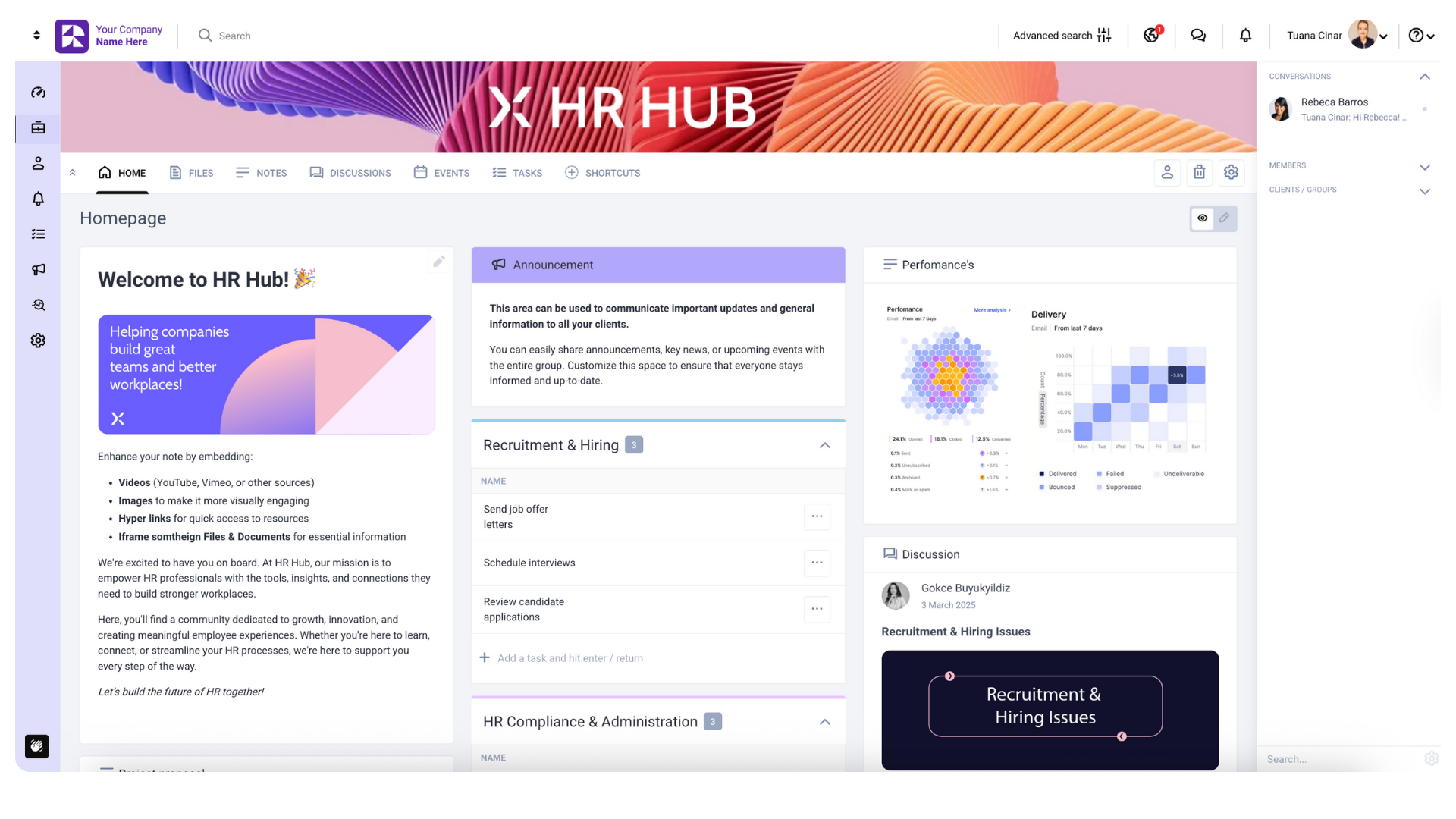
My score: 4.9/5
After testing a dozen client collaboration platforms, Clinked stands out as the most comprehensive solution for professional services that prioritize both security and client experience. While other tools treat client management as an afterthought, Clinked built the entire platform around secure, collaborative client relationships.
Best for: Professional services firms, consulting agencies, legal practices, financial advisors, and any business that needs to share sensitive documents and collaborate directly with clients in a branded environment.
[fs-toc-omit]Pros and cons
Pros:
- Enterprise-grade security: ISO 27001 certified with bank-grade encryption (256-bit SSL in transit, AES at rest), making it ideal for handling sensitive client data
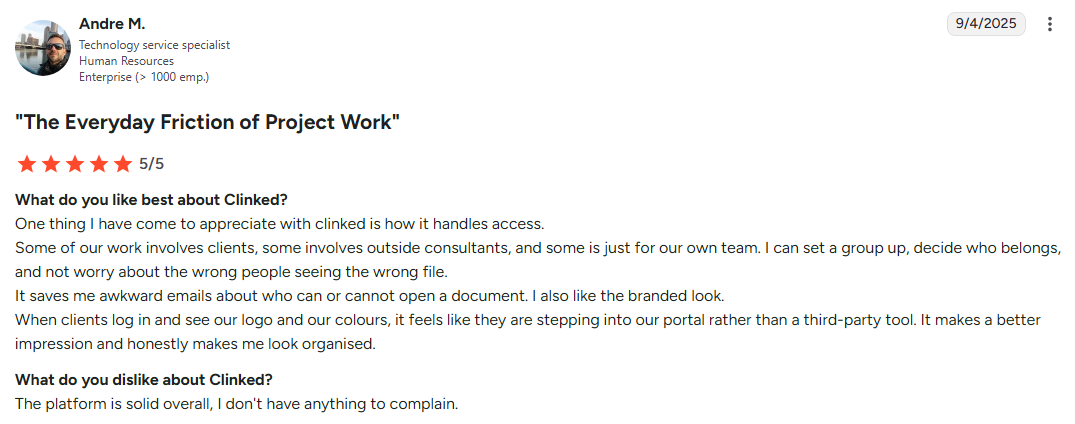
- White-label customization: Complete branding control with custom domains and optional branded mobile apps for seamless client experience
- Client-facing collaboration: Unlike internal-focused tools, Clinked also excels at external client collaboration with secure portals, file sharing, and communication management
- Comprehensive feature set: Combines CRM functionality with project and document management, and real-time collaboration tools
- Global compliance: Built to handle GDPR, HIPAA, and other international data protection requirements
Cons:
- Learning curve: The extensive feature set can feel overwhelming initially for teams used to simple contact details management
- Premium pricing: Higher cost compared to basic CRM solutions, though justified by the security and collaboration features
- Overkill for simple needs: If you only need basic contact storage without collaboration features, simpler alternatives might suffice
[fs-toc-omit]Features
- Contact and company profiles with custom fields
- Client portal creation with branded interfaces
- Secure document sharing and virtual data rooms
- Project and task management with client visibility
- Real-time collaboration tools (chat, discussions, notifications)
- Bank-grade encryption, audit trails, approval workflows and role-based access controls
- Connections to Google Workspace, Microsoft 365, e-signature tools, calendars, as well as Zapier and API for custom integrations
Sounds interesting? Book a demo or start your free trial today.
[fs-toc-omit]Pricing
- Lite: $95/month
- Standard: $239/month
- Premium: $479/month
- Enterprise: Contact for pricing
A 10-day free trial is available.
[fs-toc-omit]User opinions
Bitrix24
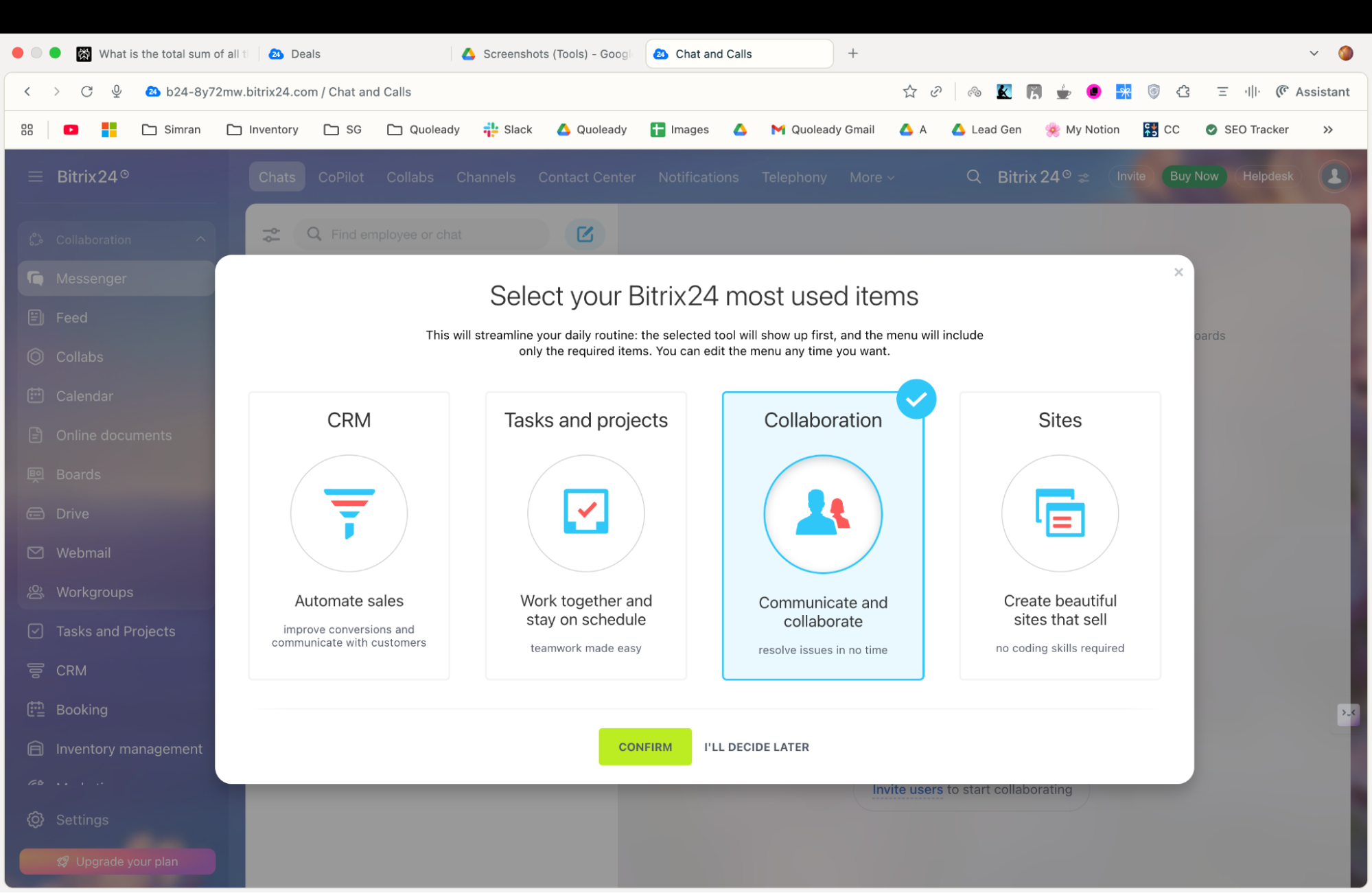
My score: 4.1/5
Bitrix24 caught my attention with its flat-fee pricing model—instead of charging per user like most CRM platforms, you pay a flat rate for each plan tier. For growing teams, this can mean significant cost savings, though the platform's complexity requires serious commitment to master.
Best for: Small to medium businesses (5-100 users) seeking an affordable all-in-one solution that combines CRM, project management, and communication tools. Particularly valuable for budget-conscious organizations willing to invest time in setup and training.
[fs-toc-omit]Pros and cons
Pros:
- Flat-fee pricing model: Instead of per-user charges, Bitrix24 offers flat fees with base user allocations, leading to significant cost savings for larger teams
- Comprehensive all-in-one solution: CRM, project management, communication, and collaboration tools integrated in one platform
- Generous free plan: Free forever plan supports unlimited users with basic features
- Strong integration capabilities: Connects well with Google Calendar, Google Drive, and many other popular business tools
- Powerful task management: With an average rating of 4.3 out of 5, about 86% of users report a positive experience using Bitrix24 for task management. It includes features like Kanban boards, Gantt charts, and task dependencies
Cons:
- Poor customer support: Inconsistent support with slow response times, sometimes exceeding 24 hours, with some support staff using translation tools
- Performance issues: Slowness, bugs, crashes, and server hanging problems, especially as databases grow
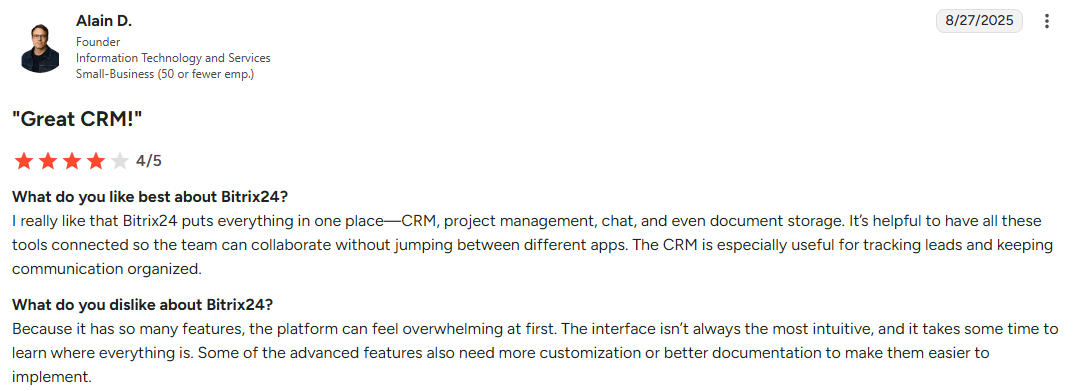
- Steep learning curve: Complex and overwhelming interface, requiring significant time to master
- Cluttered interface: Difficult to navigate
- Data retention issues: Data deletion after just 6 weeks of inactivity, with insufficient warning
[fs-toc-omit]Features
- Contact and company management with lead tracking
- Sales pipeline and deal management
- Automation tools and API access
- AI assistant (CoPilot) for call transcription and field autocompletion
- Project planning with roles and permissions
- Workload management and resource allocation
- Video calls and chat/messaging
- Telephony integration
- Calendar synch
[fs-toc-omit]Pricing
- Free: Unlimited users, 5GB storage, basic features
- Basic: $49/month (annual) or $61/month (monthly)
- Standard: $99/month (annual) or $124/month (monthly)
- Professional: $199/month (annual) or $249/month (monthly)
- Enterprise: Starting $399/month (annual) or $499/month (monthly)
15-day free trial available for the Professional plan.
[fs-toc-omit]User opinions
HubSpot CRM
My score: 4.4/5
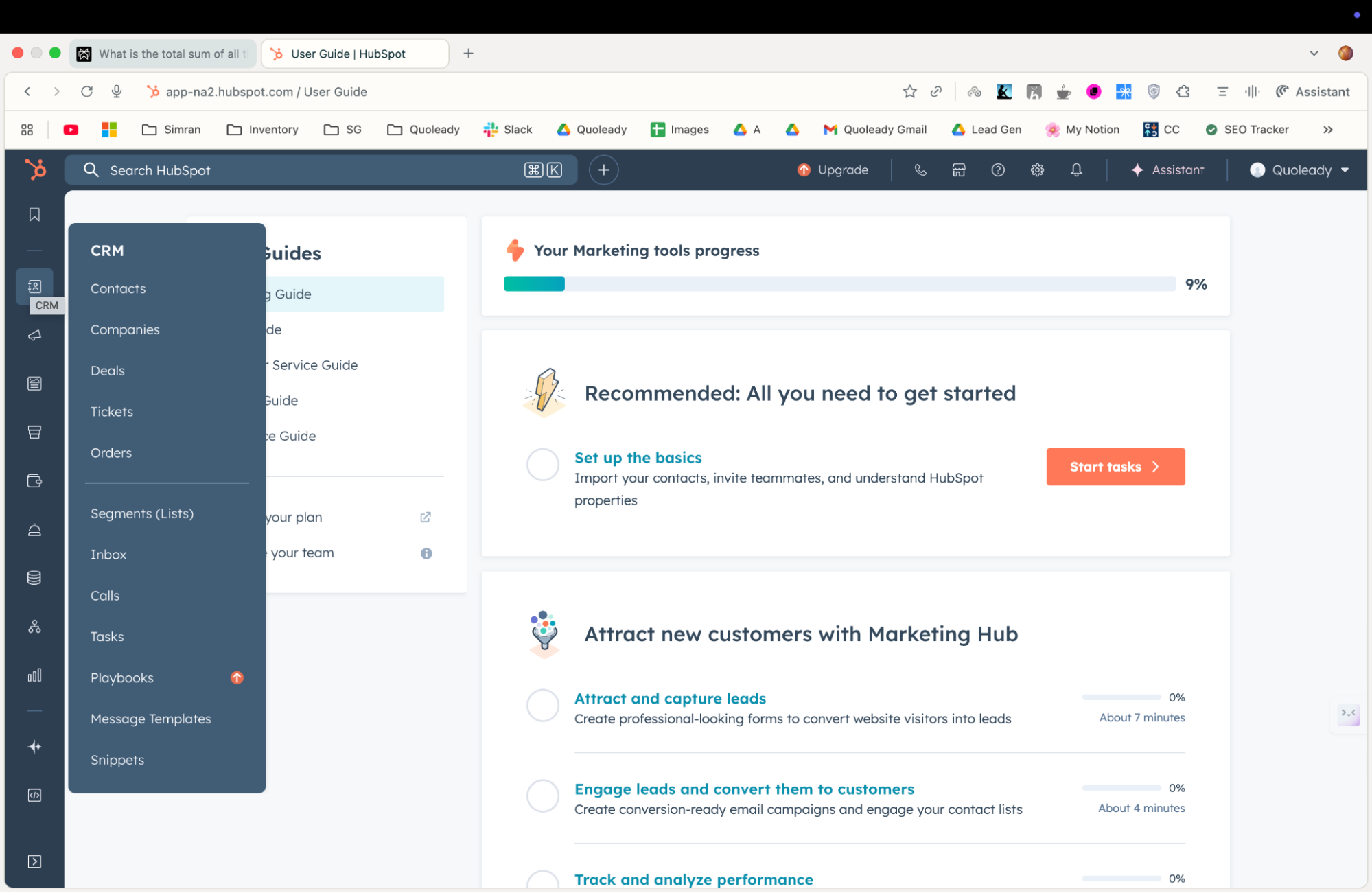
HubSpot CRM surprised me with how much functionality they pack into their free plan. It's genuinely usable for small teams, not just a teaser for paid upgrades. The interface feels intuitive from day one, making it popular among teams transitioning from spreadsheets or basic contact management.
Best for: Customer-facing teams, startups, and small businesses that need integrated marketing automation alongside client management. Excellent for teams prioritizing ease of use and comprehensive free features.
[fs-toc-omit]Pros and cons
Pros:
- Genuinely useful free plan: Unlimited contacts, basic automation, and core CRM features at no cost
- Intuitive interface: Clean, modern design that requires minimal training
- Excellent native integration options: Seamlessly connects CRM data with marketing automation, customer service, and content management tools
- Comprehensive reporting: Strong analytics and dashboard capabilities even on the free tier
- Active community: Extensive knowledge base, training resources, and user community
Cons:
- Expensive premium features: Advanced features require a significant monthly investment
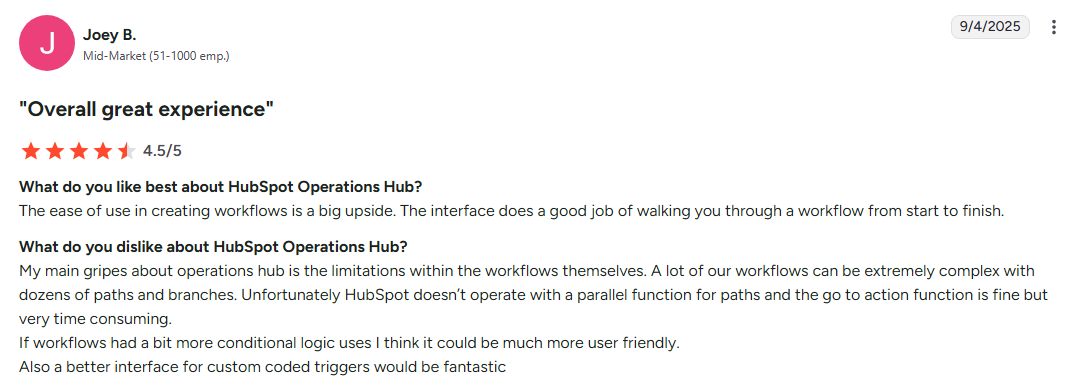
- Limited customization: Less flexible than enterprise alternatives for complex workflows
- Difficult to scale: Large gaps between pricing plans can make scalability a challenge
- Storage limitations: Free plan includes limited storage for business documents and files
[fs-toc-omit]Features
- Contact and company management with unlimited records
- Deal pipeline tracking with customizable stages
- Email templates and sequences
- Basic automation workflows
- Email marketing with a drag-and-drop builder
- Landing page creation
- Social media scheduling and monitoring
- Blog and content management system with SEO recommendations
- Meeting scheduling with calendar integration
- Quote generation and e-signature capabilities
- Extensive app marketplace with 1,000+ integrations + API access
[fs-toc-omit]Pricing
- Smart Enterprise: $75/user/month
- Free: Unlimited contacts, basic features
- Smart Professional: $49/user/month
[fs-toc-omit]User opinions
Monday CRM
My score: 4.6/5
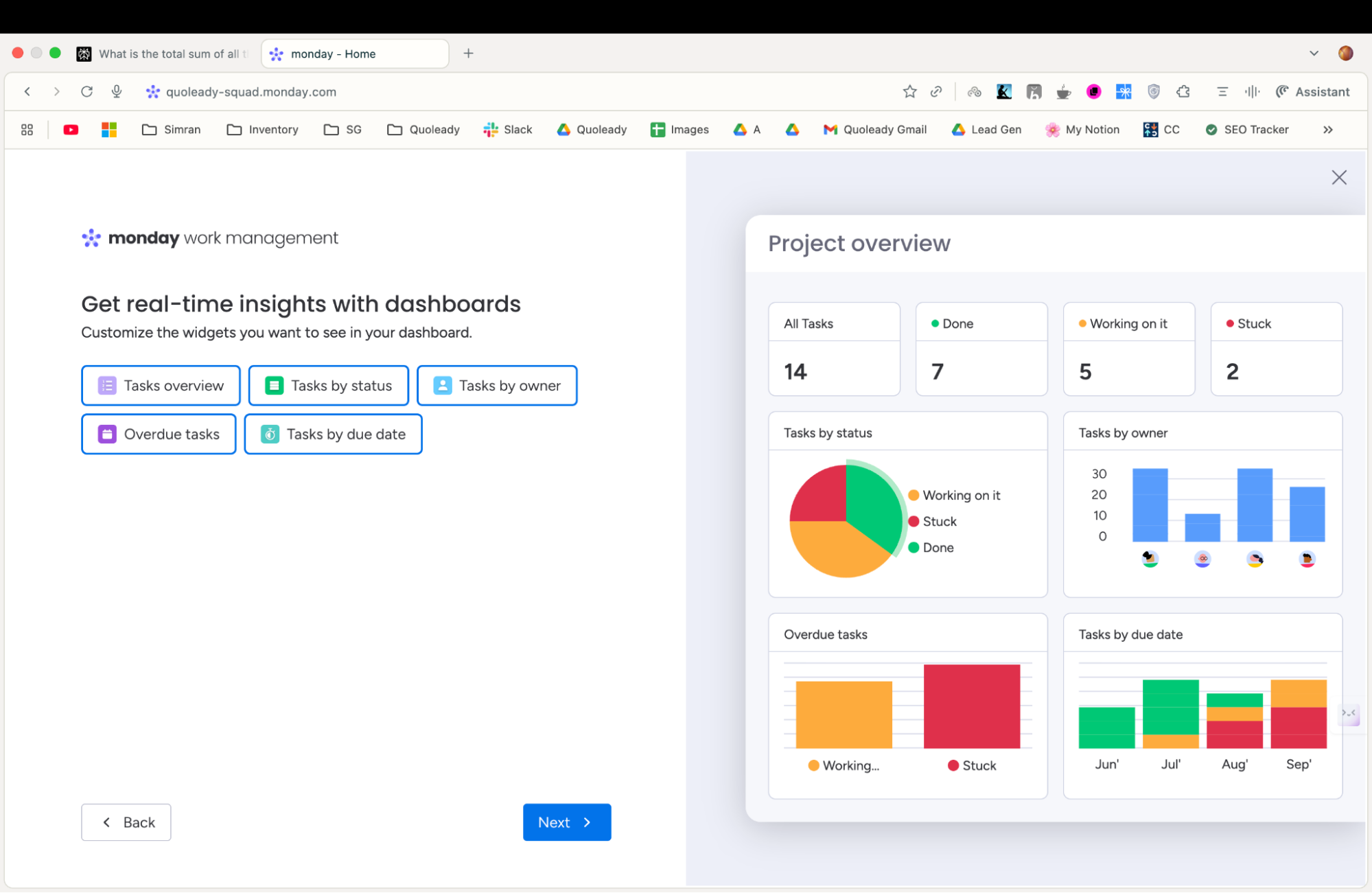
I liked Monday CRM because it displays everything in colorful, customizable boards that make project status and client information clear immediately. It's particularly effective for teams that think visually and manage complex, multi-stage client relationships.
Best for: Project-heavy businesses, creative teams, and organizations that prefer visual workflow management. Excellent for agencies, consultants, and professional services that need to track client projects alongside relationship data.
See also: Top Business Management Software
[fs-toc-omit]Pros and cons
Pros:
- Visual workflow management: Color-coded boards and customizable views make client status immediately apparent
- High customization: Flexible board structures adapt to virtually any business process
- Strong collaboration features: Team communication, file sharing, and project coordination in one platform
- Excellent mobile experience: Full functionality available on mobile devices
- Automation capabilities: Workflow automation reduces the need of manual relevant data entry and task management
Cons:
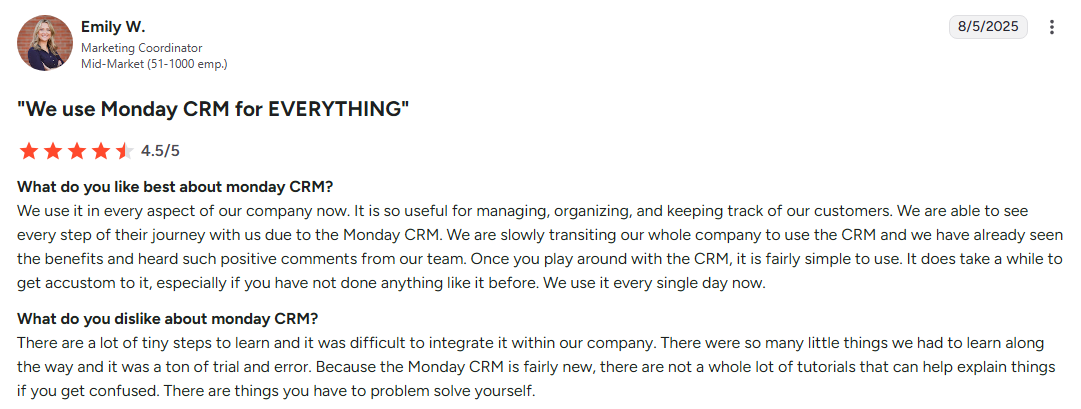
- Learning curve for traditional users: Teams accustomed to standard CRM interfaces need adjustment time
- Limited traditional CRM features: Fewer built-in sales tools compared to dedicated CRM platforms
- Pricing adds up: Per-user costs can become expensive for larger teams
- Overwhelming customization options: The flexibility can lead to over-complicated setups
[fs-toc-omit]Features
- Customizable board views with color coding and status tracking
- Custom fields and templates for different client types
- Team communication and @mentions
- Guest access for client collaboration
- Proof approval and feedback collection
- Workflow automation for repetitive tasks
- Time tracking and resource management
- Integration with popular business tools
- API access for custom connections
[fs-toc-omit]Pricing
- Basic: $12/user/month
- Standard: $17/user/month
- Pro: $28/user/month
- Enterprise: Contact for pricing
All plans include 14-day free trial.
[fs-toc-omit]User opinions
Zoho CRM
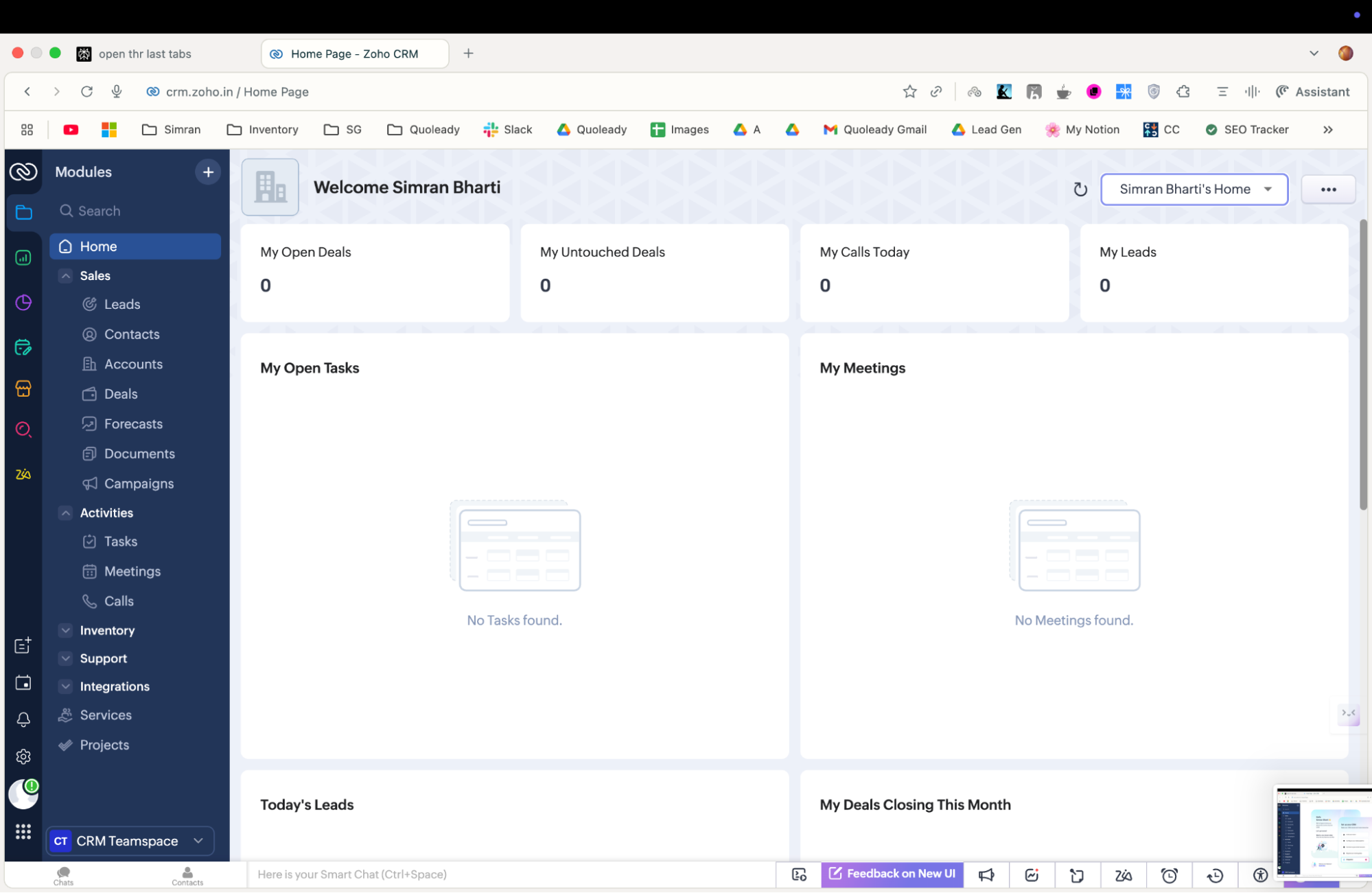
My score: 4.2/5
Zoho CRM impressed me with its balance of affordability and functionality. While it lacks some of the polish of premium competitors, it delivers solid client management capabilities at a price point that makes sense for cost-conscious businesses. Their AI features, powered by Zia, provide insights typically found in much more expensive platforms.
Best for: Small businesses, budget-conscious teams, and organizations that need extensive customization options without enterprise pricing.
[fs-toc-omit]Pros and cons
Pros:
- Affordable pricing: Competitive rates with large feature sets even on lower-tier plans
- AI-powered insights: Zia AI assistant provides predictive analytics and sales recommendations
- Extensive customization: Highly configurable fields, workflows, and business processes
- Comprehensive ecosystem: Integrates seamlessly with other Zoho applications
- Multi-channel communication: Built-in email, phone, and social media management
Cons:
- Interface feels dated: Less modern design compared to some CRM platforms
- Steep learning curve: Extensive customization options can overwhelm new users
- Limited third-party integrations: Fewer native integrations compared to competitors
- Performance issues with large datasets: Speed decreases with extensive client databases
[fs-toc-omit][fs-toc-omit]Features
- Contact and account management with custom fields
- Sales pipeline tracking and forecasting
- Email marketing and automation
- Territory and quota management
- Mobile CRM applications
- Zia AI for predictive sales analytics
- Workflow automation and approval processes
- Anomaly detection and trend analysis
- Chatbot integration for customer support
[fs-toc-omit]Pricing
- Standard: $14/user/month
- Professional: $23/user/month
- Enterprise: $40/user/month
- Ultimate: $52/user/month
All plans include 15-day free trial.
Pipedrive
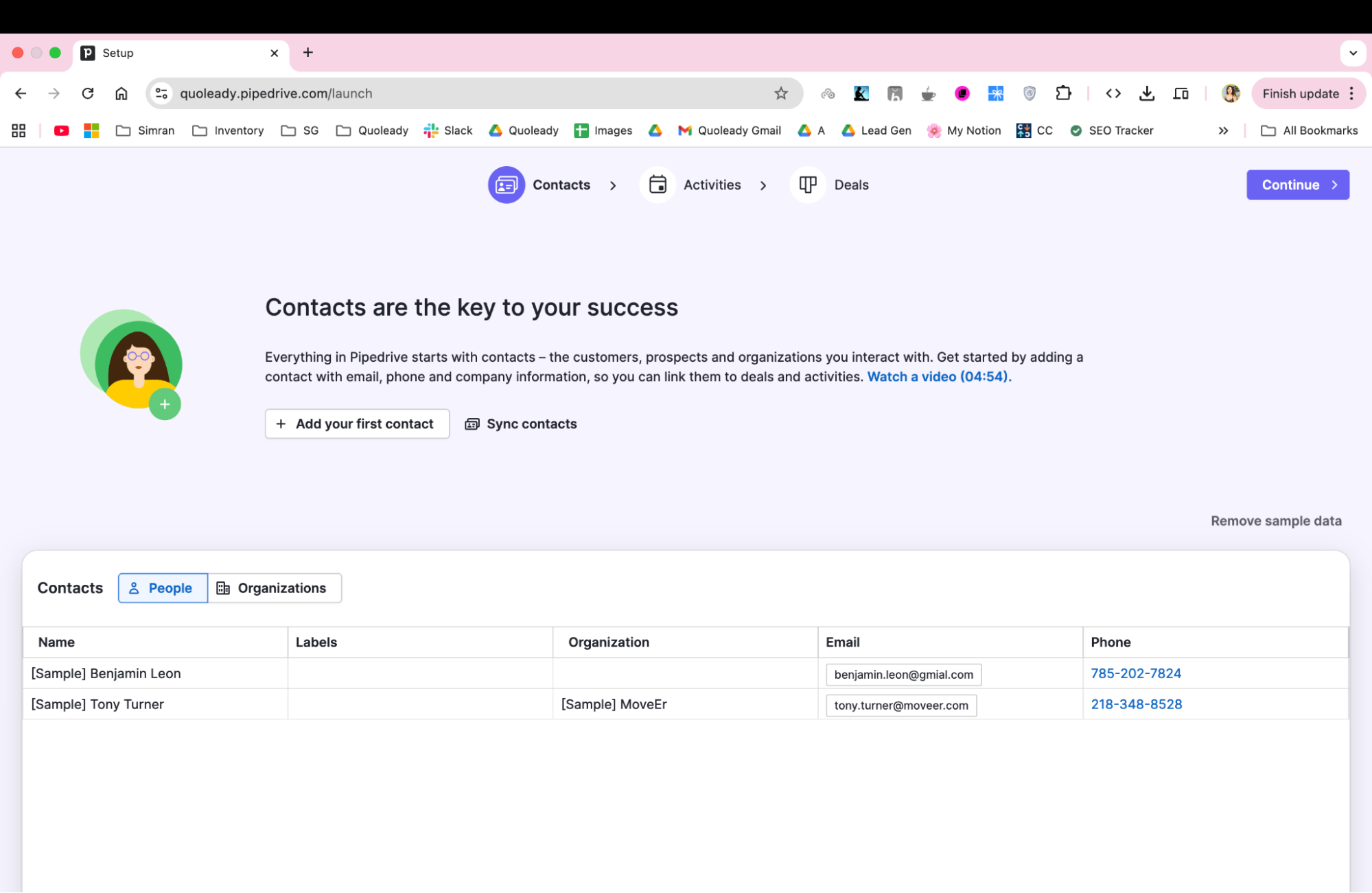
My score: 4.5/5
Pipedrive does one thing super well: sales pipeline management. Their visual interface makes it instantly clear where each client relationship stands in your sales process. While it lacks some advanced features found in comprehensive platforms, its focused approach can appeal to sales-driven teams who want simplicity.
Best for: Sales-driven organizations, small to medium businesses focused on lead conversion, and teams that prefer streamlined interfaces over feature-heavy platforms.
[fs-toc-omit]Pros and cons
Pros:
- Intuitive pipeline interface: Visual drag-and-drop pipeline makes sales stages immediately clear
- Sales-focused features: Every feature is designed specifically for sales process optimization
- Excellent mobile app: Full functionality available on mobile devices with offline capability
- Strong automation: Workflow automation reduces manual data entry and follow-up tasks
- Clean, modern interface: Minimal learning curve with intuitive design
Cons:
- Limited marketing features: Lacks comprehensive marketing automation found in all-in-one platforms
- Basic reporting: Analytics capabilities lag behind more comprehensive CRM solutions
- Fewer customization options: Less flexible than highly customizable alternatives
- Higher pricing for advanced features: Premium functionality requires expensive plan upgrades
[fs-toc-omit]Features
- Customizable deal stages and probability tracking
- Sales forecasting and goal tracking
- Activity-based selling with task management
- Email integration and templates
- Call logging and scheduling
- Sales performance dashboards
- Activity and conversion reporting
- Team performance tracking
- Revenue analytics and forecasting
[fs-toc-omit]Pricing
- Lite: $14/user/month
- Growth: $39/user/month
- Premium: $49/user/month
- Ultimate: $79/user/month
The above prices are for the discounted annual billing. There’s a 14-day free trial.
[fs-toc-omit]User opinions
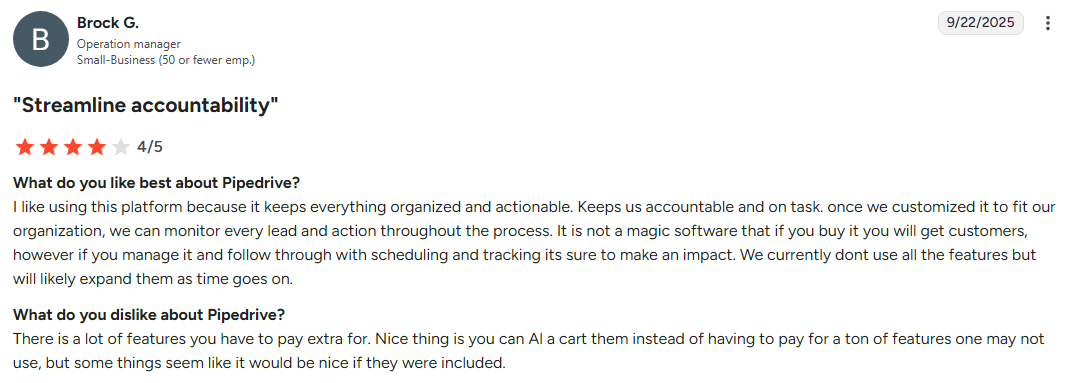
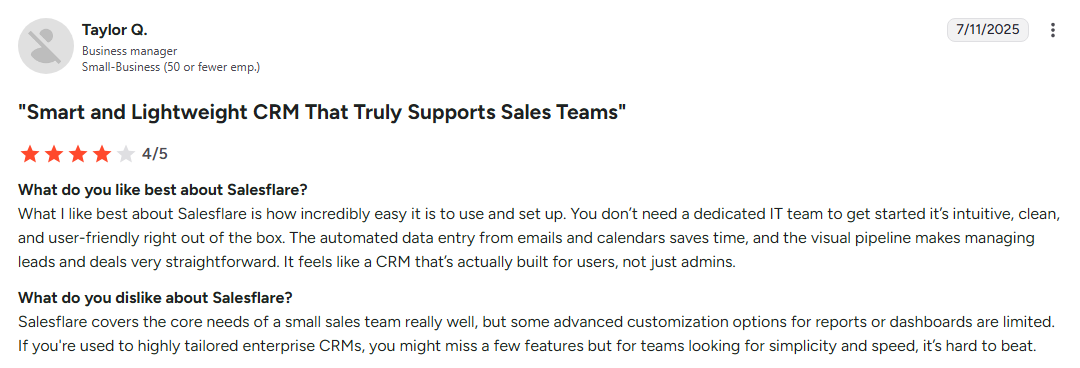
Salesflare
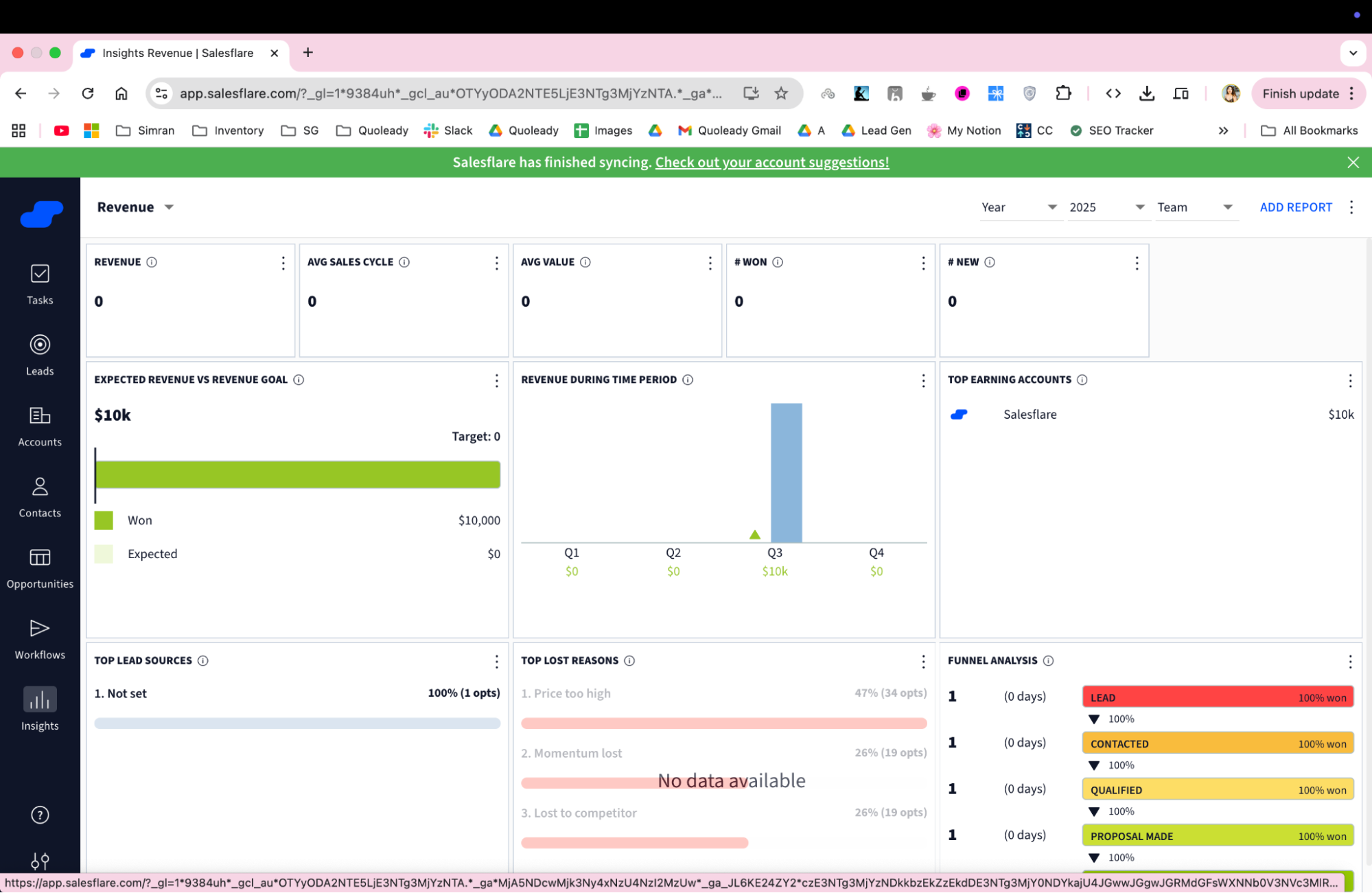
My score: 4.8/5
Salesflare impressed me most with its automatic data entry capabilities. While other CRM systems require a lot of manual input, Salesflare captures client information from your email, calendar, and other connected accounts. It would be good for consultants and B2B sales teams who spend more time selling than data entry.
Best for: B2B sales teams, consultants, and businesses that prioritize automatic data capture over manual CRM management. Excellent for teams that want powerful functionality without constant data maintenance.
[fs-toc-omit]Pros and cons
Pros:
- Automatic data entry: Intelligently captures contact information, meeting notes, and communication history
- Excellent email integration: Deep integration with popular email providers automatically logs interactions
- Minimal setup required: Quick implementation with immediate value
- Smart contact management: Automatically builds client profiles from various data sources
- Strong user satisfaction: Consistently high user ratings for ease of use and effectiveness
Cons:
- Higher price point: More expensive than basic CRM alternatives
- Limited customization: Less flexible than highly customizable enterprise solutions
- Smaller feature set: Focused on core CRM functionality without extensive marketing tools
- Learning curve for automation: Understanding automatic data capture requires initial adjustment
[fs-toc-omit]Features
- Email parsing and contact extraction
- Calendar integration with meeting logging
- Social media profile matching
- Company information enrichment
- Pipeline tracking and deal management
- Task automation and reminders
- Sales efforts performance analytics
- Meeting scheduling and coordination
- Team collaboration and sharing
- Mobile app
[fs-toc-omit]Pricing
- Growth: $29/user/month
- Pro: $49/user/month
- Enterprise: $99/user/month
The above plans are for discounted annual billing and include a 30-day free trial.
[fs-toc-omit]User opinions
Freshsales
My score: 4.4/5
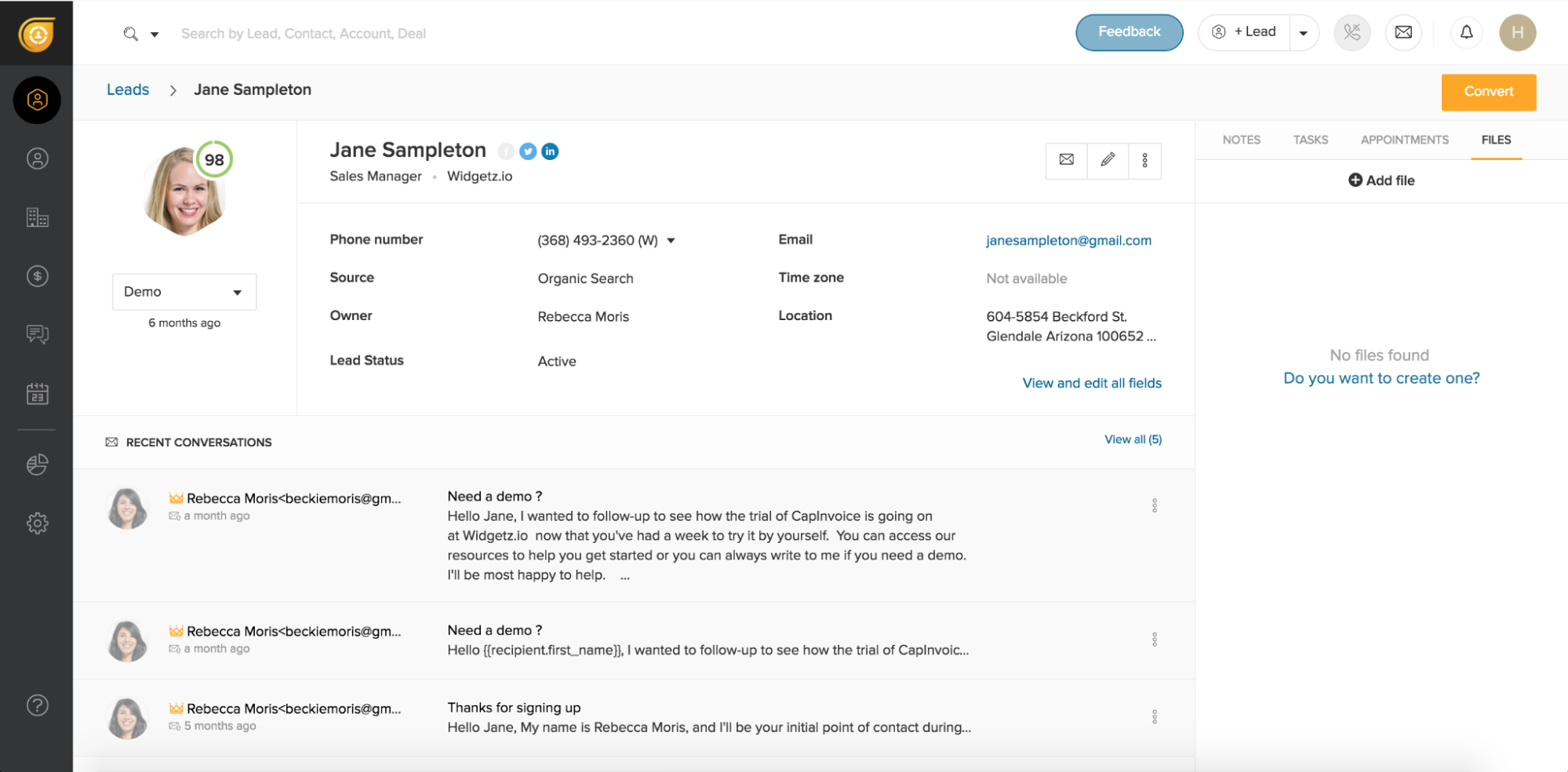
Freshsales strikes a nice balance between functionality and usability. Their built-in phone system actually impressed me; you can make and receive calls directly within the CRM, automatically logging everything for future reference. The email sequence capabilities rival dedicated marketing automation tools.
Best for: Multi-channel sales teams, businesses that need integrated communication tools, and organizations seeking comprehensive functionality without complexity.
[fs-toc-omit]Pros and cons
Pros:
- Built-in phone system: Make and receive calls directly within the CRM with automatic logging
- Comprehensive email sequences: Advanced email automation rivaling dedicated marketing platforms
- Territory management: Effective lead distribution and team management capabilities
- Intuitive interface: Clean design with minimal learning curve
- Strong reporting: Comprehensive analytics and dashboard capabilities
Cons:
- Limited customization: Less flexible than highly customizable enterprise alternatives
- Integration limitations: Fewer native integrations compared to some competitors
- Phone system quality: Built-in telephony may not match dedicated VoIP solutions
- Advanced features locked behind higher tiers: Best functionality requires expensive plan upgrades
[fs-toc-omit]Features
- Built-in phone system with call recording
- Email sequences and automation
- SMS integration and bulk messaging
- Social media integration
- Lead scoring and qualification
- Deal pipeline tracking
- Territory and quota management
- Sales performance analytics
- Ticket management and tracking
- Knowledge base integration
- Customer satisfaction surveys
[fs-toc-omit]Pricing
- Growth: $9/user/month
- Pro: $39/user/month
- Enterprise: $59/user/month
These are annual discounted prices. There’s a 21-day free trial.
[fs-toc-omit]User opinions
Salesforce Data Cloud
My score: 4.2/5
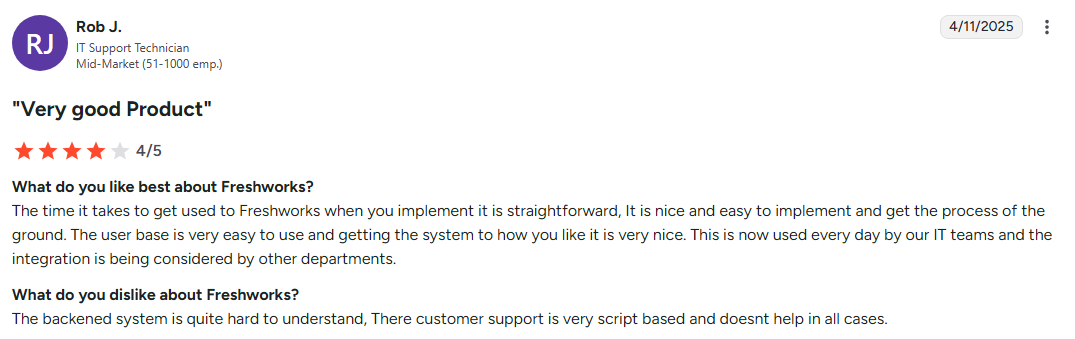
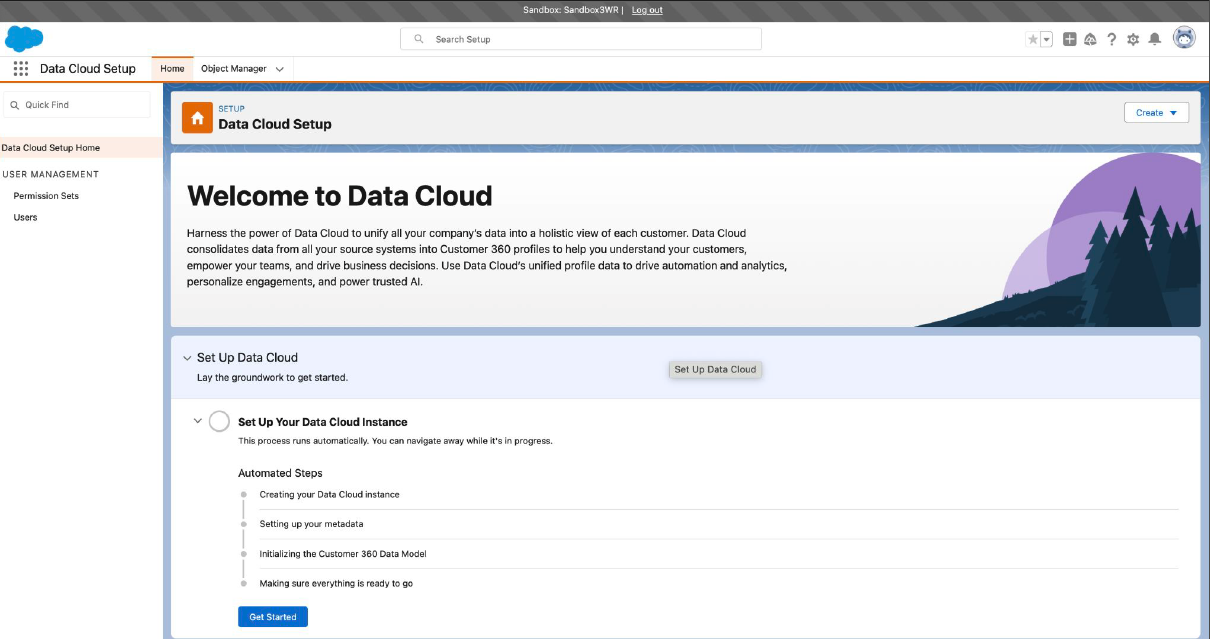
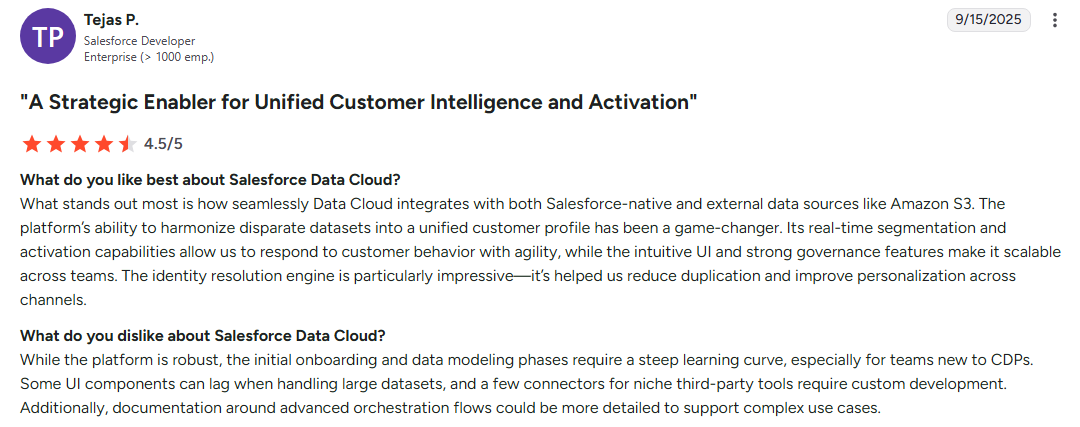
I would put Salesforce Data Cloud on the enterprise end of customer database software. It's powerful and highly customizable, handling complex business requirements that would overwhelm simpler solutions. However, this comes with complexity that requires dedicated administrators and significant training investment.
Best for: Large enterprises, complex organizations with sophisticated requirements, and businesses that need extensive customization and integration capabilities.
[fs-toc-omit]Pros and cons
Pros:
- Unmatched customization: Virtually unlimited ability to configure the platform for specific business needs
- Extensive integration ecosystem: Tons of third-party applications and native connections
- Advanced AI capabilities: Einstein AI with predictive analytics and automated insights
- Enterprise-grade security: Comprehensive security features and compliance capabilities
- Massive scalability: Handles enormous datasets and user bases effectively
Cons:
- Complexity and learning curve: Requires significant training and possibly dedicated administrators
- High cost: Expensive licensing and implementation costs
- Over-engineered for small businesses: Too complex and expensive for most small to medium businesses
- Customization can become overwhelming: Extensive options can lead to over-complicated setups
[fs-toc-omit]Features
- Advanced contact and account management
- Sales process automation
- Territory and quota management
- Advanced forecasting and analytics
- Einstein AI for predictive analytics
- Workflow automation
- Automated lead scoring and routing
- API capabilities
- Security and permissions
- Third-party application marketplace
[fs-toc-omit]Pricing
This tool has consumption-based pricing, meaning you only pay for what you use. They have a pricing calculator on their site, but no regular pricing structures. There’s a 30-day free trial, though. For reference, it costs $500 for 100,000 credits.
[fs-toc-omit]User opinions
Airtable
My score: 4.6/5
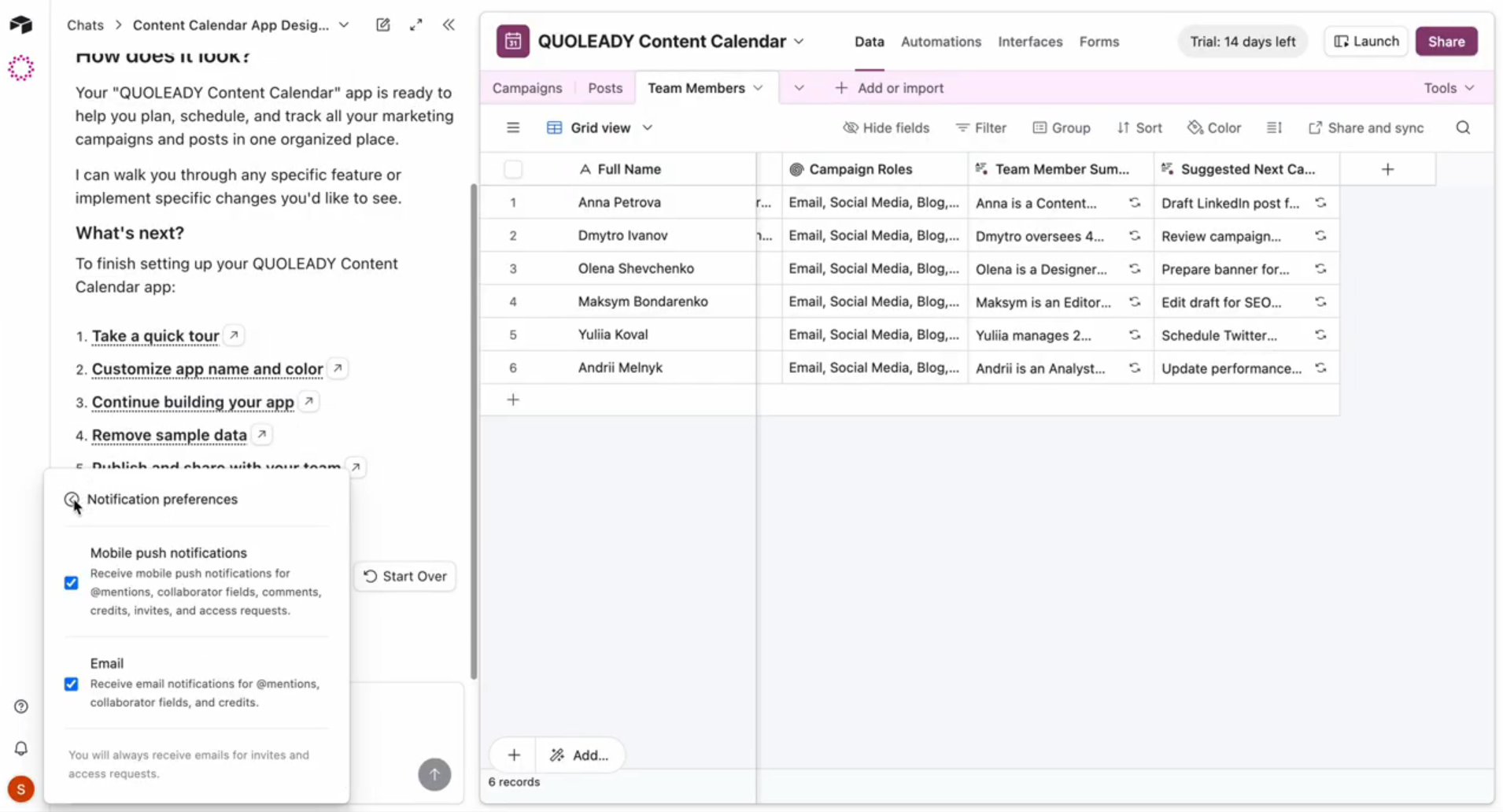
Airtable is a bit of a hybrid between spreadsheets and databases. It has the spreadsheet familiarity, making it accessible to non-technical users while offering the power for complex data relationships. Creative teams and project-based businesses particularly appreciate its visual approach to data management.
Best for: Creative teams, non-technical users, project-based businesses, and organizations that need a flexible data structure without database complexity.
[fs-toc-omit]Pros and cons
Pros:
- Intuitive spreadsheet-database hybrid: Combines familiar spreadsheet interface with database power
- Excellent visual interface: Multiple view types, including gallery, kanban, and calendar views
- Flexible data structure: Easy to create relationships between different data types
- Strong collaboration features: Real-time editing and sharing capabilities
- Template library: Extensive collection of pre-built templates for various use cases
Cons:
- Limited traditional CRM features: Lacks built-in sales automation and communication tools
- Performance issues with large datasets: Speed decreases with extensive records
- Pricing for advanced features: Premium functionality requires expensive plan upgrades
- Learning curve for database concepts: Non-technical users may struggle with relational database principles
[fs-toc-omit]Features
- Flexible field types and customization
- Relational database capabilities
- Multiple view types (grid, gallery, kanban, calendar)
- Advanced filtering and sorting
- Real-time editing and commenting
- Team workspaces and access controls
- Integration with popular business tools
- Workflow automation capabilities
- Export/import data functionality for migration
[fs-toc-omit]Pricing
- Free: Basic functionality for small teams
- Team: $20/user/month
- Business: $45/user/month
- Enterprise Scale: Custom pricing
These are the discounted annual prices. The Team plan also has a free trial.
[fs-toc-omit]User opinions
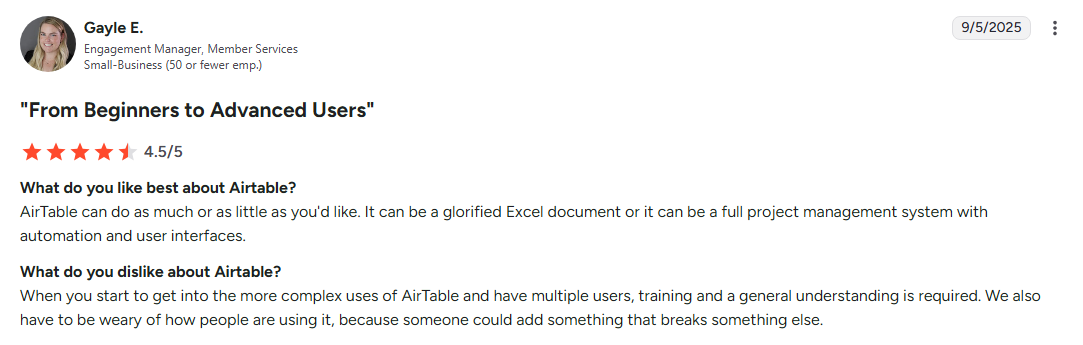
Airtable excels for teams that need flexible data management without traditional database or CRM complexity. It's particularly valuable when visual presentation and ease of use take priority over advanced CRM features.
How to choose the best customer database software
I know that even with this guide, selecting the right client database software for yourself can get confusing. After testing dozens of platforms, I've identified the key features and questions that determine success or frustration with your chosen solution.
- Contact management capabilities: Look beyond basic contact storage. Carl Olofson, notes that the fastest-growing data management areas are favoring technologies that support operational data processing and analytics. Your client database should handle complex relationship mapping, custom fields for industry-specific information and other relevant data, and smart contact deduplication.
- Integration options: According to recent analysis, teams are moving towards cloud-based systems that allow scalability, flexibility and easier connections.
- Security features: Look for platforms offering end-to-end encryption, role-based access controls, audit trails, and compliance certifications relevant to your industry.
- Automation features: The best client databases reduce manual work through automatic data capture from emails and meetings, workflow triggers for follow-up tasks, and data enrichment.
- Mobile accessibility: Your chosen platform should support complete client management, document sharing, and communication from mobile devices for remote work.
Questions to ask yourself before buying:
- What's your budget range?
- How many users need access?
- What tools do you need to connect?
- Do you need industry-specific features?
- How technical is your team?
- What's your data sensitivity level?
The right choice balances functionality with usability, ensuring your team actually uses the system rather than reverting to spreadsheets and email.
[fs-toc-omit]Don't settle for mid client database software
After extensively testing these platforms, I've seen how the right choice can eliminate hours of daily admin, improve customer interactions, and provide the data insights needed for strategic growth decisions. And vice versa, the wrong platform becomes digital shelfware that frustrates your team and disappoints clients.
The standout lesson from my research: security and collaboration matter more than ever. With 94% of customers refusing to buy from companies that don't properly protect their data, you can't afford platforms that treat security and client experience as afterthoughts.
If you’re looking for something that fits this standard, Clinked built the entire platform around secure, collaborative client relationships. Our ISO 27001 certification, bank-grade encryption, and white-label customer portals address the real challenges professional services firms face daily.
To test our enterprise-grade security, client collaboration and scalable branded portals available on the go, book a demo or start your free trial.
FAQs
[fs-toc-omit]What is the difference between client database software and CRM software?
Client database software organizes and manages relationships with established clients, with features like collaboration, document sharing and project management. CRM software targets lead management and sales pipeline optimization, tracking prospects through conversion funnels.
[fs-toc-omit]How do I migrate my existing client data to new database software?
Most platforms have tools to import customer data in common formats like CSV, Excel, etc. in just a few clicks. Clean your existing data (remove duplicates, standardize formatting, and verify customer information). Export it in CSV format, map fields to your new system's structure, and run a small test import first. Many platforms provide migration assistance or even professional data migration services for complex transitions.
[fs-toc-omit]Do I need technical skills to set up and manage client database software?
This depends on your chosen platform. User-friendly options like HubSpot, Pipedrive, and Clinked require minimal technical knowledge; most users set up basic functionality within hours. Enterprise platforms like Salesforce typically require technical expertise or dedicated administrators.
[fs-toc-omit]Can client database software help with GDPR and data privacy compliance?
Yes, many modern client database platforms include built-in compliance features like data encryption, audit trails, user access controls, and data retention policies. However, software alone doesn't ensure compliance; you'll need proper policies and procedures to fully meet regulatory requirements.
Photo by charlesdeluvio on Unsplash








.png)

